




















Loading a Report and Saving a Rendered Report
Our sample projects and report templates can help you learn the basics of working with our products.Handle the save action in Node.js and store or return the updated report template.
Saving the template. Load or edit the report, handle the save action, serialize the updated template, and write or return it through the application workflow.
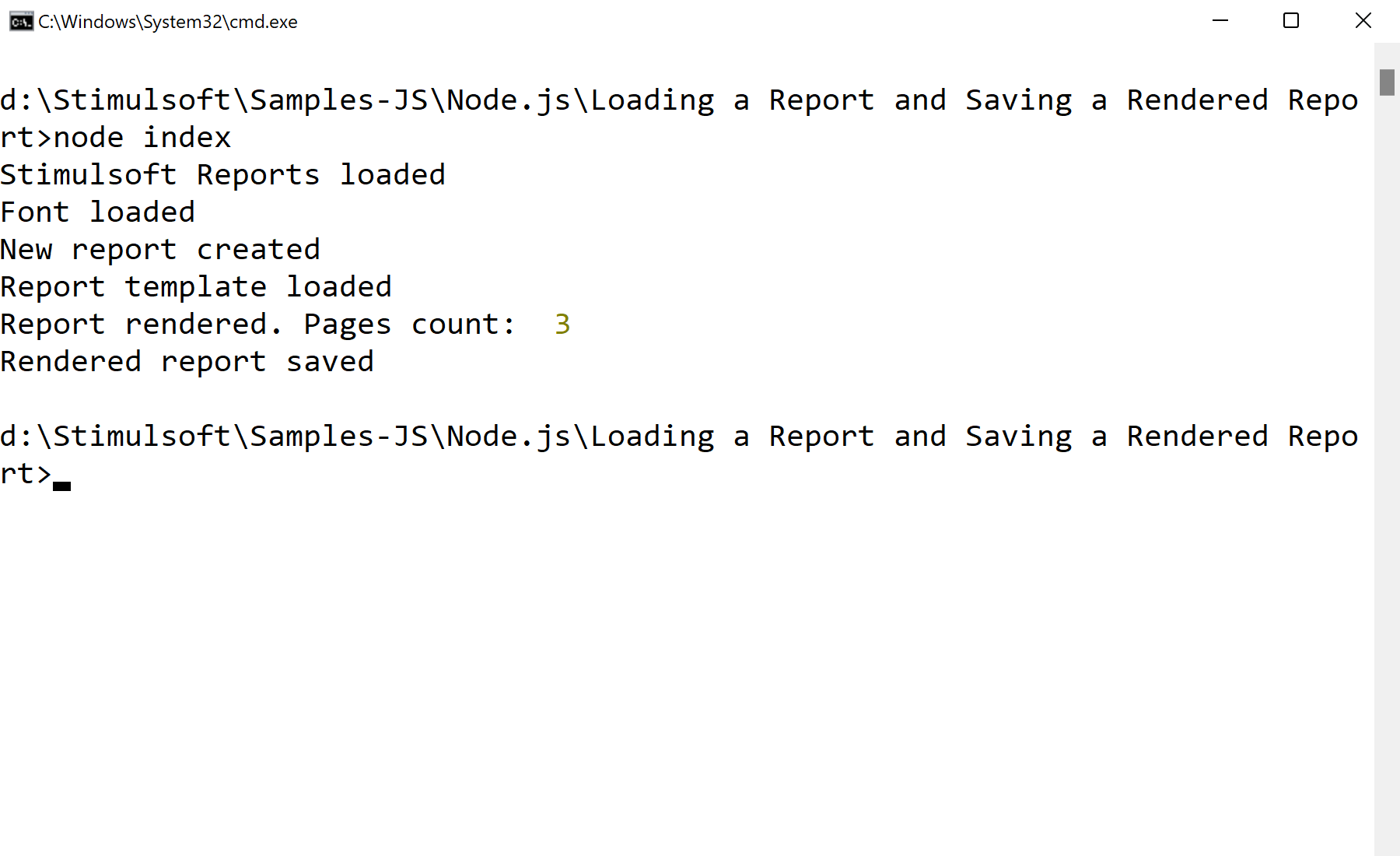
In the screenshot below you can see the result of the sample code:
Saving the template. Load or edit the report, handle the save action, serialize the updated template, and write or return it through the application workflow.
var Stimulsoft = require('stimulsoft-reports-js');

var report = new Stimulsoft.Report.StiReport();
report.loadFile("SimpleList.mrt");

report.renderAsync(function () {
    console.log("Pages count: ", report.renderedPages.count);
    report.saveDocumentFile("SimpleList.mdc");
});
renderAsync builds the document without blocking, and saveDocumentFile writes the rendered result (an .mdc file) to disk. That file can be reloaded and displayed instantly without re-rendering — useful for pre-generating reports on a schedule.In the screenshot below you can see the result of the sample code: