Cloud
Cloud-Dienstleistung für schnelle und effektive Analyse und Visualisierung von Daten für Ihr Business ohne eigene Applikationen zu erstellen oder zu programmieren.
var Stimulsoft = require('stimulsoft-reports-js');

var report = new Stimulsoft.Report.StiReport();
report.loadFile("SimpleList.mrt");

report.renderAsync(function () {
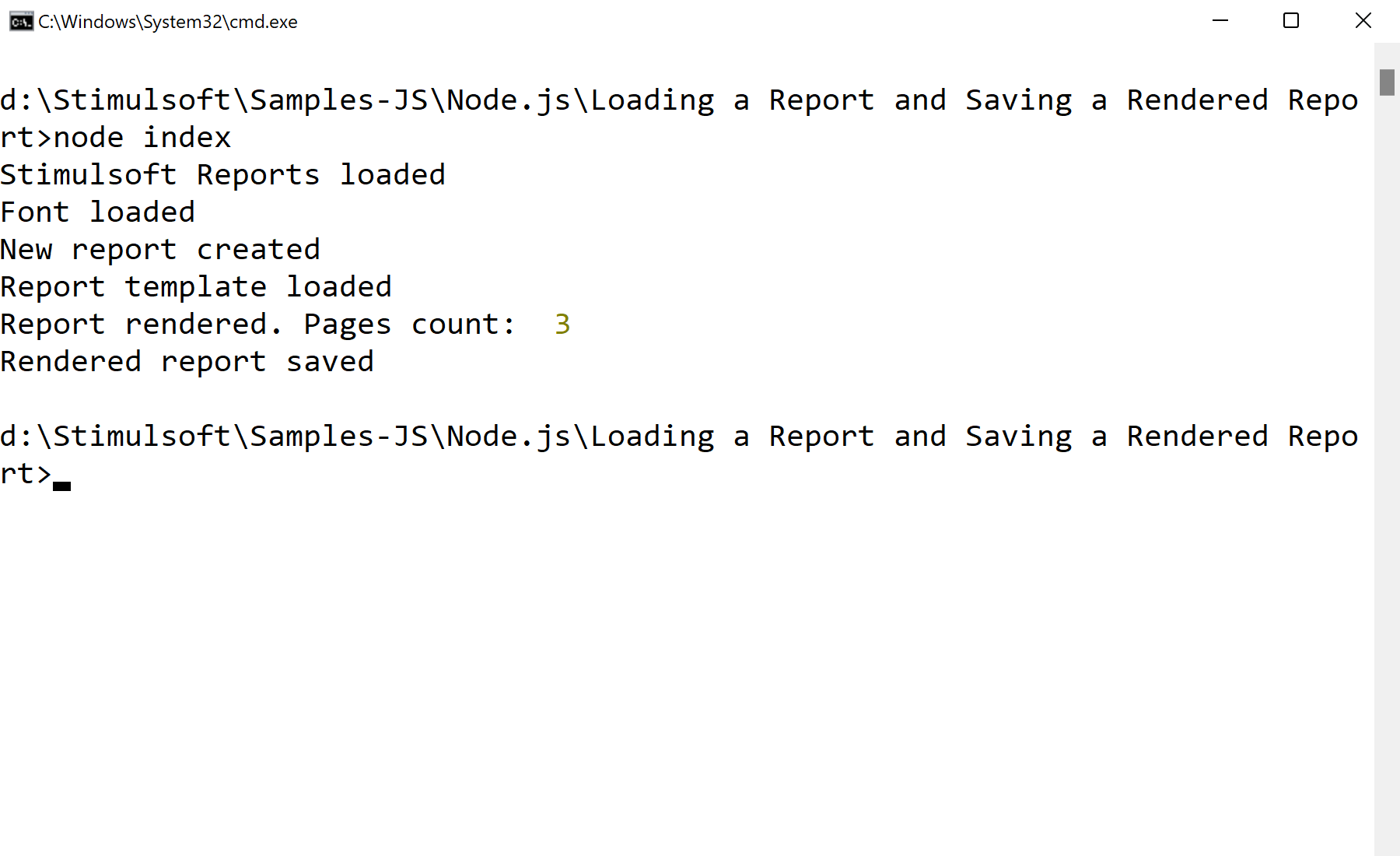
    console.log("Pages count: ", report.renderedPages.count);
    report.saveDocumentFile("SimpleList.mdc");
});
renderAsync builds the document without blocking, and saveDocumentFile writes the rendered result (an .mdc file) to disk. That file can be reloaded and displayed instantly without re-rendering — useful for pre-generating reports on a schedule.