





















Stimulsoft Dashboards.JS
Data visualization in JavaScript applications
Stimulsoft Dashboards.JS is a robust dashboard development tool designed for JavaScript-based applications. This product offers a powerful engine for data processing and visualization, along with an intuitive dashboard designer and an interactive viewer to review finalized documents. Dashboards.JS is compatible with any HTML5 and JavaScript supported web browser, making it suitable for creating dashboards. Furthermore, it easily integrates with React, Vue.js, Node.js apps and projects, and can be utilized both on the client-side and the server-side.Types of dashboards
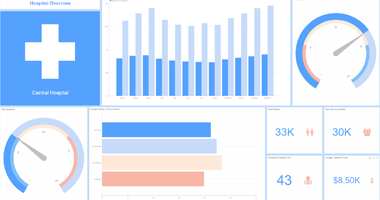
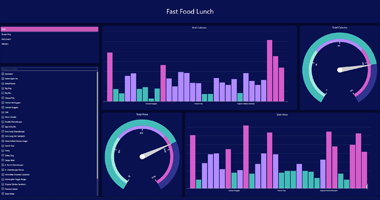
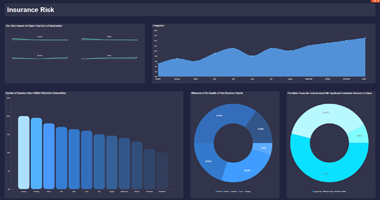
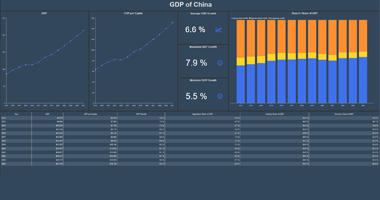
Stimulsoft Dashboards.JS allows you to create a variety of analytical panels, including KPI and HR dashboards, sales and insurance dashboards, statistical and marketing panels. You can start quickly by exploring a range of professional examples available in the Demo cloud service and within the designer.Capabilities

Standalone
Our desktop dashboard designer, built on the Electron framework, offers a solution that is compatible with all computers and operating systems. The product includes a data processing engine, a designer and viewer of analytical panels to provide a full cycle of data visualization and analytics.
Download for Windows

Node.js
Our dashboard development tools are designed to support the Node.js platform. The primary distinction from the web browser version is the absence of a visual interface. Instead, the entire process of creating, building, editing, and exporting dashboards is performed directly through JavaScript code.
Node.js samples

Browser
The JavaScript data visualization tool consists of components that you may integrate into web browsers. This product encompasses a powerful data engine, a functional report designer, and a user-friendly viewer. With these features, you can enjoy a stunning set of tools for creating, exporting, and printing dashboards.
JavaScript samples
Steps to use dashboards
Our product offers a comprehensive suite of features for creating, editing, exporting, and publishing a wide variety of documents. Whether you need to connect data or send a final document by email, our product has you covered.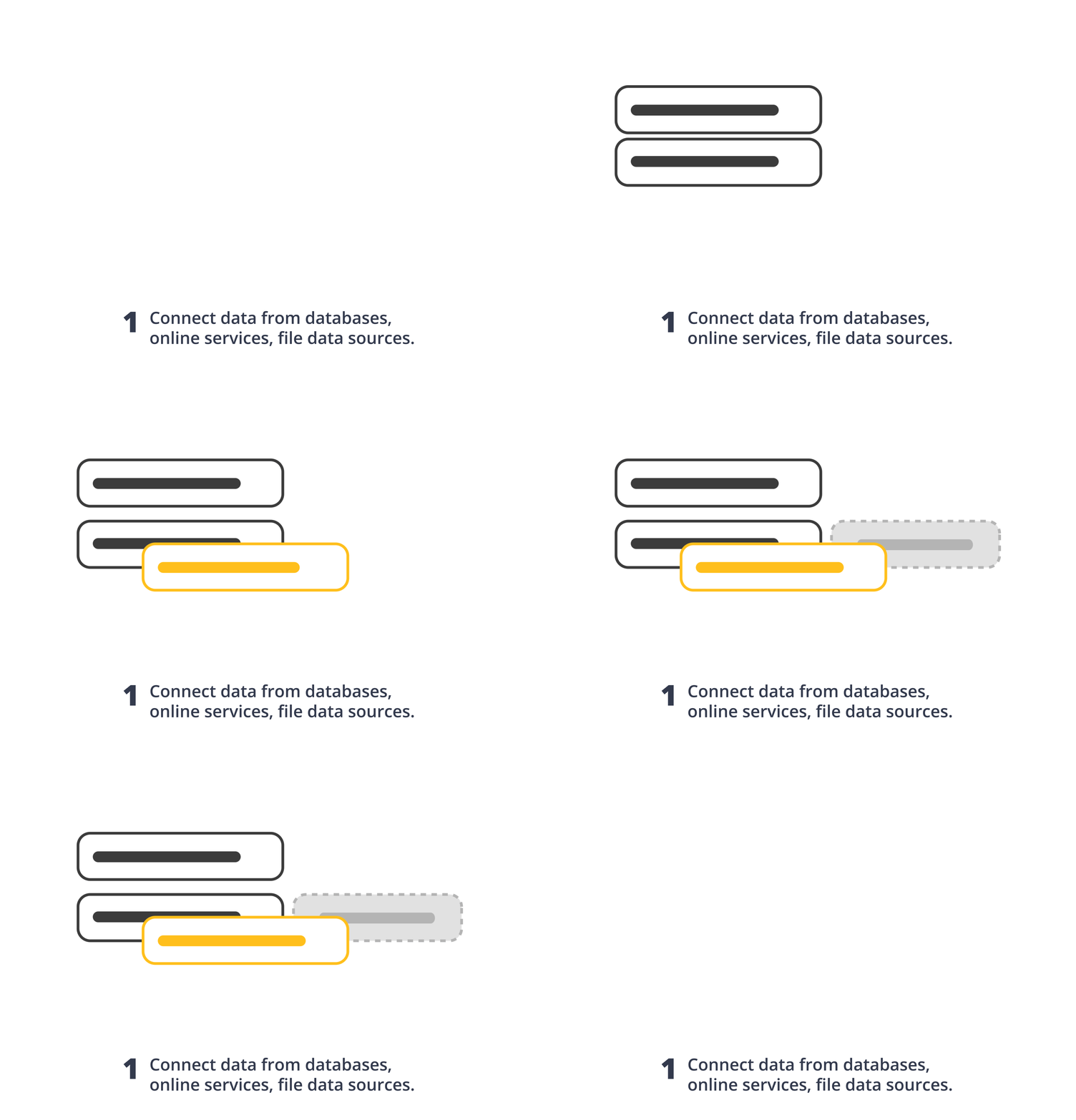
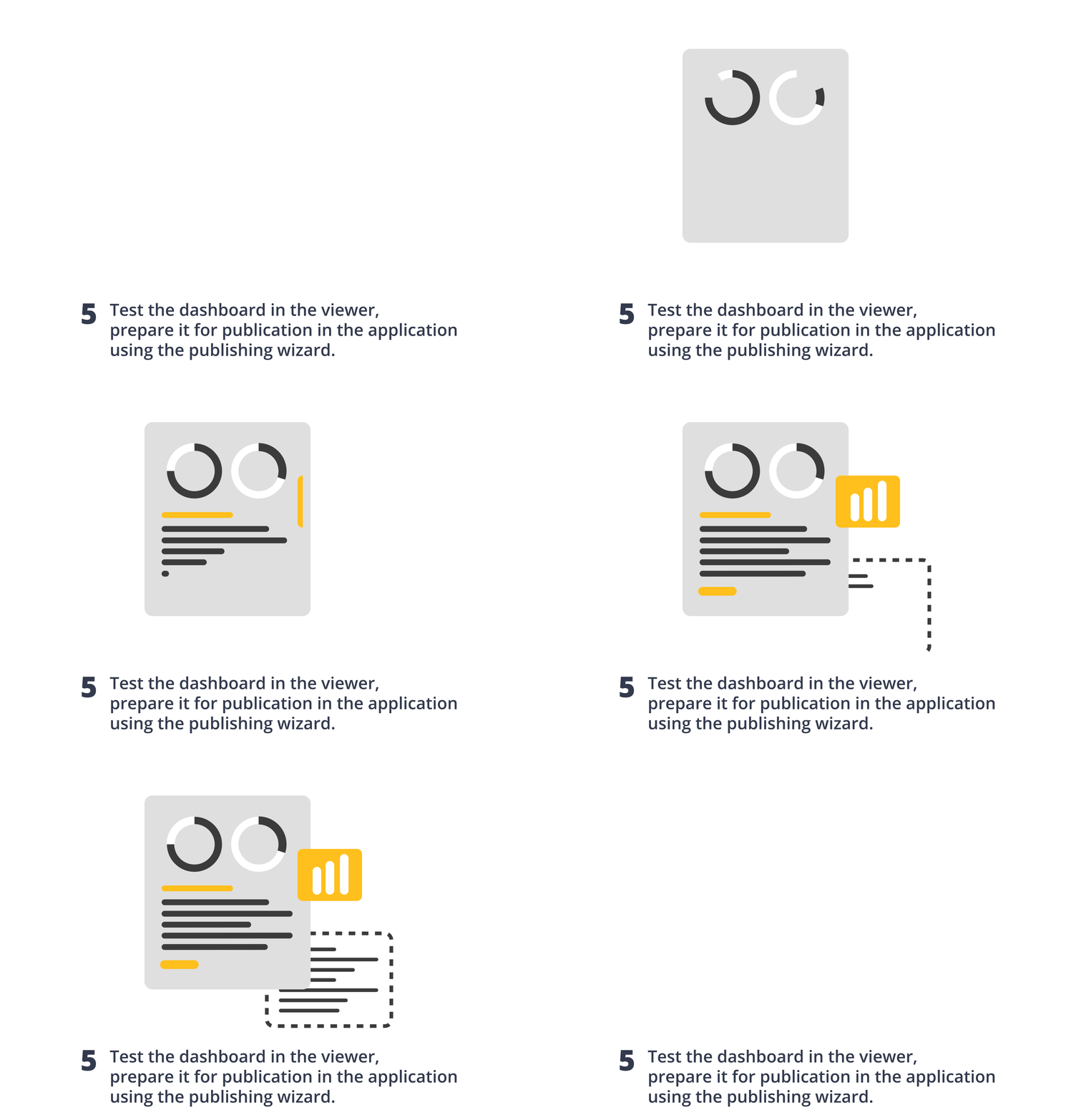

Creating dashboards
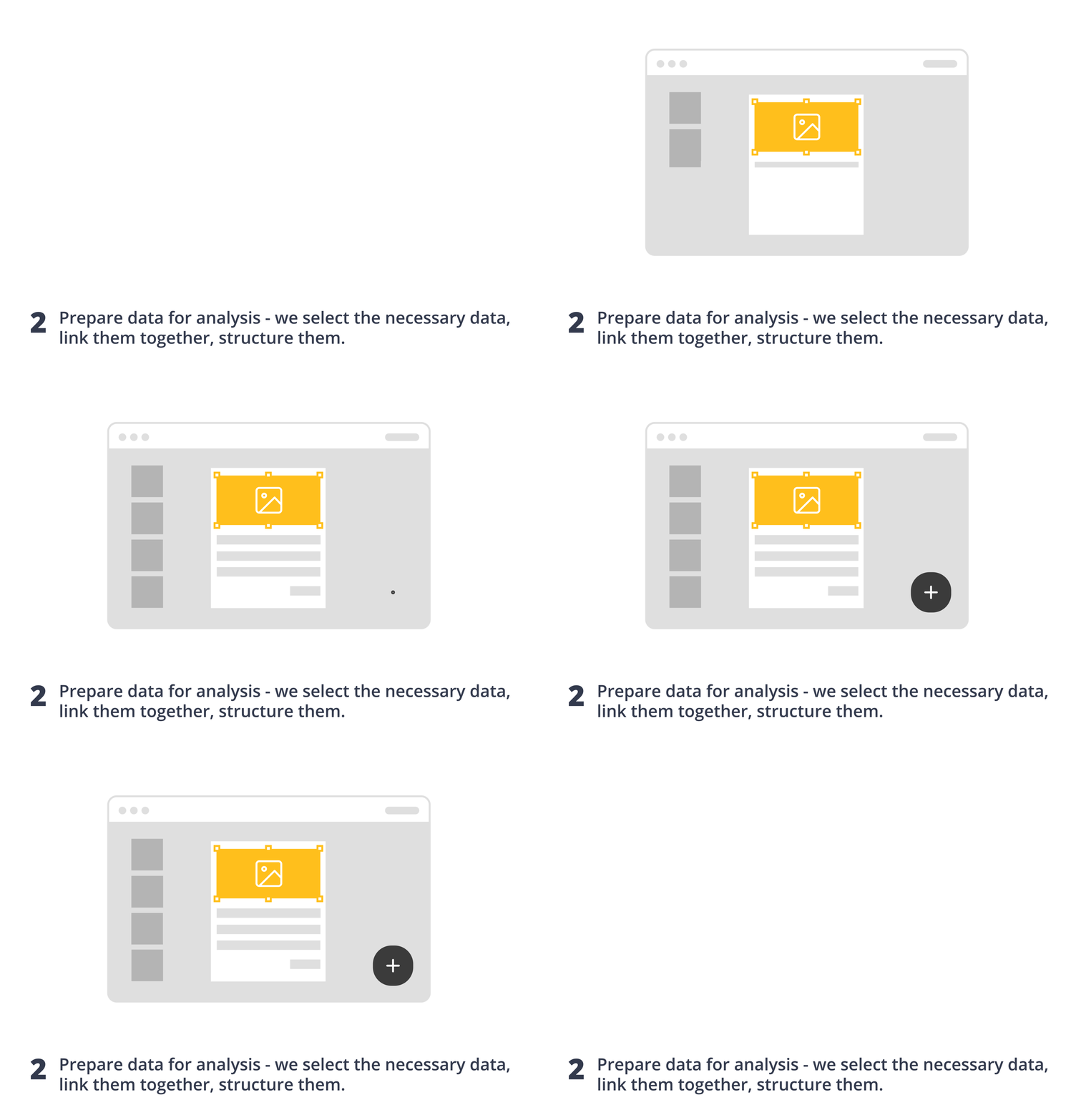
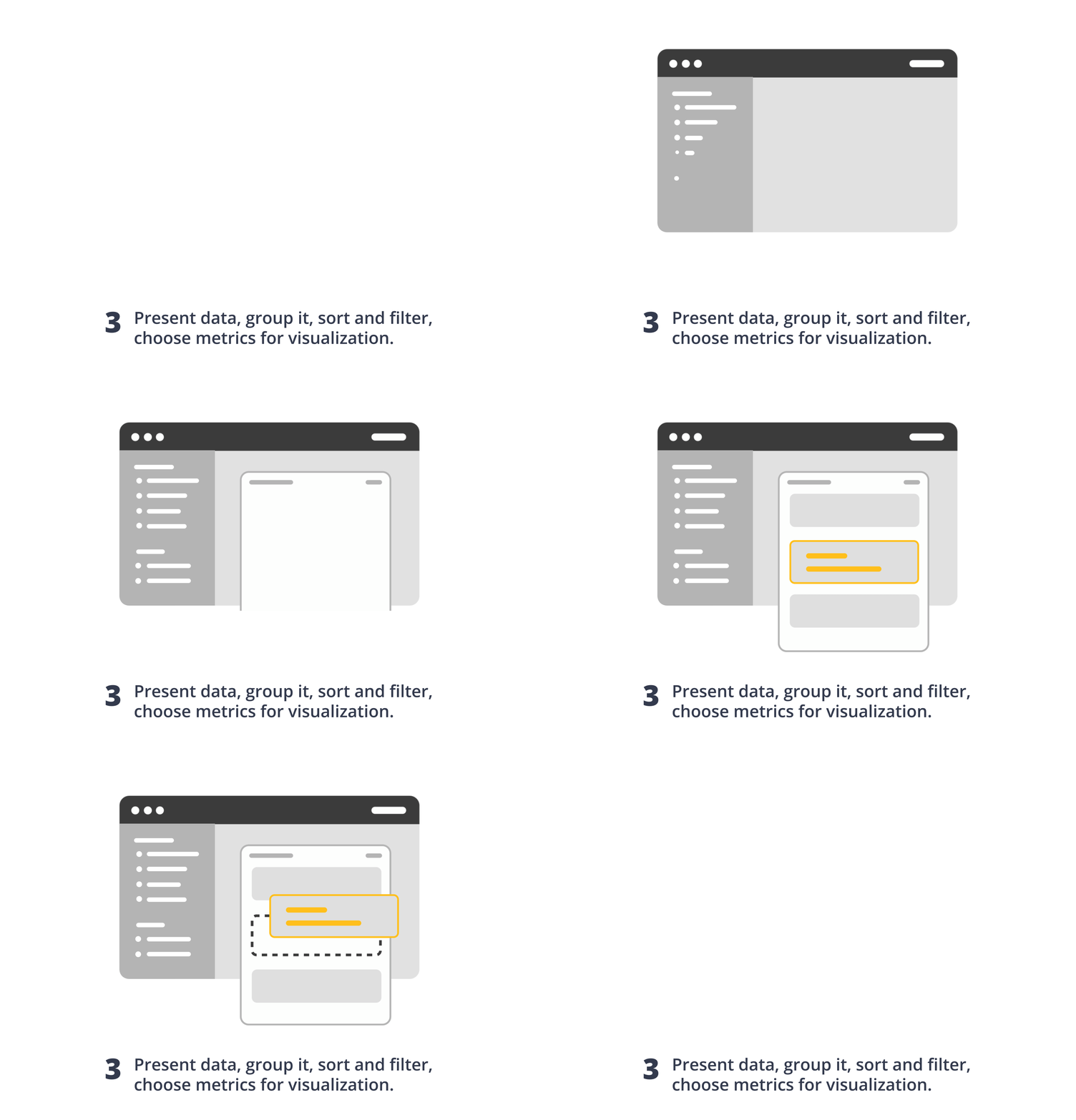
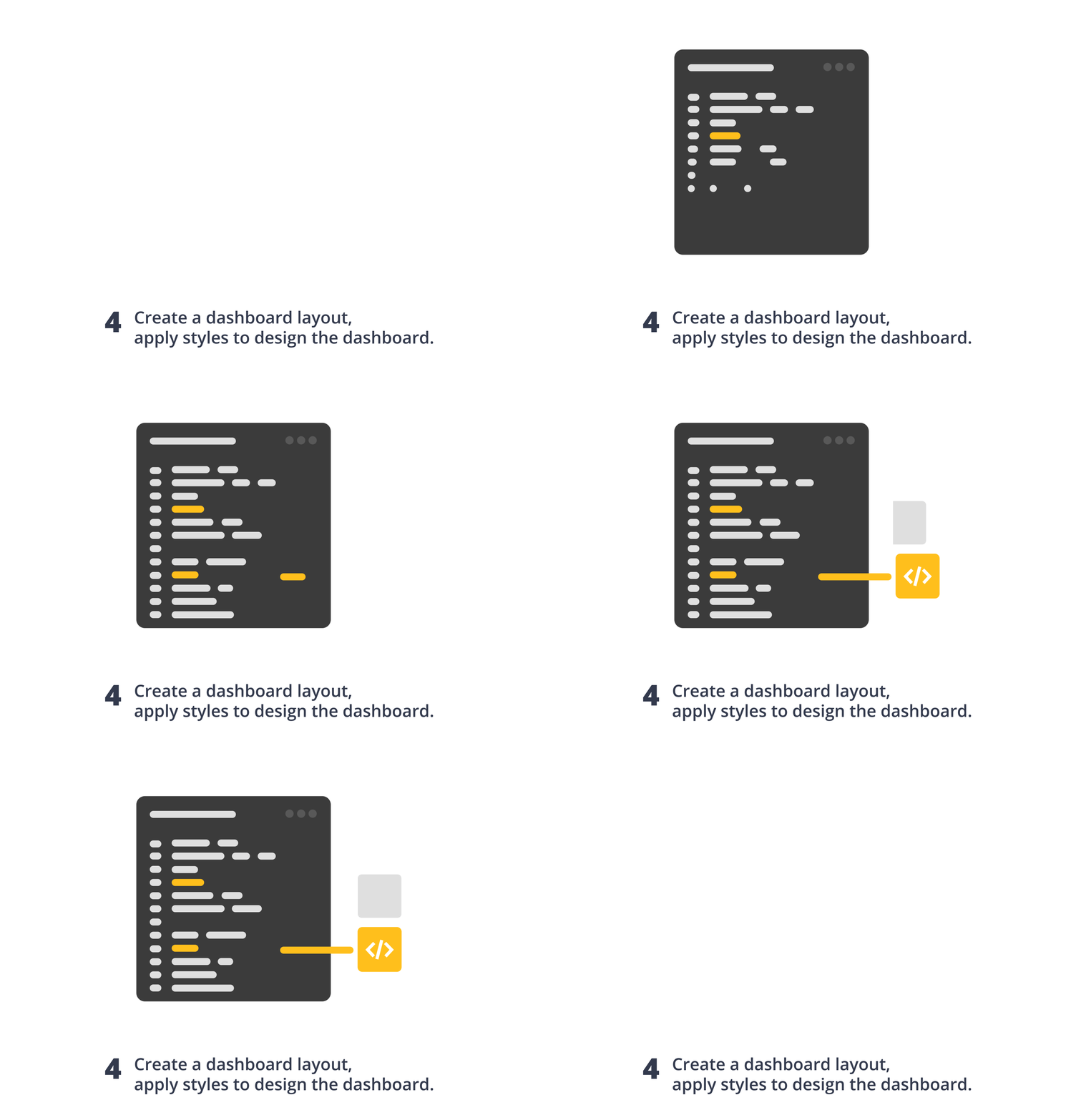
Dashboard designer is a key tool in the product where data is processed directly. You can connect data from a vast number of sources, including SQL (MS SQL, MySQL, Firebird, MS Access, etc.), MongoDB, Azure, and Google, file sources (JSON, Excel, XML, etc.), and many others. The designer interface is familiar to many users, with a Ribbon-style layout, and includes options for grouping and sorting data, as well as a variety of elements that can be used to turn data into informative and attractive dashboards.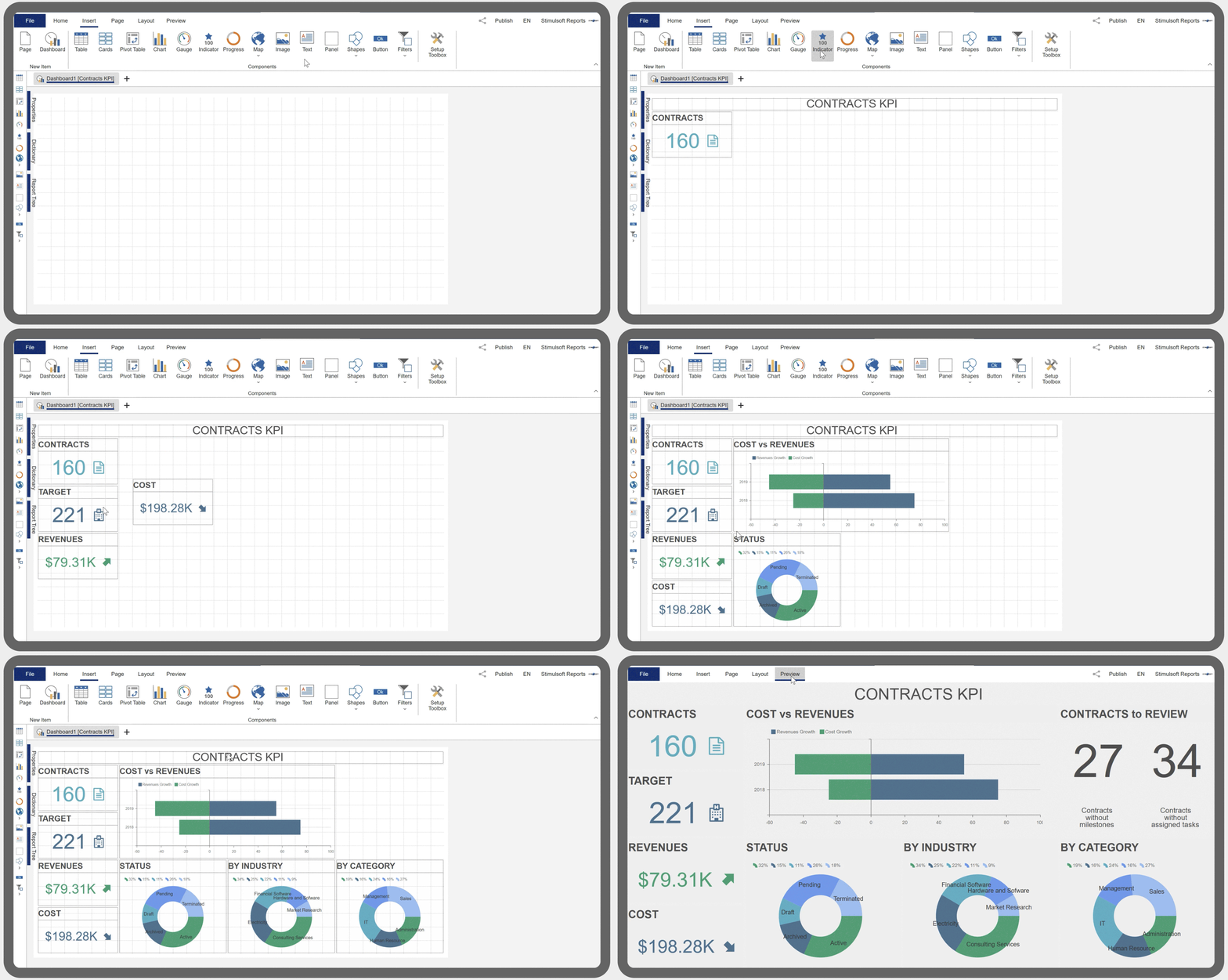
In addition, the Dashboard Designer component is licensed without the need to pay royalties or license fees for every customer of your applications. Their use and deployment with our embedded tool do not require additional charges.
Functionality of Stimulsoft solution
Our data analytics and visualization system involves flexible settings and a wide range of possibilities for representing data on dashboards. In addition to a large number of data sources, visualization elements, and export formats, our product also includes: Grouping, sorting, and filtering of data
When viewing a dashboard, you can filter data by a specific value, configure sorting, and group different dashboard elements.
 Summaries and aggregate functions
Our platform allows the use of functions, including Sum, Count, Min, Max, First, and Last, on the data fields. The report dictionary contains a list of functions for the field expressions of items.
 Conditional formatting
Highlighting of dashboard element values depending on a specified condition. This allows you to define text formatting, background, borders, add and modify icons.
 Parameters
The ability to use dashboard variables as parameters with the option to select and enter custom values for filtering data elements in the dashboard or in a query to the data repository.
 Calculated fields
The product allows you to use expressions in the fields of dashboard elements with various mathematical operations for data column values, variables, and constants.
 Drill-down
This feature includes a wide range of functionality - from displaying drill-down data for a dashboard element to showing another dashboard or report with the ability to pass a parameter to it.
Dashboard visualization
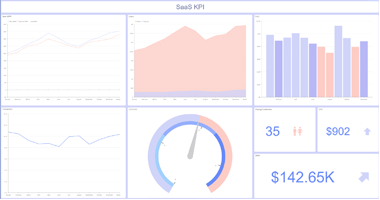
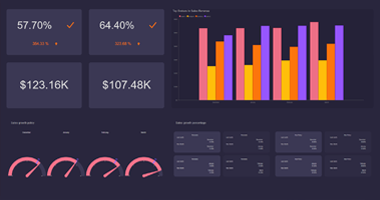
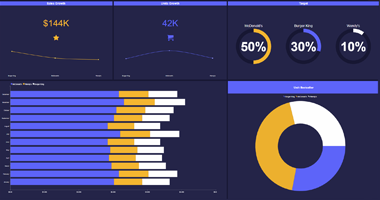
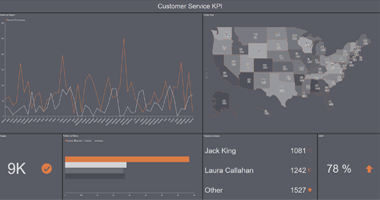
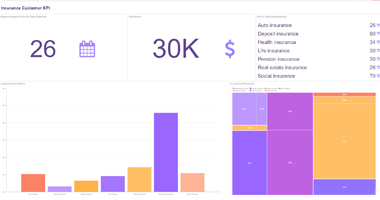
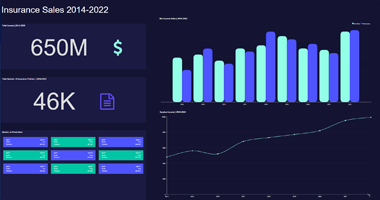
The most important stage of working with data is its visualization. For this task, a special tool, a dashboard viewer, is used in the Stimulsoft Dashboards.JS product to view ready dashboards in JavaScript applications. Any browser with HTML5 support is required for its operation. The dashboard viewer is fully customizable, fast, and convenient to use, supports interactive elements, the full-screen mode for viewing the entire dashboard and individual elements, and converting the analytical panel to PDF, Excel, PNG, and other formats. To fully integrate into projects, we offer a variety of theme options and customization options for the appearance and functionality of the application.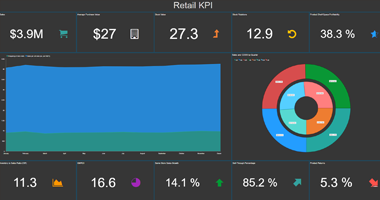
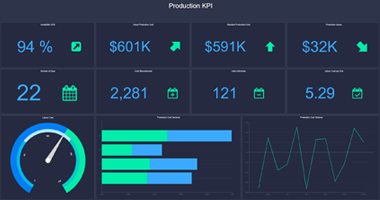
Key features of the viewer
Our data analytics tool includes a full-featured dashboard viewer. The component supports interactivity, full-screen viewing of the entire dashboard or its elements, and export of report files to various formats. The UI is translated into 40+ languages, which completely breaks the language barrier.
 The viewer interface automatically applies the appearance of the dashboard being viewed.
 For the convenience of work, the unused controls are automatically removed from the panel.
 Charts, indicators, maps, and other elements support animation to observe changes.
 The desktop and mobile mode. Both are set in the template and switch automatically when the screen size changes.
 Using the properties in the template, you may disable some controls and improve the usability of each dashboard.
 You may apply filters and sorting visually - this makes work more manageable. A manual control option is also available.
Data for dashboards
One of the key advantages of our product is the diversity of data you can use for creating dashboards in your JavaScript application. We offer a large list of supported data servers – MS SQL, Firebird, MySQL, PostgreSQL, etc. Also, you can get data from XML, JSON, Excel, and other file sources.


Diverse selection of widgets
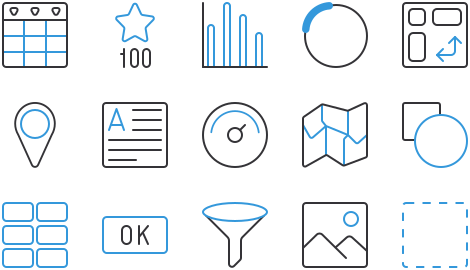
There are a lot of elements for creating and editing dashboards, from shapes to buttons, that execute various scripts. Check out the variety of Stimulsoft Dashboards features.Integration
Our data analytics tool is excellent for working in any JavaScript application. Components are optimized to work with the most popular platforms such as Node.js, Angular, React, Vue.js, etc. We have created a special functionality for rapid and simple integration of a report to a project – the Publish wizard that you may find in the standalone designer or online. JavaScript
 Node.js
 Angular
 React
React Vue.js
Creating reports with AI
The AI assistant, powered by a generative AI model, is integrated into the report and dashboard designer. AI is designed to verify, generate, explain, and optimize connection strings for data sources, validate and convert event scripts, ensure the correct execution of function scripts, and more.
Stimulsoft Ultimate
Stimulsoft Dashboards.JS is part of Stimulsoft Ultimate, a comprehensive All-in-One set of products designed for working with data on all modern platforms such as .NET, ASP.NET, JavaScript, Java, PHP, Blazor, Angular, WPF, WinForms, Avalonia UI, Python, and others. With our components, you can create, print, export complex reports, analyze data using clear and colorful dashboards, and collect data from users through interactive forms.What's next?
We have prepared hundreds of reports and dashboards templates grouped by spheres of use. You can immediately use them by connecting your data or change according to your requirements. Our lessons and technical documentation will help make your work effective! Moreover, you can request the training courses from our technical specialists, subscribe to our YouTube channel to always get new videos, and receive all your answers in our online documentation.
Training courses
Are you faced with difficulties when creating reports and dashboards? This is not a problem!
Video lessons
We have prepared many video materials for the designing reports and dashboards. All tutorials are grouped by specific topics and regularly updated and supplemented.
Documentation
Our online user guides describe both the general functionality of the product and provide advice and suggestions for the report design and hints of setting components for reporting.