




















Electronic invoices in ZUGFeRD and Factur-X standards in Stimulsoft products
Electronic invoices have long become an integral part of digital document workflows across many sectors, including business, government, accounting, and more. Both large enterprises and small companies are fully transitioning to electronic invoicing for a number of reasons, including cost reduction, accelerated business processes, and many others. In recent years, many countries have introduced legislation mandating the use of electronic invoicing, such as EU Directive 2014/55.Electronic invoice formats
The most common electronic invoice formats include ZUGFeRD and Factur-X.ZUGFeRD
The ZUGFeRD format is used to create electronic documents in German-speaking countries and combines machine-readable XML data with a PDF format to present the information in a human-readable way.
Factur-X
The French counterpart of the German format is Factur-X. This electronic invoice format is technically identical to ZUGFeRD and fully compatible with it.
Invoice samples
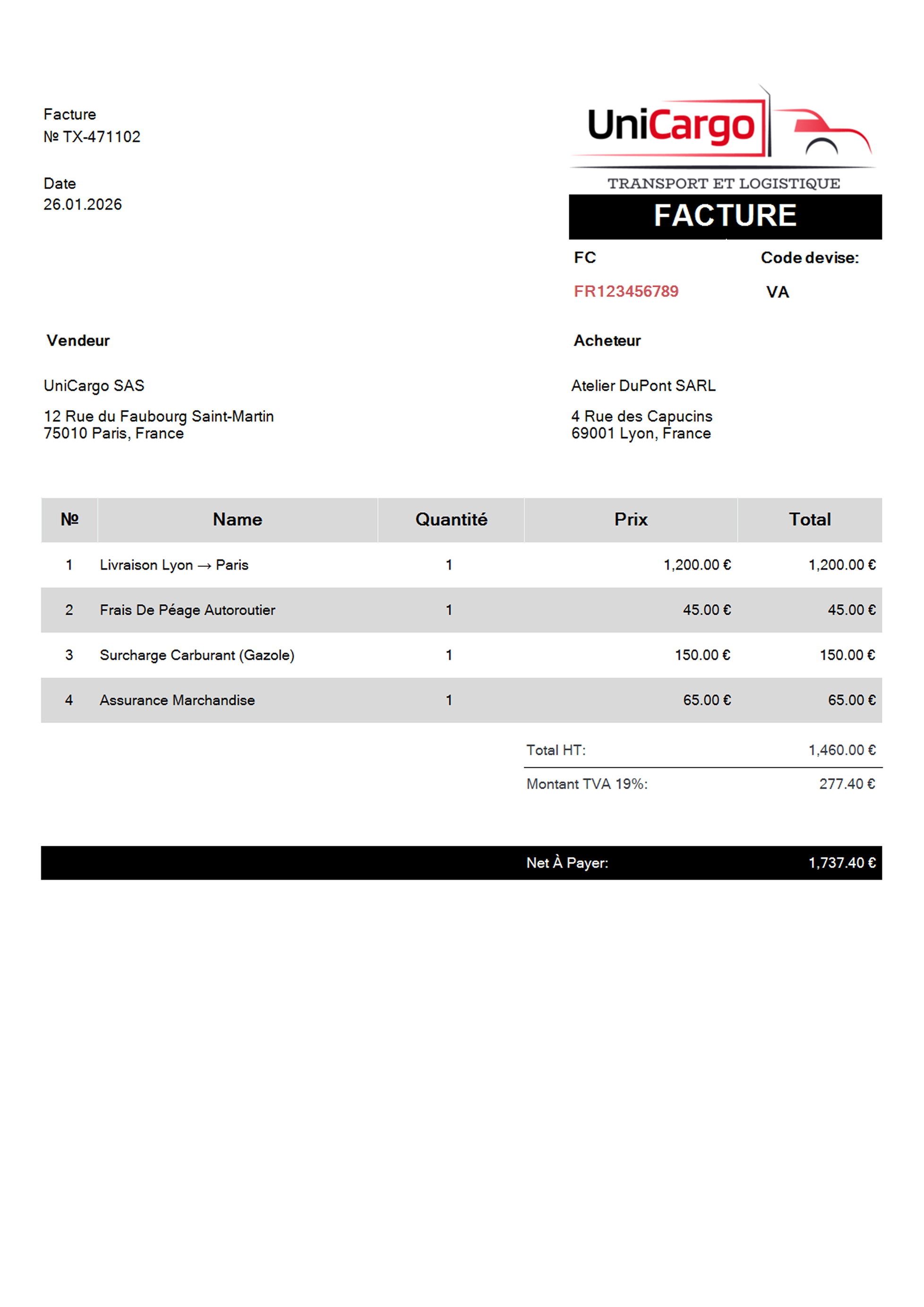
Here you can see examples of invoices created in ZUGFeRD and Factur-X formats.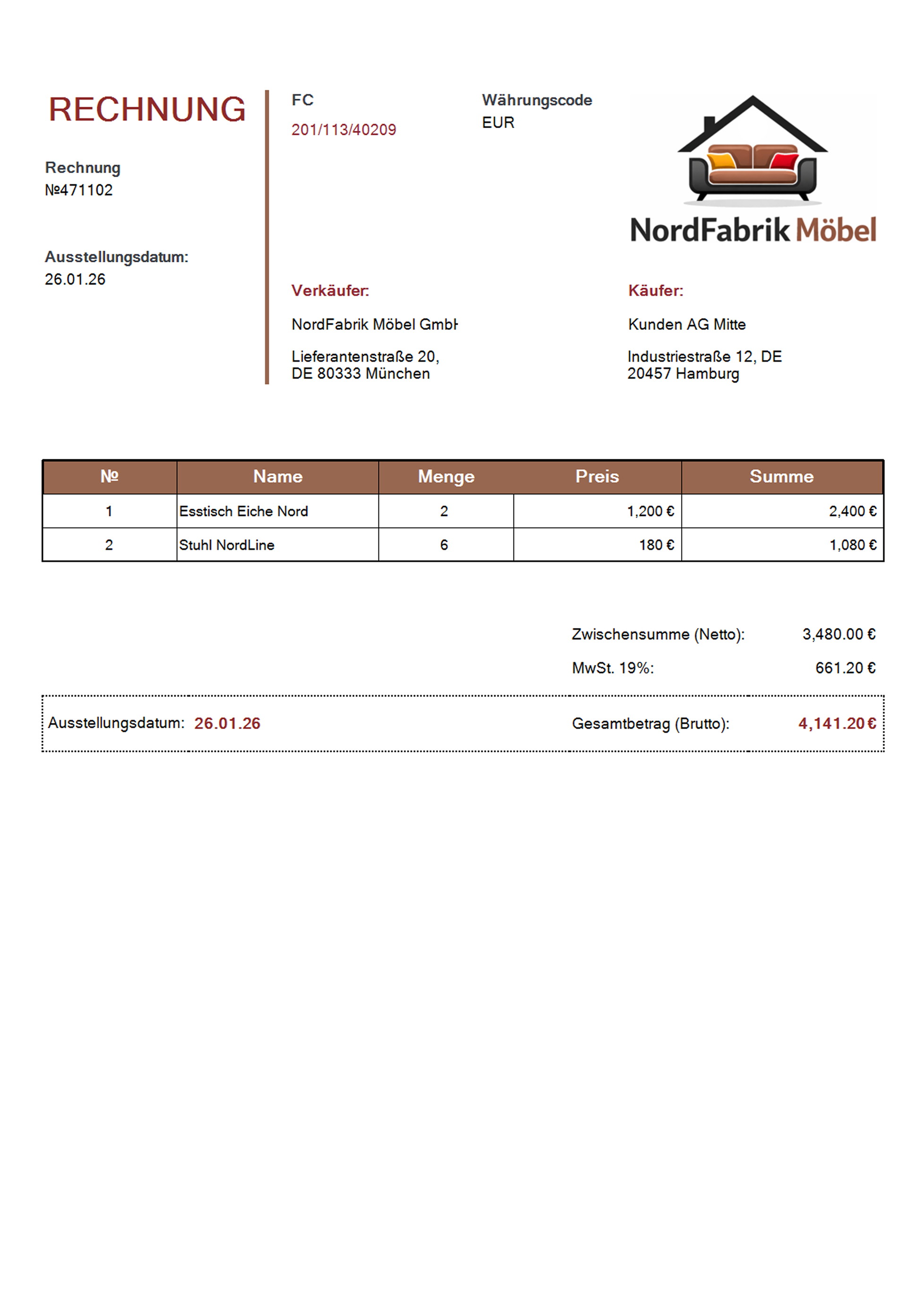
Creating electronic invoices in ZUGFeRD format
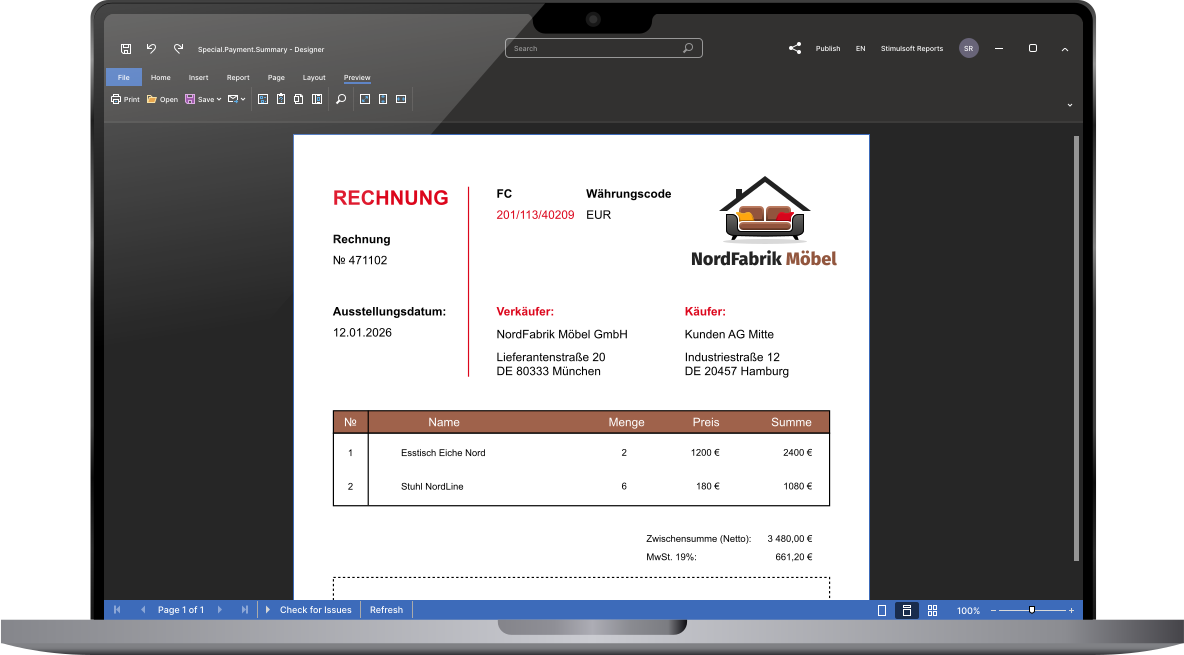
Stimulsoft components support the creation of ZUGFeRD invoices in all current versions — 2.1, 2.2, and 2.3. The workflow is as follows: prepared XML data is loaded into the report generator, which builds the visual part. The resulting report is then exported to a PDF file.After loading the report template, you need to define the following properties in code:
- ZUGFeRDComplianceMode, which specifies the format version (V1, V2, V2_1);
- ZUGFeRDConformanceLevel, which sets the required conformance level;
- ZUGFeRDInvoiceData, which applies the XML file containing the invoice data.
Code example
Below is a code example for exporting an electronic invoice in ZUGFeRD 2.1 / Factur-X format with custom settings:var report = new StiReport();
report.Load("invoice.mrt");
report.Render();
var stream = new FileStream(@"d:\\result.pdf", FileMode.Create);
var buf = File.ReadAllBytes(@"d:\\zugferd-invoice.xml");
var settings = new StiPdfExportSettings()
settings.ZUGFeRDComplianceMode = StiPdfZUGFeRDComplianceMode.V2_1;
settings.EmbeddedFiles.Add(new StiPdfEmbeddedFileData("factur-x-invoice.xml", "Factur-X/ZUGFeRD", buf));
settings.ZUGFeRDConformanceLevel = "EN 16931"
report.ExportDocument(StiExportFormat.Pdf, stream, settings);
stream.Close();const fs = require("fs");
var Stimulsoft = require('stimulsoft-reports-js');
let report = new Stimulsoft.Report.StiReport();
report.loadFile("invoice.mrt");
let buf = fs.readFileSync("factur-x-invoice.xml");
let es = new Stimulsoft.Report.Export.StiPdfExportSettings();
es.ZUGFeRDComplianceMode = Stimulsoft.Report.Export.StiPdfZUGFeRDComplianceMode.V2_1;
es.ZUGFeRDConformanceLevel = "EN16931";
es.embeddedFiles.add(
new Stimulsoft.Report.Export.StiPdfEmbeddedFileData("factur-x.xml", "Factur-X/ZUGFeRD", buf)
);
report.renderAsync(() => {
report.exportDocumentAsync((pdfData) => {
let buffer = Buffer.from(pdfData);
fs.writeFileSync('./result.pdf', buffer);
}, Stimulsoft.Report.StiExportFormat.Pdf, null, es);
});StiReport report = StiSerializeManager.deserializeReport(new File("invoice.mrt"));
report.render();
byte[] buf = StiIOUtil.toByteArray(new FileInputStream("d:/zugferd-invoice.xml"));
StiPdfExportSettings pdfExportSettings = new StiPdfExportSettings();
pdfExportSettings.setZUGFeRDComplianceMode(StiPdfZUGFeRDComplianceMode.V2_1);
pdfExportSettings.getEmbeddedFiles().add(new StiPdfEmbeddedFileData("factur-x.xml", "Factur-X/ZUGFeRD", buf));
pdfExportSettings.setZUGFeRDConformanceLevel("EN 16931");
StiExportManager.exportPdf(report, pdfExportSettings, new FileOutputStream("d:/result.pdf"));What's next?
We have prepared hundreds of reports and dashboards templates grouped by spheres of use. You can immediately use them by connecting your data or change according to your requirements. Our lessons and technical documentation will help make your work effective! Moreover, you can request the training courses from our technical specialists, subscribe to our YouTube channel to always get new videos, and receive all your answers in our online documentation.
Training courses
Are you faced with difficulties when creating reports and dashboards? This is not a problem!
Video lessons
We have prepared many video materials for the designing reports and dashboards. All tutorials are grouped by specific topics and regularly updated and supplemented.
Documentation
Our online user guides describe both the general functionality of the product and provide advice and suggestions for the report design and hints of setting components for reporting.