




















Using Business Objects in the Report
Our sample projects and report templates can help you learn the basics of working with our products.Web reports can be bound to your application's business objects — collections implementing
Register the objects by kind. In the page's post handler:
How it works. Field names in the template map straight onto object properties, so the report renders directly from the domain classes your app already uses.
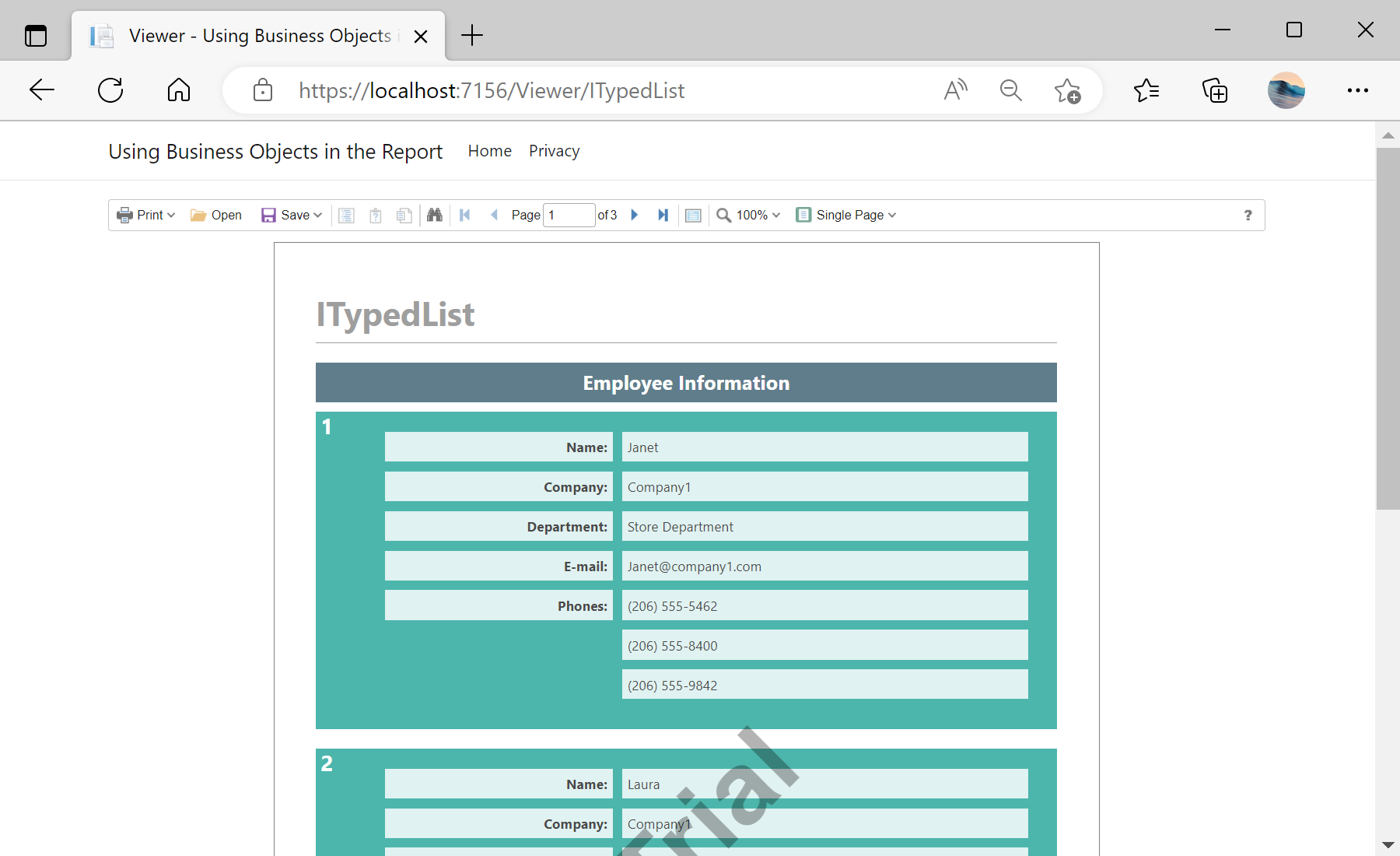
In the screenshot below you can see the result of the sample code:
IEnumerable or ITypedList — with no dataset conversion.Register the objects by kind. In the page's post handler:
var report = new StiReport();
report.Load(StiNetCoreHelper.MapPath(this, $"Reports/BusinessObjects_{id}.mrt"));

// As a data source
report.RegData("EmployeeIEnumerable", CreateBusinessObjectsIEnumerable.GetEmployees());

// ...or as a business object
report.RegBusinessObject("EmployeeIEnumerable", CreateBusinessObjectsIEnumerable.GetEmployees());
report.Dictionary.SynchronizeBusinessObjects(2);

return StiNetCoreViewer.GetReportResult(this, report);
RegData(name, collection)— expose the object collection as a plain data source.RegBusinessObject(name, collection)+SynchronizeBusinessObjects(depth)— register it as a business object and generate its fields to the given nesting depth.
How it works. Field names in the template map straight onto object properties, so the report renders directly from the domain classes your app already uses.
In the screenshot below you can see the result of the sample code: