




















Exporting Many Files to Single PDF
Our sample projects and report templates can help you learn the basics of working with our products.Render the report in .NET Framework and export it directly from code, without opening the viewer.
Merging documents. Enable cache mode, then collect the pages of each loaded document into one report before exporting:
In the screenshot below you can see the result of the sample code:
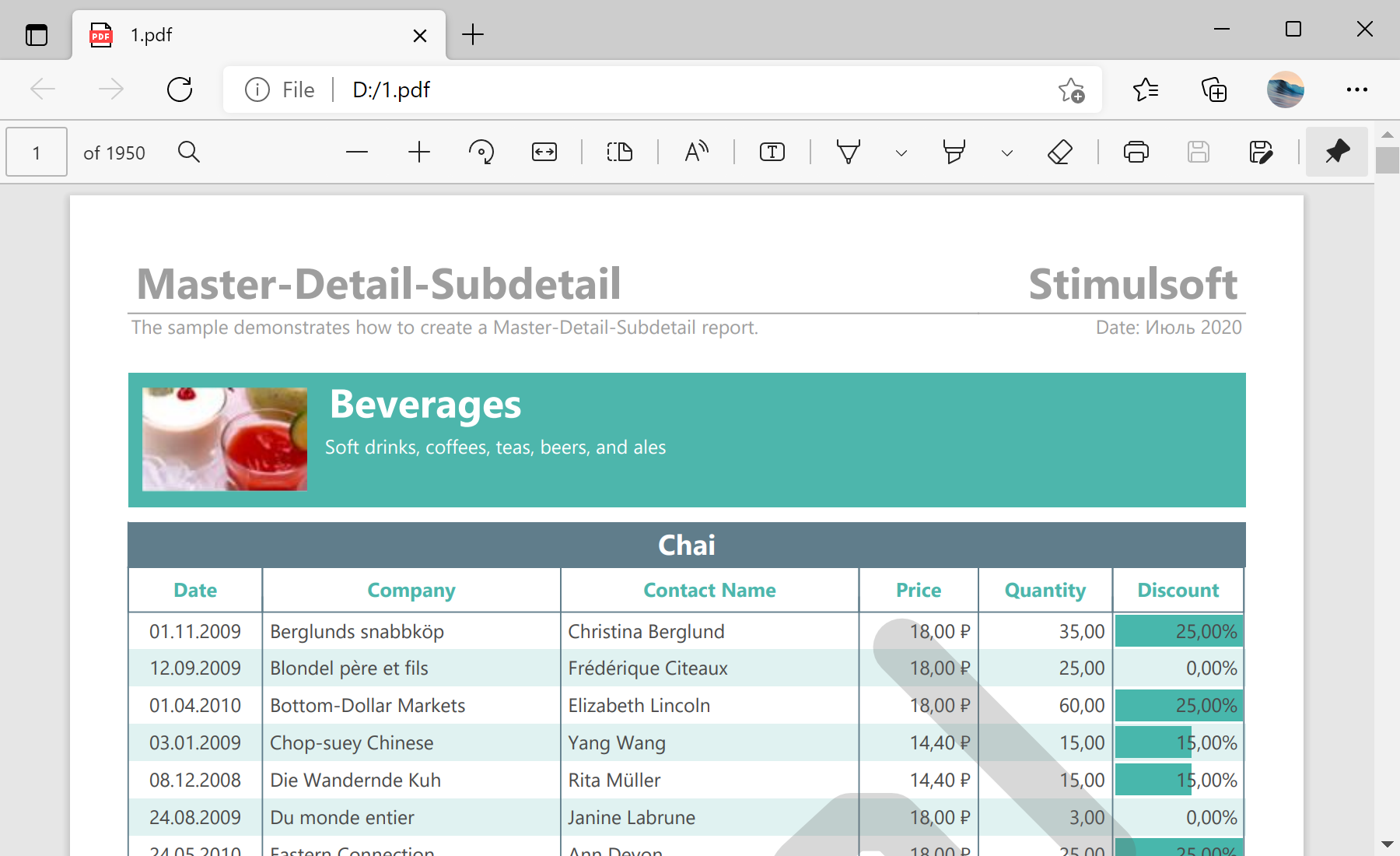
Merging documents. Enable cache mode, then collect the pages of each loaded document into one report before exporting:
var report = new StiReport();
report.ReportCacheMode = StiReportCacheMode.On;
report.RenderedPages.CanUseCacheMode = true;
report.RenderedPages.Clear();

var tempReport = new StiReport();
for (int index = 0; index < 30; index++)
{
    tempReport.LoadDocument(stream);
    foreach (StiPage page in tempReport.RenderedPages)
    {
        page.Report = tempReport;
        report.RenderedPages.Add(page);
    }
}

report.ExportDocument(StiExportFormat.Pdf, "Result.pdf");In the screenshot below you can see the result of the sample code: