




















Starting SQL adapters from the HTTP server
Our sample projects and report templates can help you learn the basics of working with our products.Reports.JS can connect to SQL databases (MySQL, PostgreSQL, MS SQL and others) through a small Node.js data-adapter service.
Run the adapter as an HTTP server.
How it works. The browser-side engine posts data commands to this Node service, which runs the actual SQL and streams results back — bridging client reports to server databases.
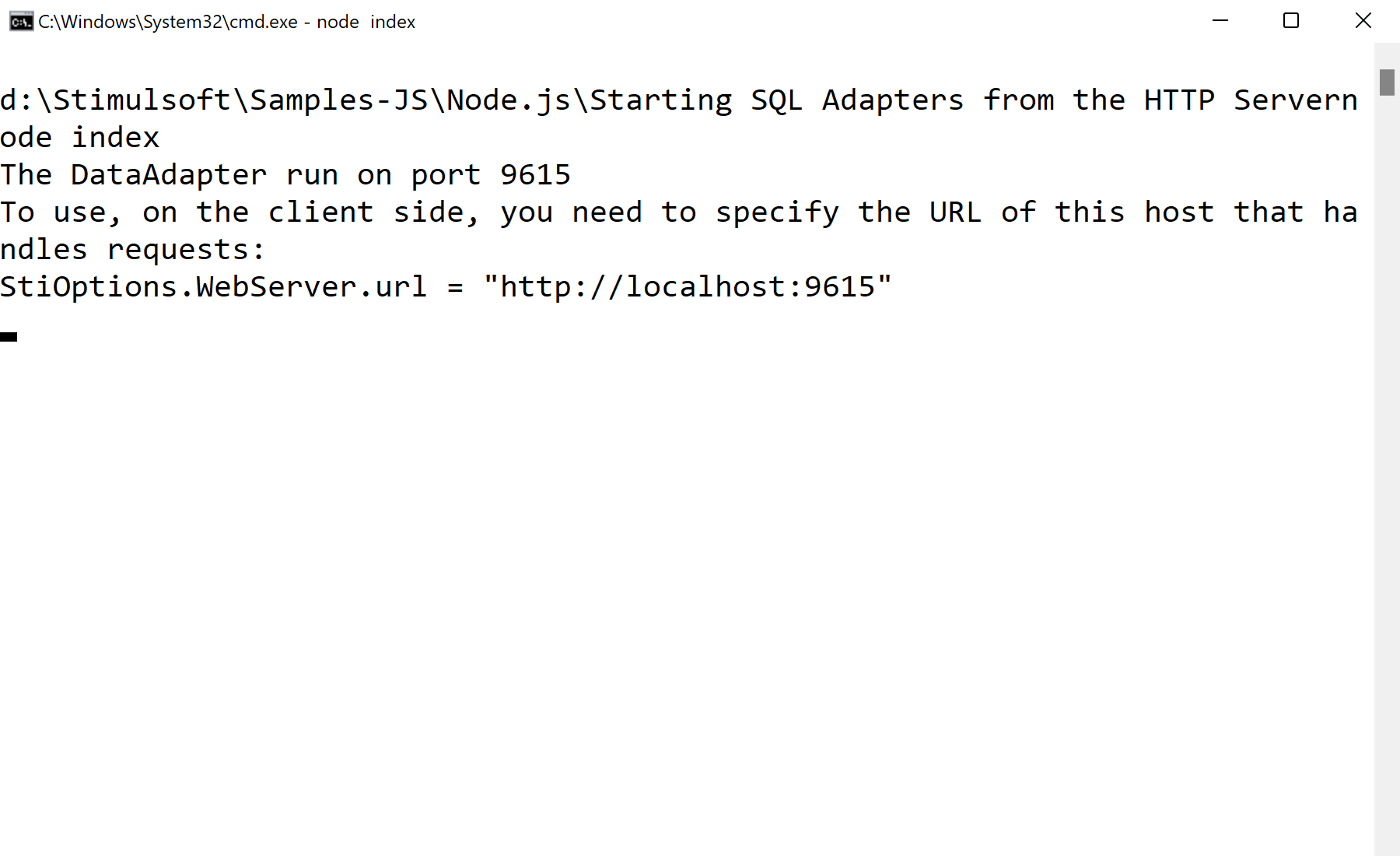
In the screenshot below you can see the result of the sample code:
Run the adapter as an HTTP server.
var http = require("http");
var adapter = require("stimulsoft-data-adapter");

function accept(request, response) {
    response.setHeader("Access-Control-Allow-Origin", "*");
    var data = "";
    request.on('data', buffer => data += buffer);
    request.on('end', function () {
        var command = adapter.getCommand(data);
        adapter.process(command, result => response.end(adapter.getResponse(result)));
    });
}

http.createServer(accept).listen(9615);stimulsoft-data-adapter— Node package that executes the SQL commands the report engine sends.adapter.getCommand/process/getResponse— parse the request, run the query, and return the result to the client.- On the client set
StiOptions.WebServer.url = "http://localhost:9615"to route data through this service.
How it works. The browser-side engine posts data commands to this Node service, which runs the actual SQL and streams results back — bridging client reports to server databases.
In the screenshot below you can see the result of the sample code: