Cloud
Cloud-Dienstleistung für schnelle und effektive Analyse und Visualisierung von Daten für Ihr Business ohne eigene Applikationen zu erstellen oder zu programmieren.
var http = require("http");
var adapter = require("stimulsoft-data-adapter");

function accept(request, response) {
    response.setHeader("Access-Control-Allow-Origin", "*");
    var data = "";
    request.on('data', buffer => data += buffer);
    request.on('end', function () {
        var command = adapter.getCommand(data);
        adapter.process(command, result => response.end(adapter.getResponse(result)));
    });
}

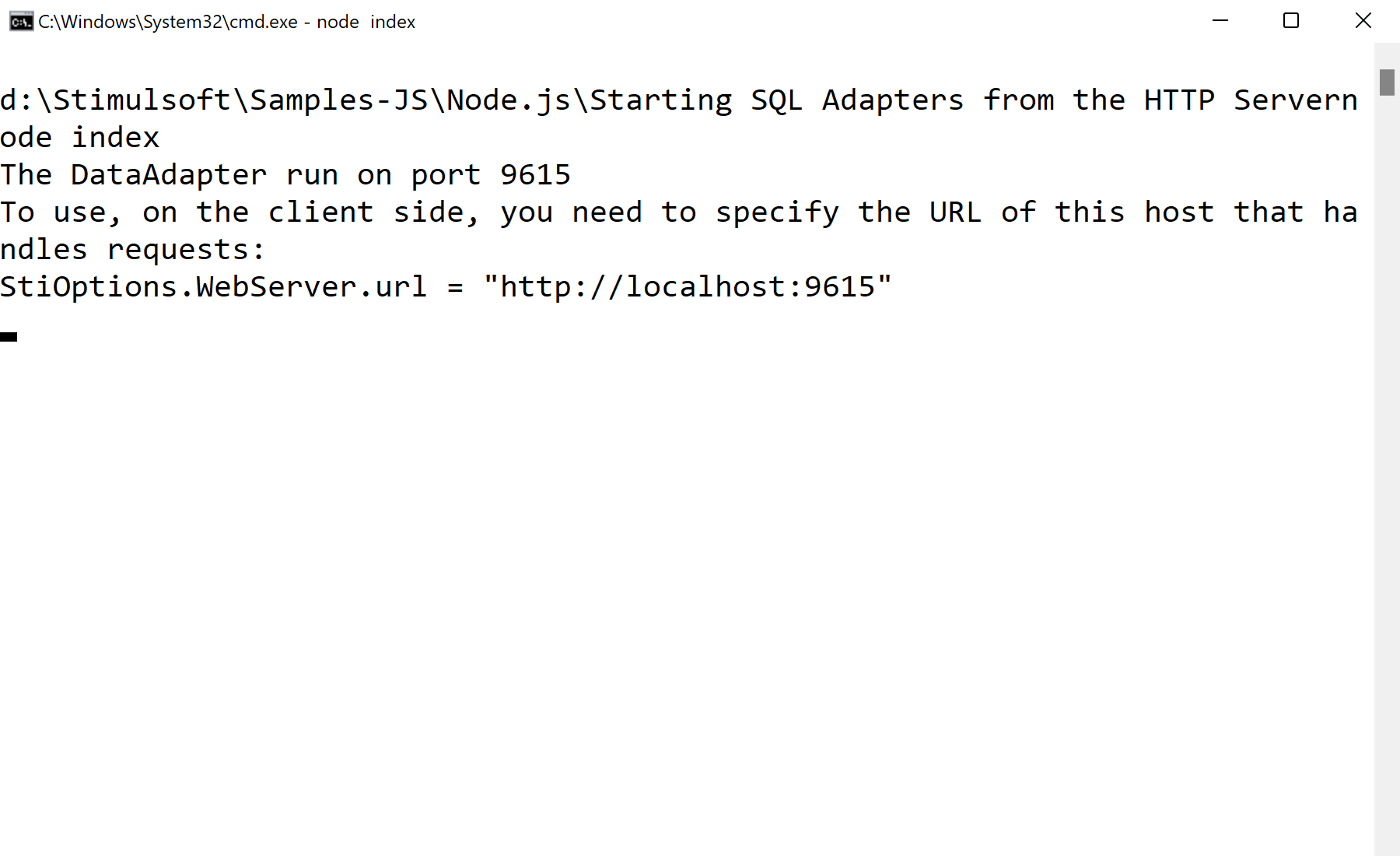
http.createServer(accept).listen(9615);
stimulsoft-data-adapter — Node package that executes the SQL commands the report engine sends.adapter.getCommand/process/getResponse — parse the request, run the query, and return the result to the client.StiOptions.WebServer.url = "http://localhost:9615" to route data through this service.