




















Using Viewer Events
Our sample projects and report templates can help you learn the basics of working with our products.The viewer raises events for data loading, printing, exporting and switching to the designer — hook them to customize each stage.
Subscribe to viewer events.
How it works. Each event exposes an
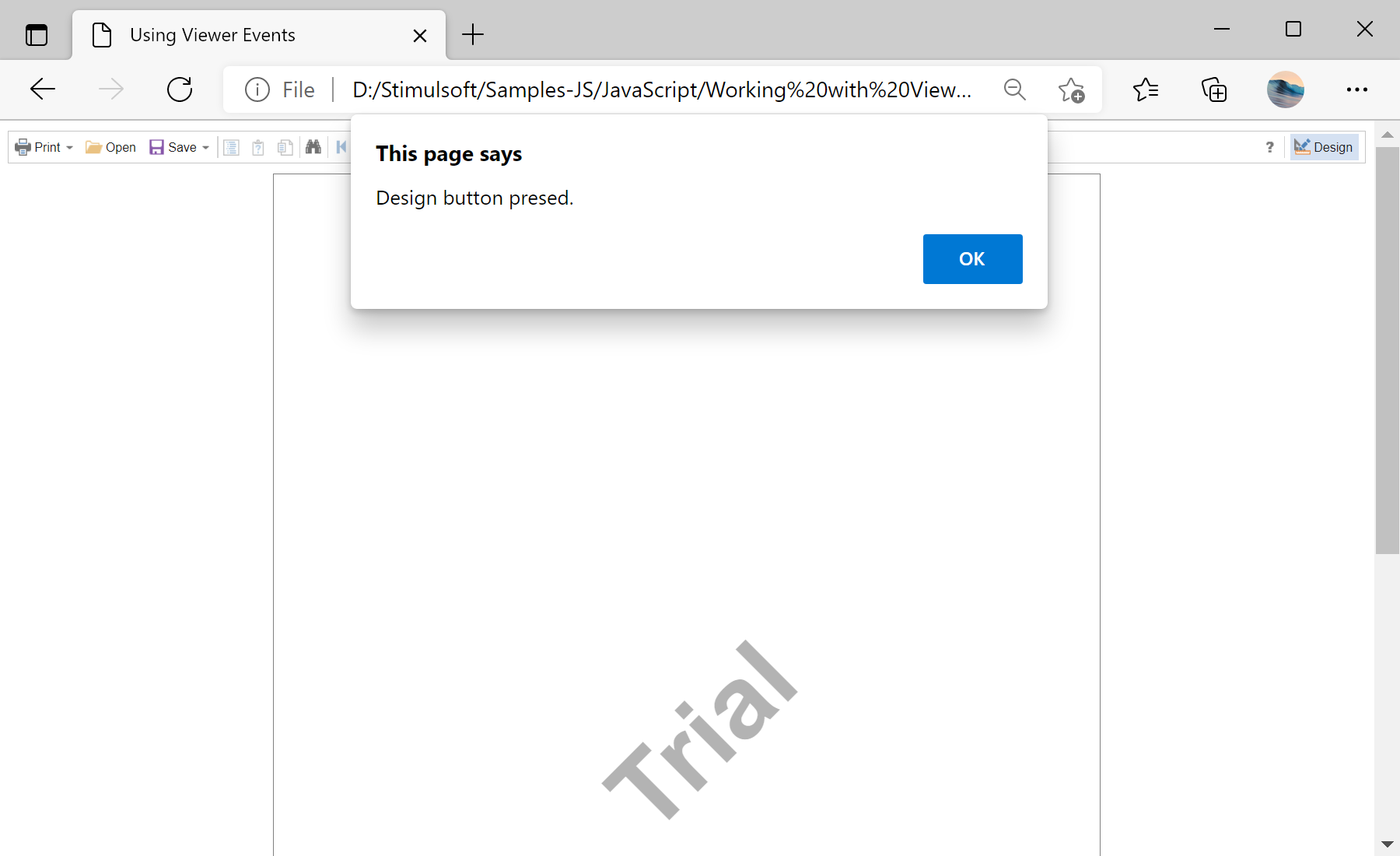
In the screenshot below you can see the result of the sample code:
Subscribe to viewer events.
var viewer = new Stimulsoft.Viewer.StiViewer(options, "StiViewer", false);

viewer.onBeginProcessData = function (args) {
    var ds = new Stimulsoft.System.Data.DataSet("Demo");
    ds.readJsonFile("../reports/Demo.json");
    args.report.regData("Demo", "Demo", ds);
};

viewer.onBeginExportReport = function (args) {
    if (args.format === "Html") args.settings.zoom = 2;   // 200% HTML zoom
};

viewer.onDesignReport = function (args) { alert("Design button pressed."); };onBeginProcessData— supply or override the report's data before rendering.onBeginExportReport— adjust export settings per format;onPrintReport/onDesignReportreact to print and Design actions.
How it works. Each event exposes an
args object you can inspect and modify, so the viewer's data, export and navigation behavior is fully under your control.In the screenshot below you can see the result of the sample code: