Cloud
Cloud-Dienstleistung für schnelle und effektive Analyse und Visualisierung von Daten für Ihr Business ohne eigene Applikationen zu erstellen oder zu programmieren.
var viewer = new Stimulsoft.Viewer.StiViewer(options, "StiViewer", false);

viewer.onBeginProcessData = function (args) {
    var ds = new Stimulsoft.System.Data.DataSet("Demo");
    ds.readJsonFile("../reports/Demo.json");
    args.report.regData("Demo", "Demo", ds);
};

viewer.onBeginExportReport = function (args) {
    if (args.format === "Html") args.settings.zoom = 2;   // 200% HTML zoom
};

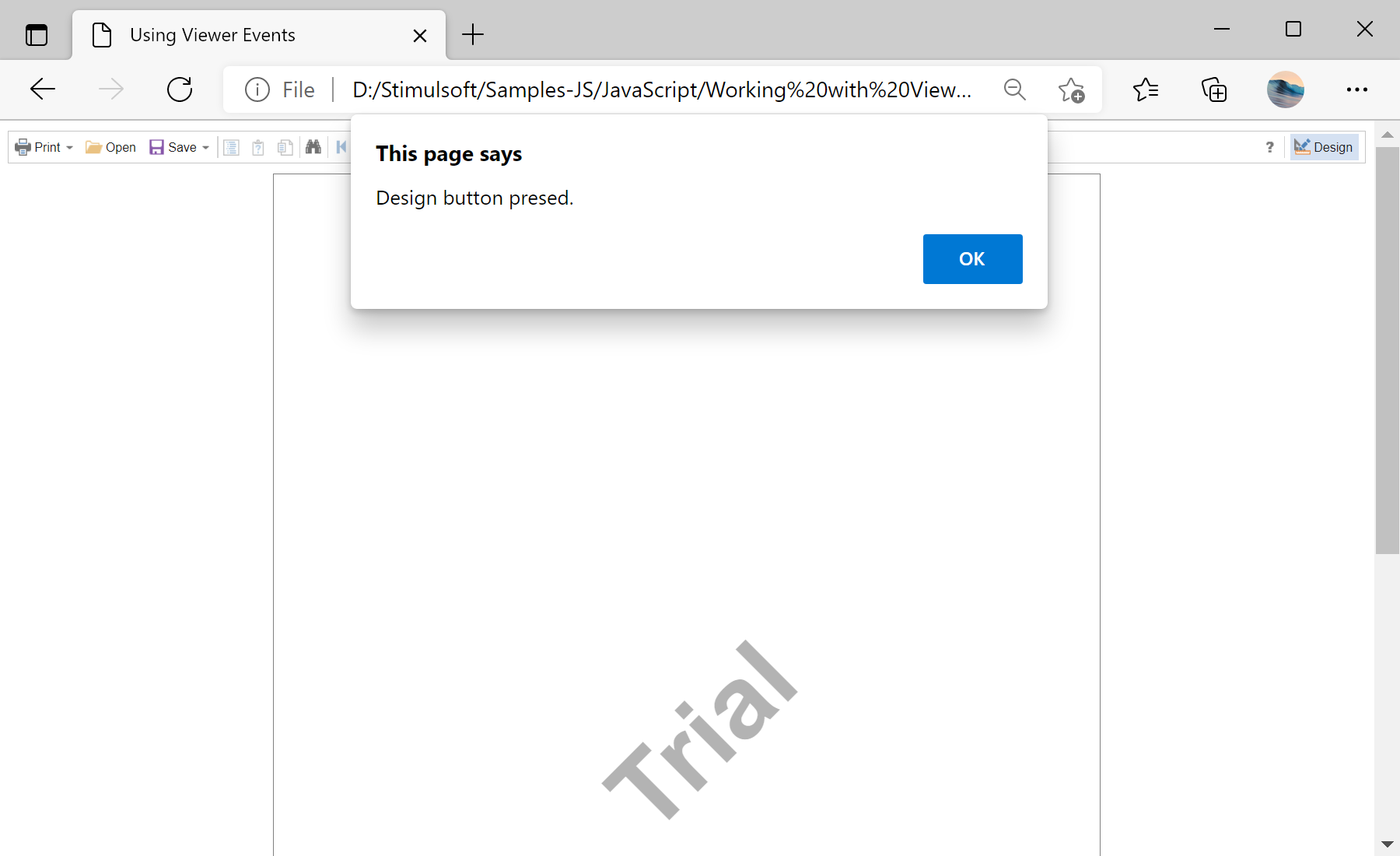
viewer.onDesignReport = function (args) { alert("Design button pressed."); };
onBeginProcessData — supply or override the report's data before rendering.onBeginExportReport — adjust export settings per format; onPrintReport/onDesignReport react to print and Design actions.args object you can inspect and modify, so the viewer's data, export and navigation behavior is fully under your control.