




















Assigning a Report to the Viewer
Our sample projects and report templates can help you learn the basics of working with our products.The Reports.JS viewer displays a report entirely in the browser. This example creates a viewer, loads a report, and shows it.
Viewer setup. Configure the viewer, load the report, assign it to the component, and process the requests or events raised by the UI.
In the screenshot below you can see the result of the sample code:
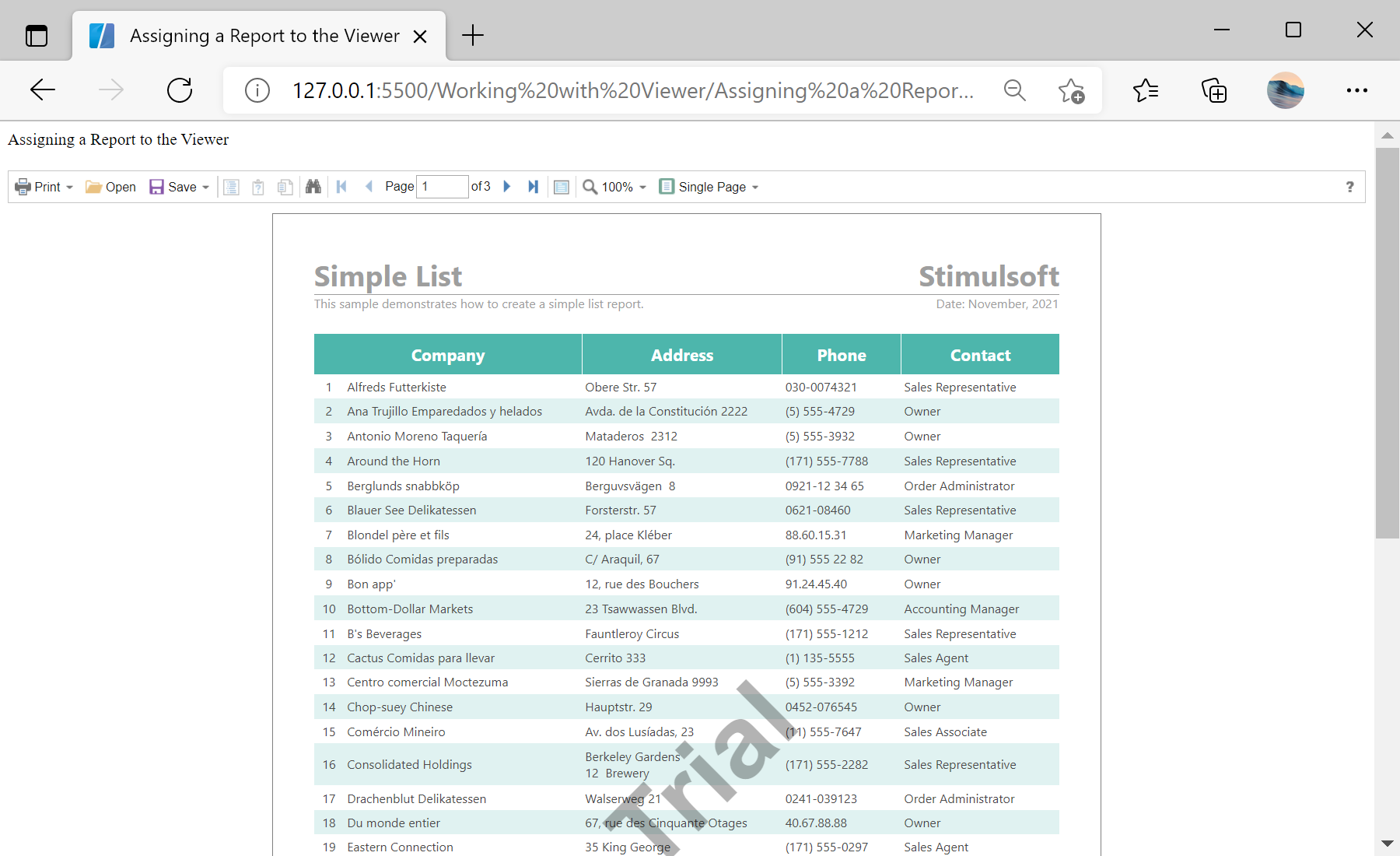
Viewer setup. Configure the viewer, load the report, assign it to the component, and process the requests or events raised by the UI.
var viewer = new Stimulsoft.Viewer.StiViewer(null, "StiViewer", false);

var report = new Stimulsoft.Report.StiReport();
report.loadFile("../reports/SimpleList.mrt");

viewer.report = report;
viewer.renderHtml();StiViewer constructor takes options, an element id and a full-screen flag. Assigning viewer.report gives it the report (the viewer renders it automatically if needed), and renderHtml() draws the viewer into the page — optionally into a specific element by id.In the screenshot below you can see the result of the sample code: