


















Cloud
Cloud-Dienstleistung für schnelle und effektive Analyse und Visualisierung von Daten für Ihr Business ohne eigene Applikationen zu erstellen oder zu programmieren.
var viewer = new Stimulsoft.Viewer.StiViewer(null, "StiViewer", false);

var report = new Stimulsoft.Report.StiReport();
report.loadFile("../reports/SimpleList.mrt");

viewer.report = report;
viewer.renderHtml();StiViewer constructor takes options, an element id and a full-screen flag. Assigning viewer.report gives it the report (the viewer renders it automatically if needed), and renderHtml() draws the viewer into the page — optionally into a specific element by id.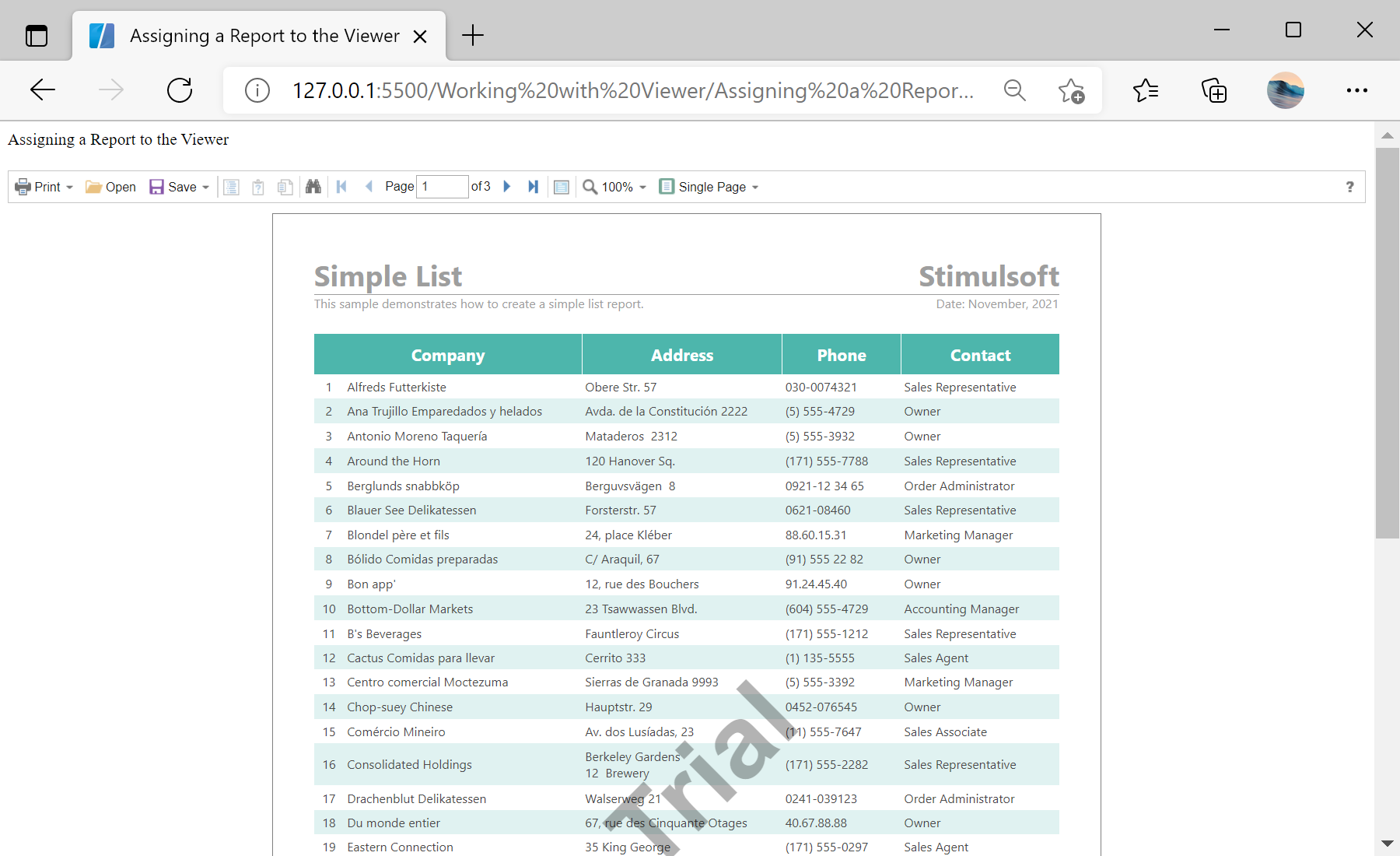
sti_CartProducts, sti_Consent, sti_Currency, sti_Localization, sti_RememberMe, sti_SessionKey, sti_UserKey, sti_WorkspaceKey
Bis zu 12 Monate
_GRECAPTCHA, rc::*
Bis zu 6 Monate
stimulsoft.clientIP, stimulsoft.countryCode, stimulsoft.countryName
Bis zum Schließen des Browsers
ZD-*
Ohne Ablauf
yt-player-*, ytidb::*, YtIdbMeta
Ohne Ablauf
_ga, _ga_56Z9RJS5EL
Bis zu 2 Jahre
_gcl_au, _gcl_ls
Bis zu 90 Tage
__adroll, __adroll_fpc, __adroll_shared, __ar_v4
Bis zu 13 Monate

