




















Loading a Dashboard and Saving a Dashboard
Our sample projects and report templates can help you learn the basics of working with our products.On Node.js a dashboard template can be loaded and saved back to a file — the basis for server-side template processing.
Load, then save.
How it works. The template round-trips through the filesystem, so dashboards can be read, modified and re-saved entirely on the server.
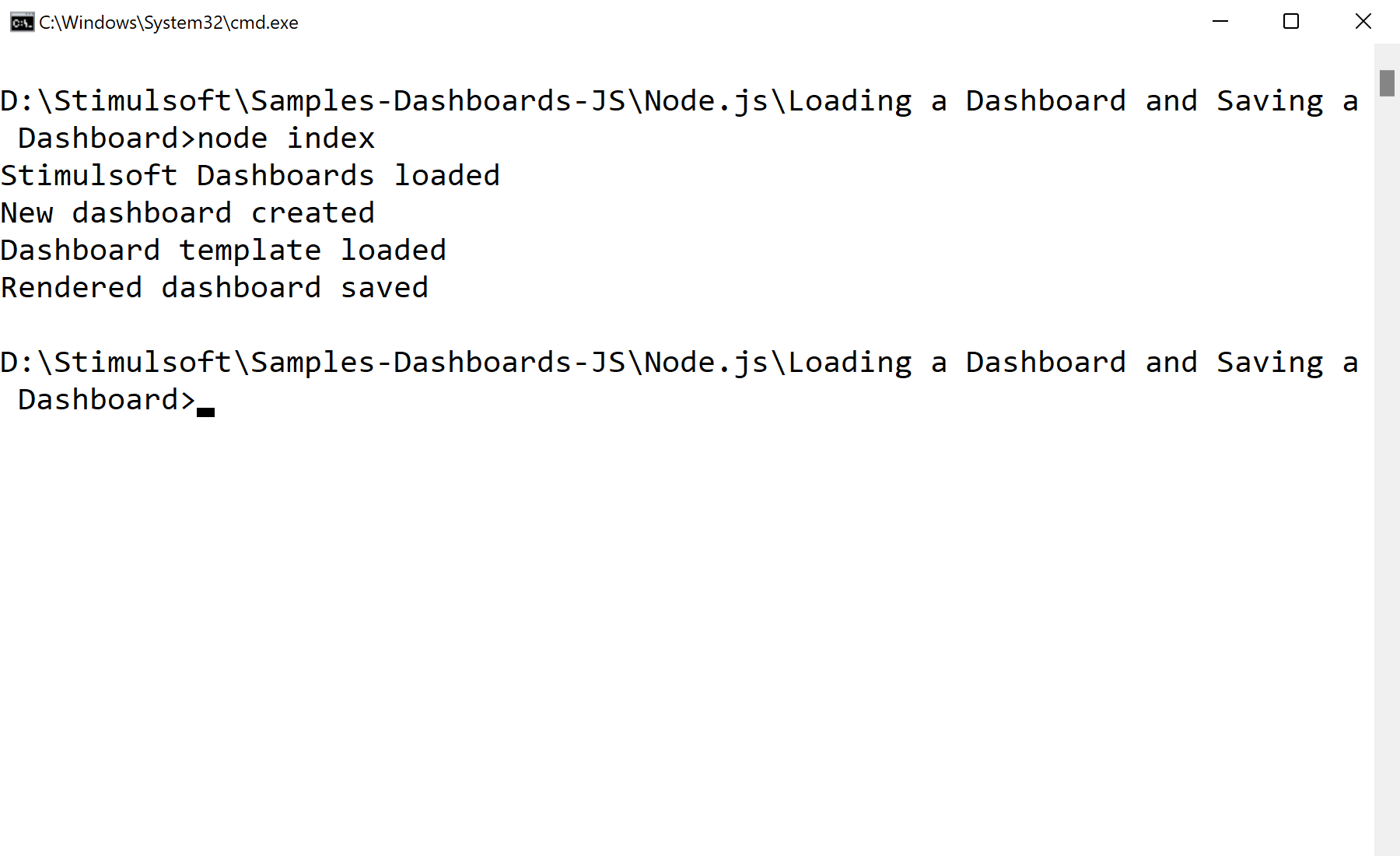
In the screenshot below you can see the result of the sample code:
Load, then save.
var Stimulsoft = require('stimulsoft-dashboards-js');

var report = Stimulsoft.Report.StiReport.createNewDashboard();
report.loadFile("Dashboard.mrt");

report.saveFile("Dashboard2.mrt");report.loadFile(path)— open a dashboard template from disk.report.saveFile(path)— write it back out, e.g. after programmatic changes.
How it works. The template round-trips through the filesystem, so dashboards can be read, modified and re-saved entirely on the server.
In the screenshot below you can see the result of the sample code: