

















Cloud
Cloud-Dienstleistung für schnelle und effektive Analyse und Visualisierung von Daten für Ihr Business ohne eigene Applikationen zu erstellen oder zu programmieren.
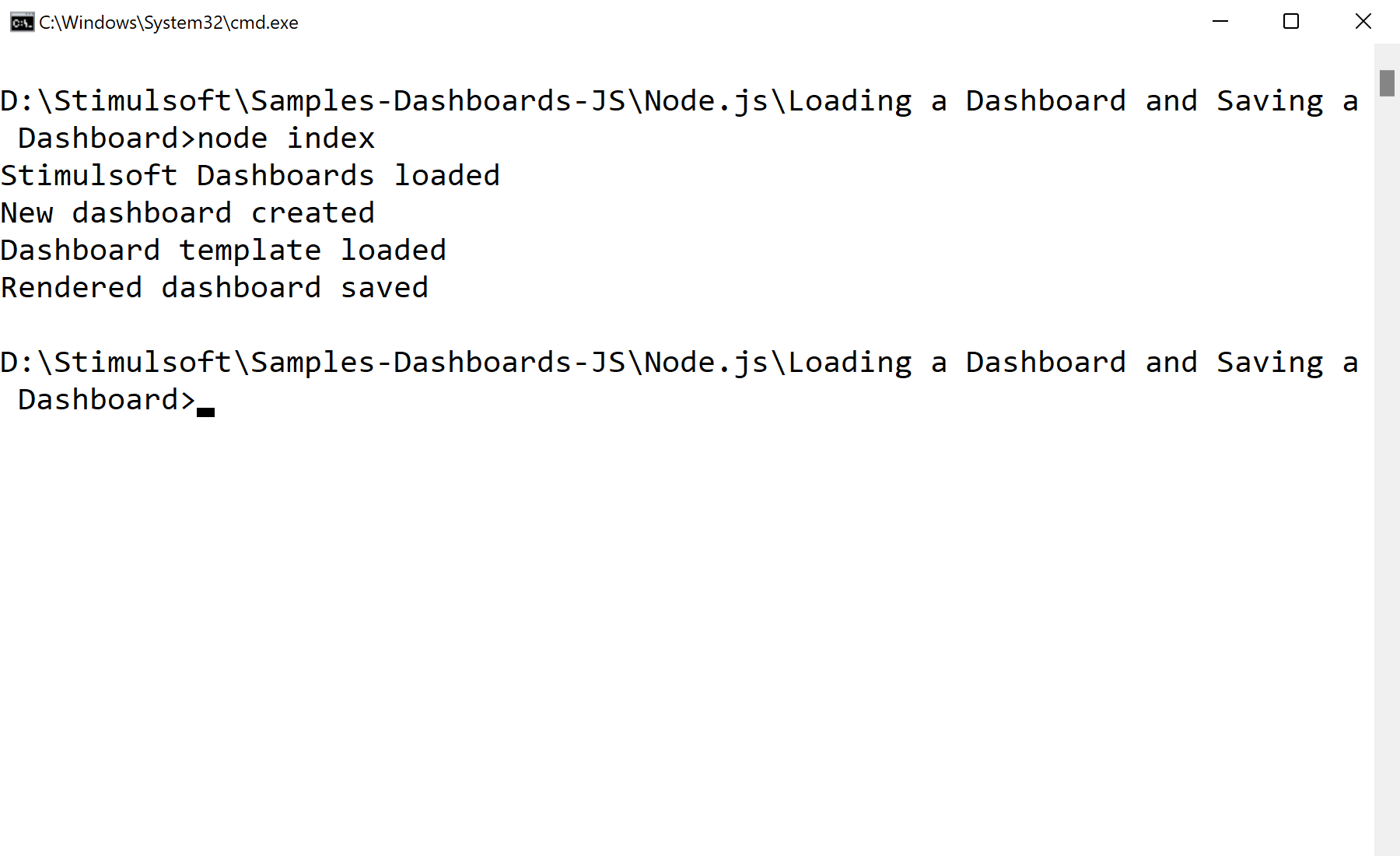
var Stimulsoft = require('stimulsoft-dashboards-js');

var report = Stimulsoft.Report.StiReport.createNewDashboard();
report.loadFile("Dashboard.mrt");

report.saveFile("Dashboard2.mrt");
report.loadFile(path) — open a dashboard template from disk.report.saveFile(path) — write it back out, e.g. after programmatic changes.