




















Exporting a Dashboard to Excel
Our sample projects and report templates can help you learn the basics of working with our products.On Node.js a dashboard can be rendered and exported to an Excel workbook without a browser.
Load and export to Excel.
How it works. The export format is just an enum value, so the same headless flow produces Excel, PDF and other formats.
In the screenshot below you can see the result of the sample code:
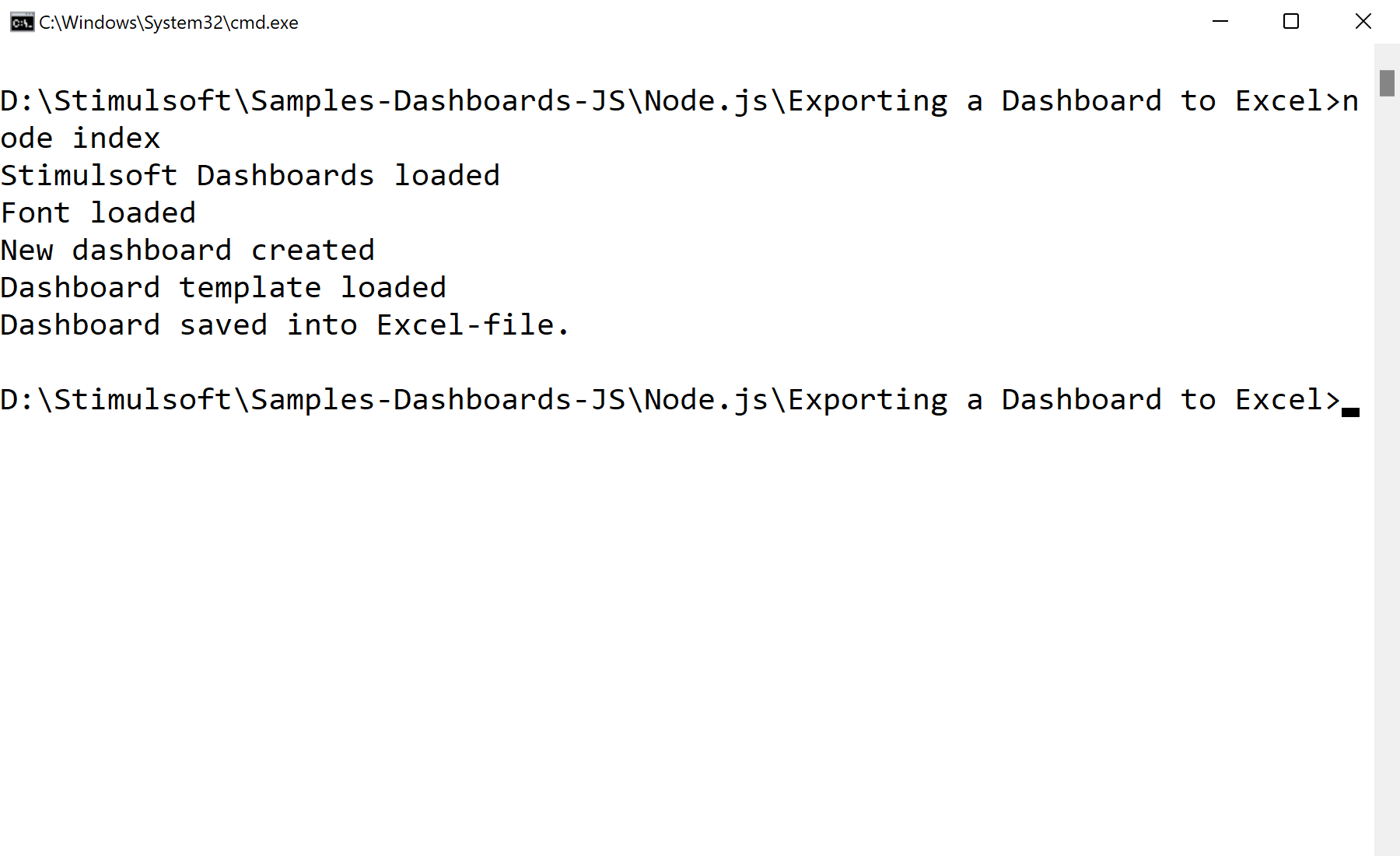
Load and export to Excel.
var Stimulsoft = require('stimulsoft-dashboards-js');

var report = Stimulsoft.Report.StiReport.createNewDashboard();
report.loadFile("Dashboard.mrt");

report.exportDocumentAsync(function (excelData) {
    var buffer = Buffer.from(excelData);
    require('fs').writeFileSync('./Dashboard.xlsx', buffer);
}, Stimulsoft.Report.StiExportFormat.Excel2007);
exportDocumentAsync(callback, StiExportFormat.Excel2007)— render the dashboard to XLSX bytes.Buffer.from(data)+fs.writeFileSync— write the workbook to disk.
How it works. The export format is just an enum value, so the same headless flow produces Excel, PDF and other formats.
In the screenshot below you can see the result of the sample code: