

















Cloud
Cloud-Dienstleistung für schnelle und effektive Analyse und Visualisierung von Daten für Ihr Business ohne eigene Applikationen zu erstellen oder zu programmieren.
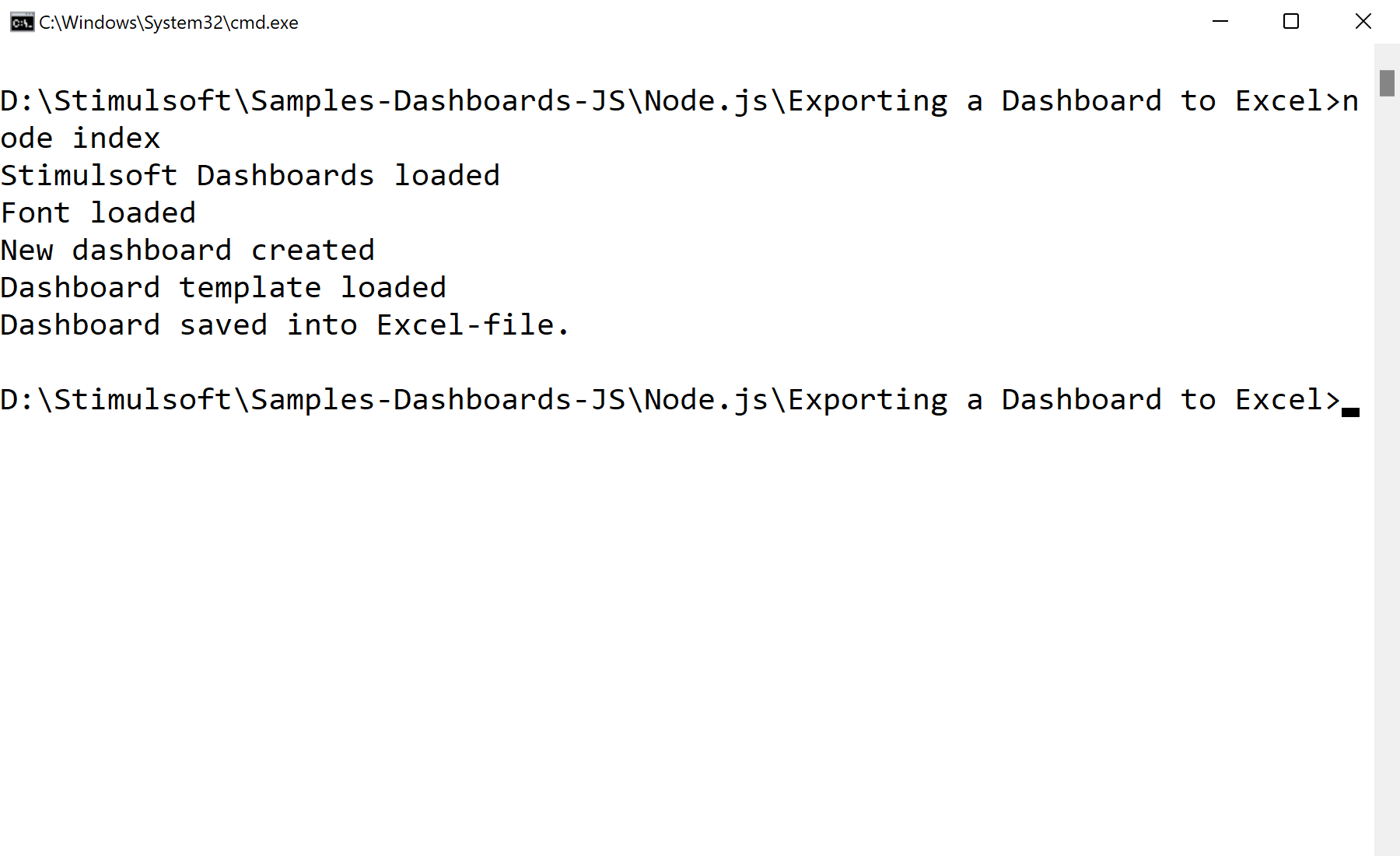
var Stimulsoft = require('stimulsoft-dashboards-js');

var report = Stimulsoft.Report.StiReport.createNewDashboard();
report.loadFile("Dashboard.mrt");

report.exportDocumentAsync(function (excelData) {
    var buffer = Buffer.from(excelData);
    require('fs').writeFileSync('./Dashboard.xlsx', buffer);
}, Stimulsoft.Report.StiExportFormat.Excel2007);
exportDocumentAsync(callback, StiExportFormat.Excel2007) — render the dashboard to XLSX bytes.Buffer.from(data) + fs.writeFileSync — write the workbook to disk.