




















Showing a Report in the Viewer
Our sample projects and report templates can help you learn the basics of working with our products.Stimulsoft ships native Blazor components, so the viewer is placed as a Razor tag and fed a
Place the viewer component.
How it works. The component renders the bound report entirely in the browser, updating whenever the
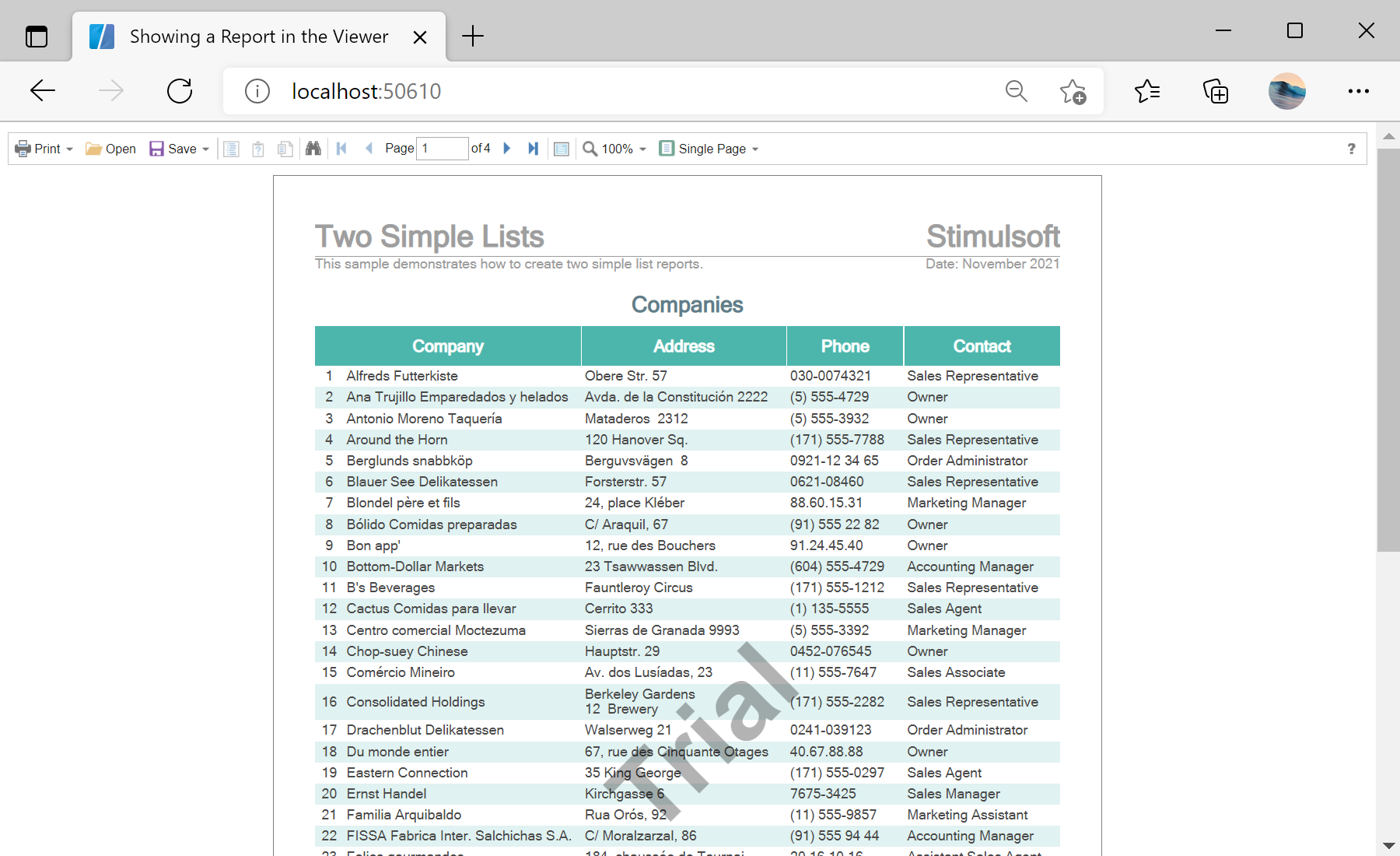
In the screenshot below you can see the result of the sample code:
StiReport object.Place the viewer component.
<StiBlazorViewer Report="@Report" />OnInitializedAsync:private StiReport Report;
protected override async Task OnInitializedAsync()
{
Report = new StiReport();
var bytes = await Http.GetByteArrayAsync("Reports/TwoSimpleLists.mrt");
Report.Load(bytes);
}StiBlazorViewer— the native Blazor viewer; bind itsReportparameter to your report object.Http.GetByteArrayAsync— fetches the.mrtfrom wwwroot (WebAssembly), thenLoad(bytes)opens it.
How it works. The component renders the bound report entirely in the browser, updating whenever the
Report object changes.In the screenshot below you can see the result of the sample code: