Cloud
Cloud-Dienstleistung für schnelle und effektive Analyse und Visualisierung von Daten für Ihr Business ohne eigene Applikationen zu erstellen oder zu programmieren.
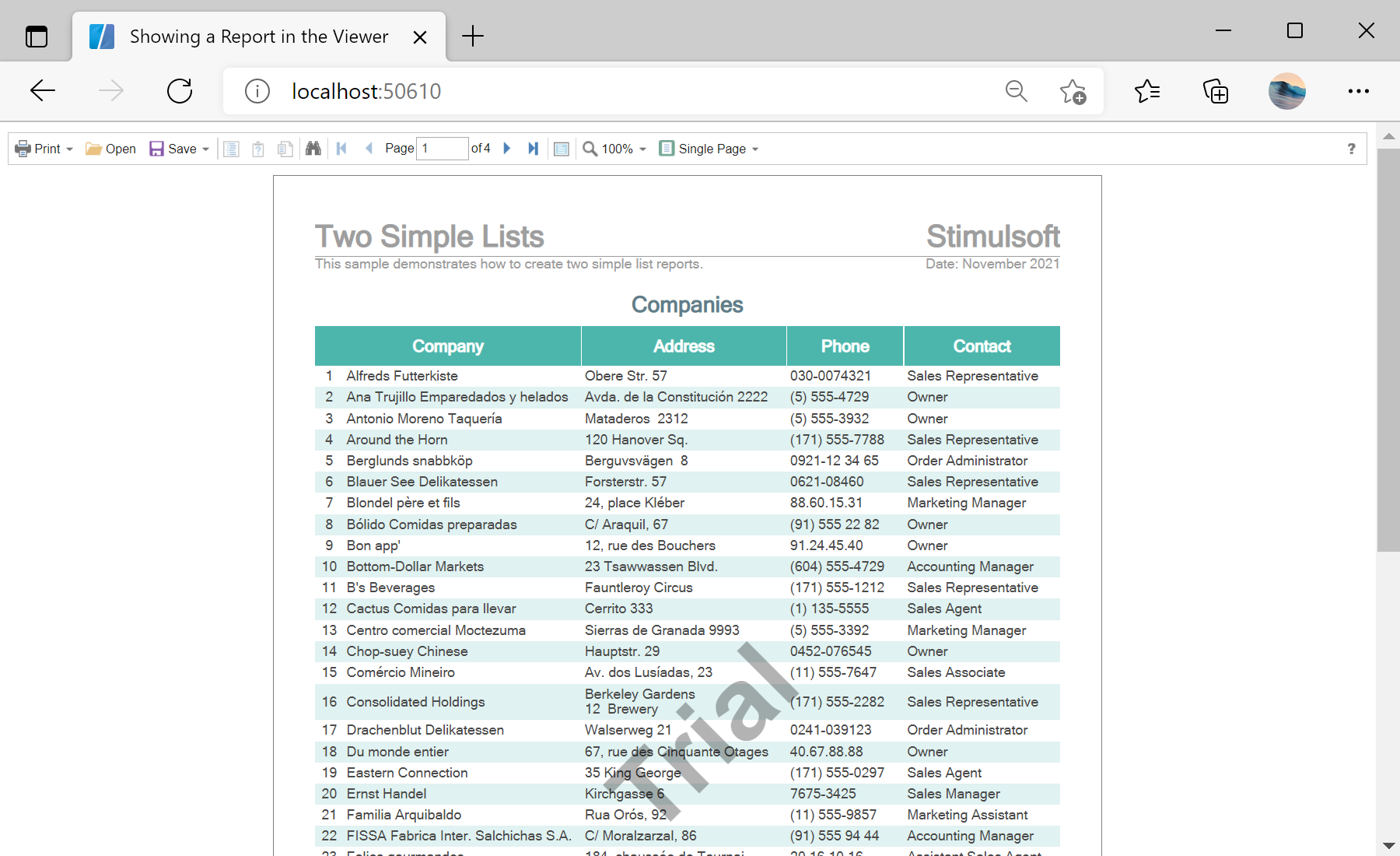
StiReport object.<StiBlazorViewer Report="@Report" />OnInitializedAsync:private StiReport Report;
protected override async Task OnInitializedAsync()
{
Report = new StiReport();
var bytes = await Http.GetByteArrayAsync("Reports/TwoSimpleLists.mrt");
Report.Load(bytes);
}StiBlazorViewer — the native Blazor viewer; bind its Report parameter to your report object.Http.GetByteArrayAsync — fetches the .mrt from wwwroot (WebAssembly), then Load(bytes) opens it.Report object changes.