




















Showing a Report in the Viewer
Our sample projects and report templates can help you learn the basics of working with our products.Stimulsoft provides native Blazor components, so the viewer is used as a Razor tag.
Viewer setup. Configure the viewer, load the report, assign it to the component, and process the requests or events raised by the UI.
In the screenshot below you can see the result of the sample code:
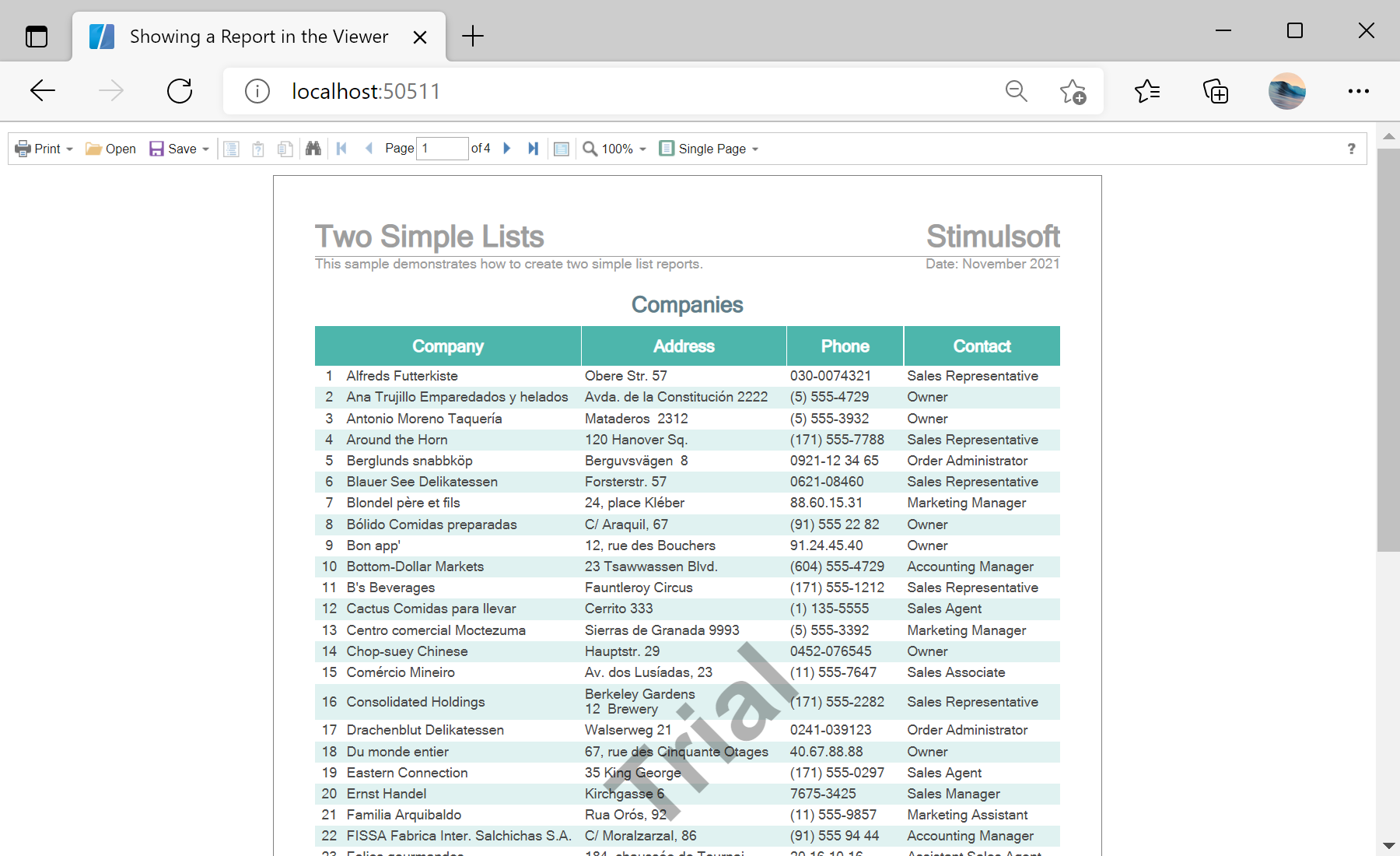
Viewer setup. Configure the viewer, load the report, assign it to the component, and process the requests or events raised by the UI.
@page "/"
@using Stimulsoft.Report
@using Stimulsoft.Report.Blazor

<StiBlazorViewer Report="@Report" />

@code {
    private StiReport Report;

    protected override void OnInitialized()
    {
        base.OnInitialized();
        this.Report = new StiReport();
        this.Report.Load("Reports/TwoSimpleLists.mrt");
    }
}<StiBlazorViewer> component binds to a StiReport through its Report parameter. The report is created and loaded in OnInitialized, and the viewer renders it in the browser.In the screenshot below you can see the result of the sample code: