Cloud
Cloud-Dienstleistung für schnelle und effektive Analyse und Visualisierung von Daten für Ihr Business ohne eigene Applikationen zu erstellen oder zu programmieren.
@page "/"
@using Stimulsoft.Report
@using Stimulsoft.Report.Blazor

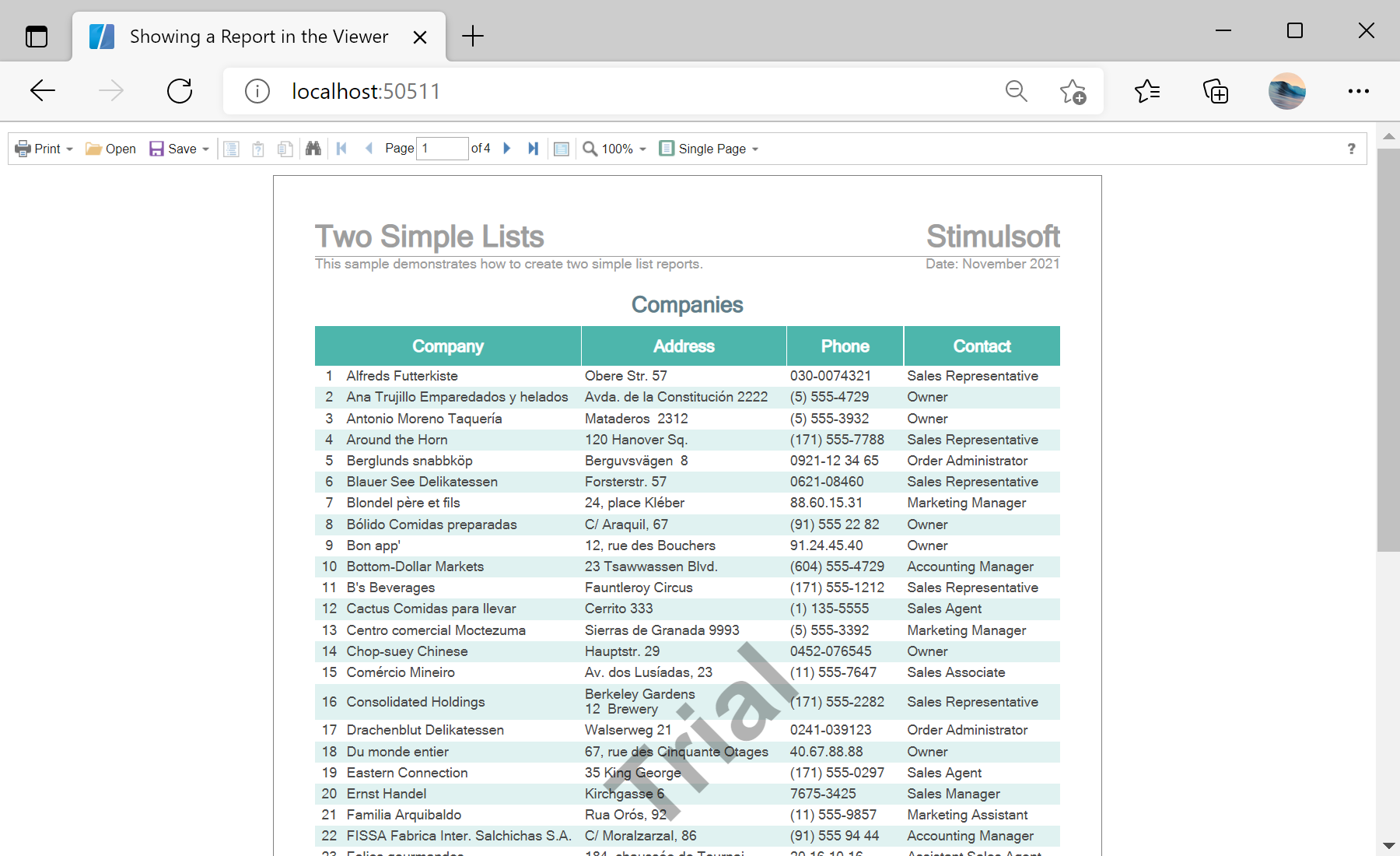
<StiBlazorViewer Report="@Report" />

@code {
    private StiReport Report;

    protected override void OnInitialized()
    {
        base.OnInitialized();
        this.Report = new StiReport();
        this.Report.Load("Reports/TwoSimpleLists.mrt");
    }
}<StiBlazorViewer> component binds to a StiReport through its Report parameter. The report is created and loaded in OnInitialized, and the viewer renders it in the browser.