




















Showing a Dashboard in the Viewer
Our sample projects and report templates can help you learn the basics of working with our products.The Dashboards.PHP viewer is created on the server with the PHP SDK, which emits the JavaScript viewer into the page. A dashboard is just a report loaded from a
Create the viewer, load the dashboard.
How it works. PHP configures and wires the viewer, but the dashboard renders client-side, so the same page both serves the viewer and answers its requests.
In the screenshot below you can see the result of the sample code:
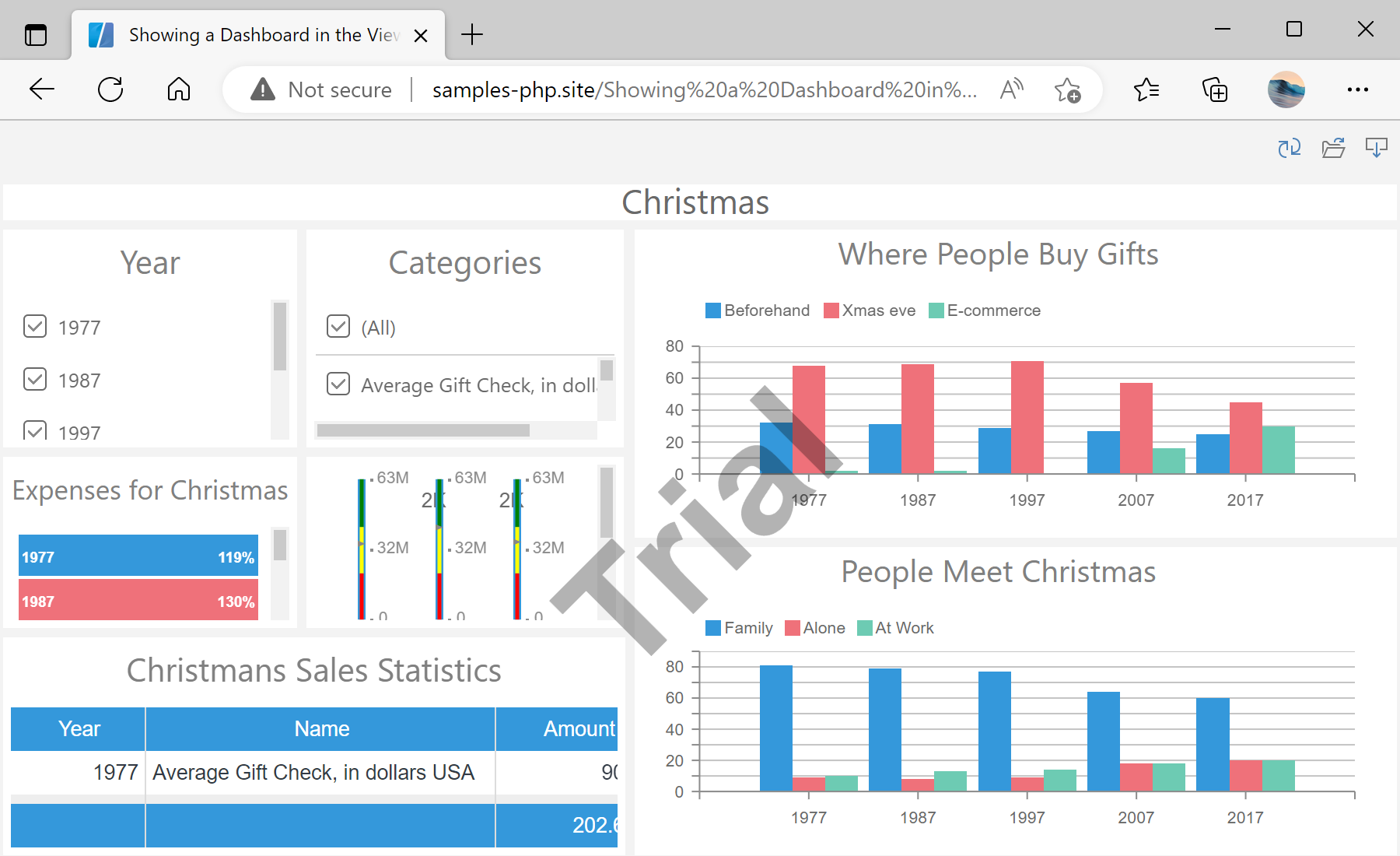
.mrt file.Create the viewer, load the dashboard.
$viewer = new StiViewer();
$viewer->javascript->relativePath = '../';
$viewer->process();

$report = new StiReport();
$report->loadFile('../reports/Christmas.mrt');
$viewer->report = $report;

$viewer->printHtml();$viewer->process()— handles the viewer's AJAX callbacks;printHtml()outputs the ready page.$report->loadFile(...)— emits JS to load the dashboard; it loads in the browser, not on the server.
How it works. PHP configures and wires the viewer, but the dashboard renders client-side, so the same page both serves the viewer and answers its requests.
In the screenshot below you can see the result of the sample code: