Cloud
Cloud-Dienstleistung für schnelle und effektive Analyse und Visualisierung von Daten für Ihr Business ohne eigene Applikationen zu erstellen oder zu programmieren.
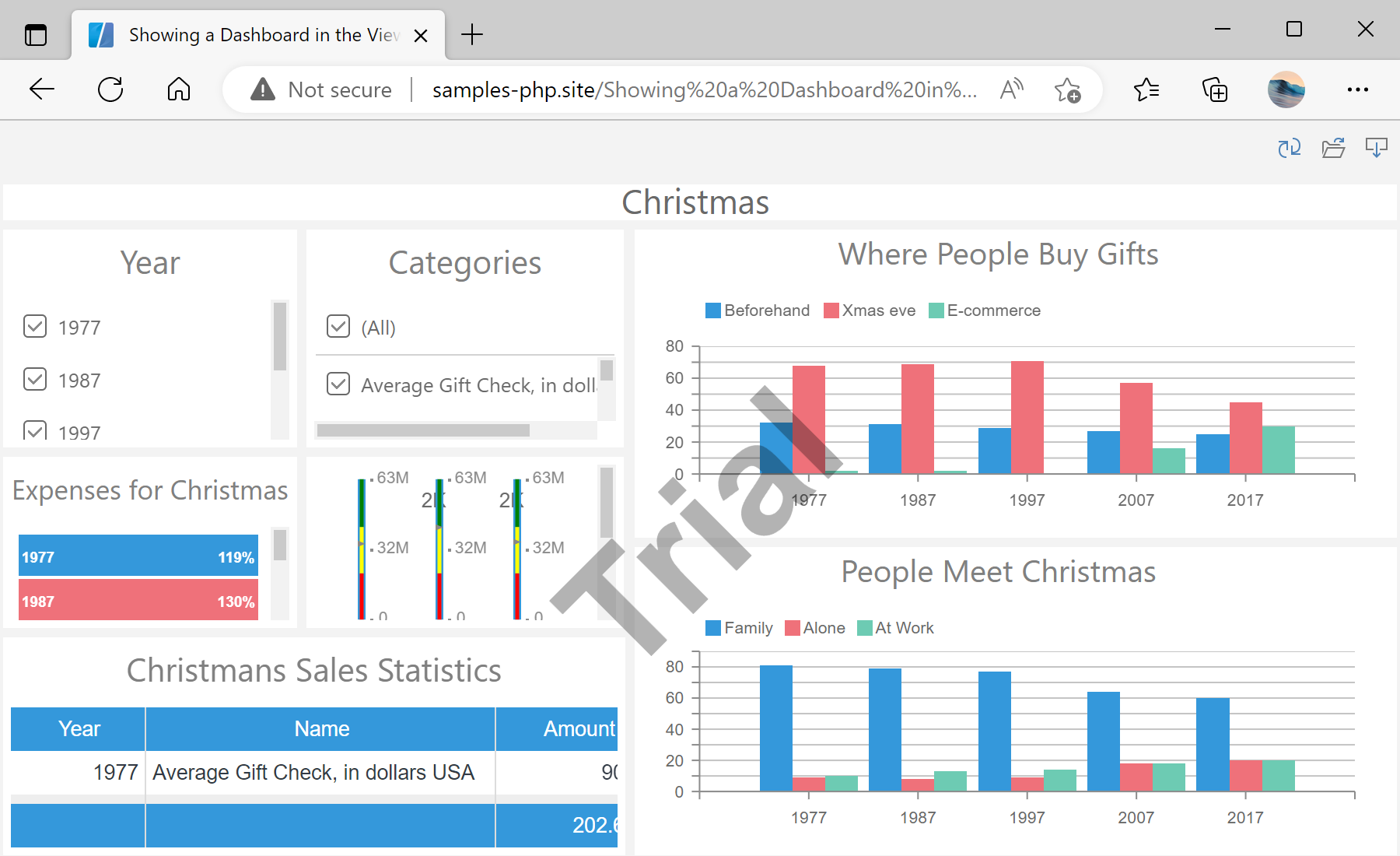
.mrt file.$viewer = new StiViewer();
$viewer->javascript->relativePath = '../';
$viewer->process();
$report = new StiReport();
$report->loadFile('../reports/Christmas.mrt');
$viewer->report = $report;
$viewer->printHtml();$viewer->process() — handles the viewer's AJAX callbacks; printHtml() outputs the ready page.$report->loadFile(...) — emits JS to load the dashboard; it loads in the browser, not on the server.