




















Logging to the Server
Our sample projects and report templates can help you learn the basics of working with our products.This example is outdated, you can check out the many other new examples in this category.This sample project shows how to login to the Server with user name and password. For this purpose you can use the login REST command. As parameters, you need to specify the user name (Email) and password. These parameters can be passed in the HTTP request header:
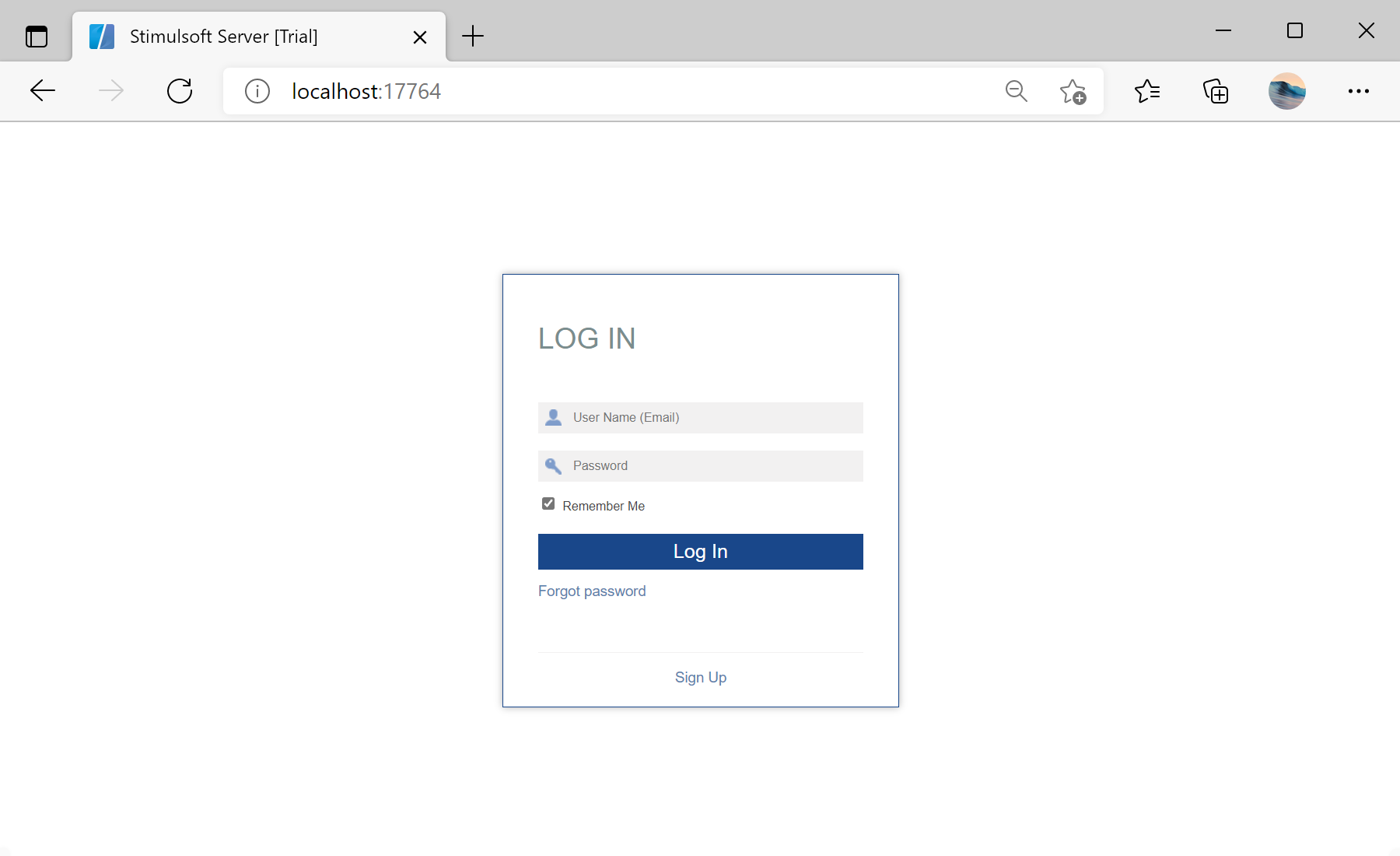
In the screenshot below you can see the result of the sample code:
#region Login
url = "http://localhost:40010/1/login";

var request = WebRequest.Create(url);
request.Headers.Add("x-sti-UserName", "1@1.com";);
request.Headers.Add("x-sti-Password", "111111");

var stream = request.GetResponse().GetResponseStream();
var sr = new StreamReader(stream);
string Out = sr.ReadToEnd();
sr.Close();
var json = JObject.Parse(Out);
// Get session key
var sessionKey = (string)json["ResultSessionKey"];
#endregion
In the screenshot below you can see the result of the sample code: