




















Using Report Variables in Code
Our sample projects and report templates can help you learn the basics of working with our products.Load the report template in .NET Framework, assign its variables from application code, and continue with rendering.
Supplying values. Load the template, resolve its variables, assign the application values, and render or display the updated report.
In the screenshot below you can see the result of the sample code:
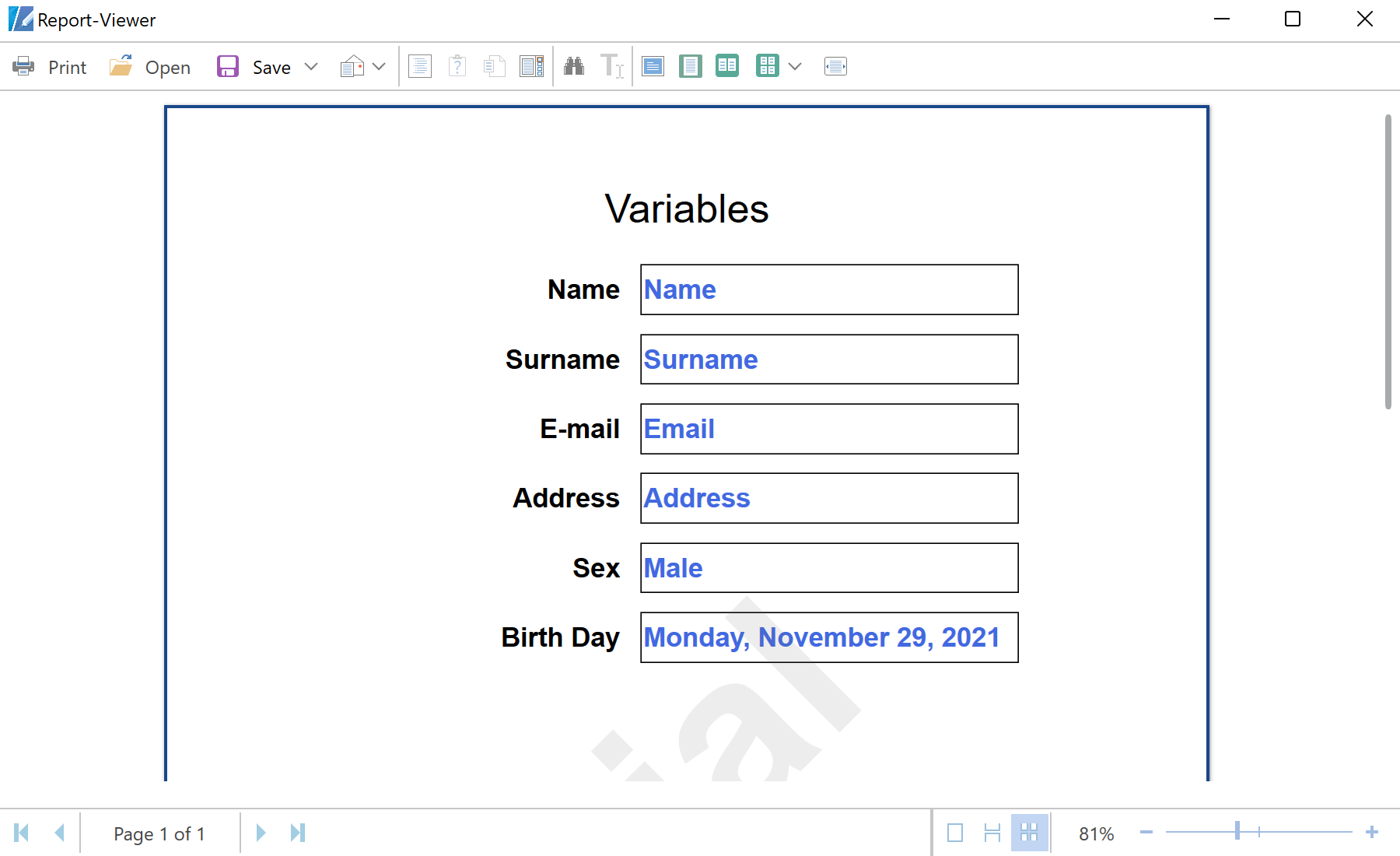
Supplying values. Load the template, resolve its variables, assign the application values, and render or display the updated report.
var report = new StiReport();
report.Load(@"Reports\Variables.mrt");
report.Compile();

report["Name"] = TextBoxName.Text;
report["Surname"] = TextBoxSurname.Text;
report["Email"] = TextBoxEmail.Text;
report["Sex"] = RadioButtonMale.IsChecked.GetValueOrDefault();

report.ShowWithWpf();report["Name"]) reads and writes report variables by name. Values are assigned after Compile() and before rendering, so the report is generated with exactly the data your application supplies.In the screenshot below you can see the result of the sample code: