




















Using a Custom Data Adapter
Our sample projects and report templates can help you learn the basics of working with our products.For a data source that is not built in, you can register a custom data adapter and use it in the WPF designer.
Preparing the data. Read or create the data source, register it in the report dictionary, synchronize the schema, and render with the supplied records.
In the screenshot below you can see the result of the sample code:
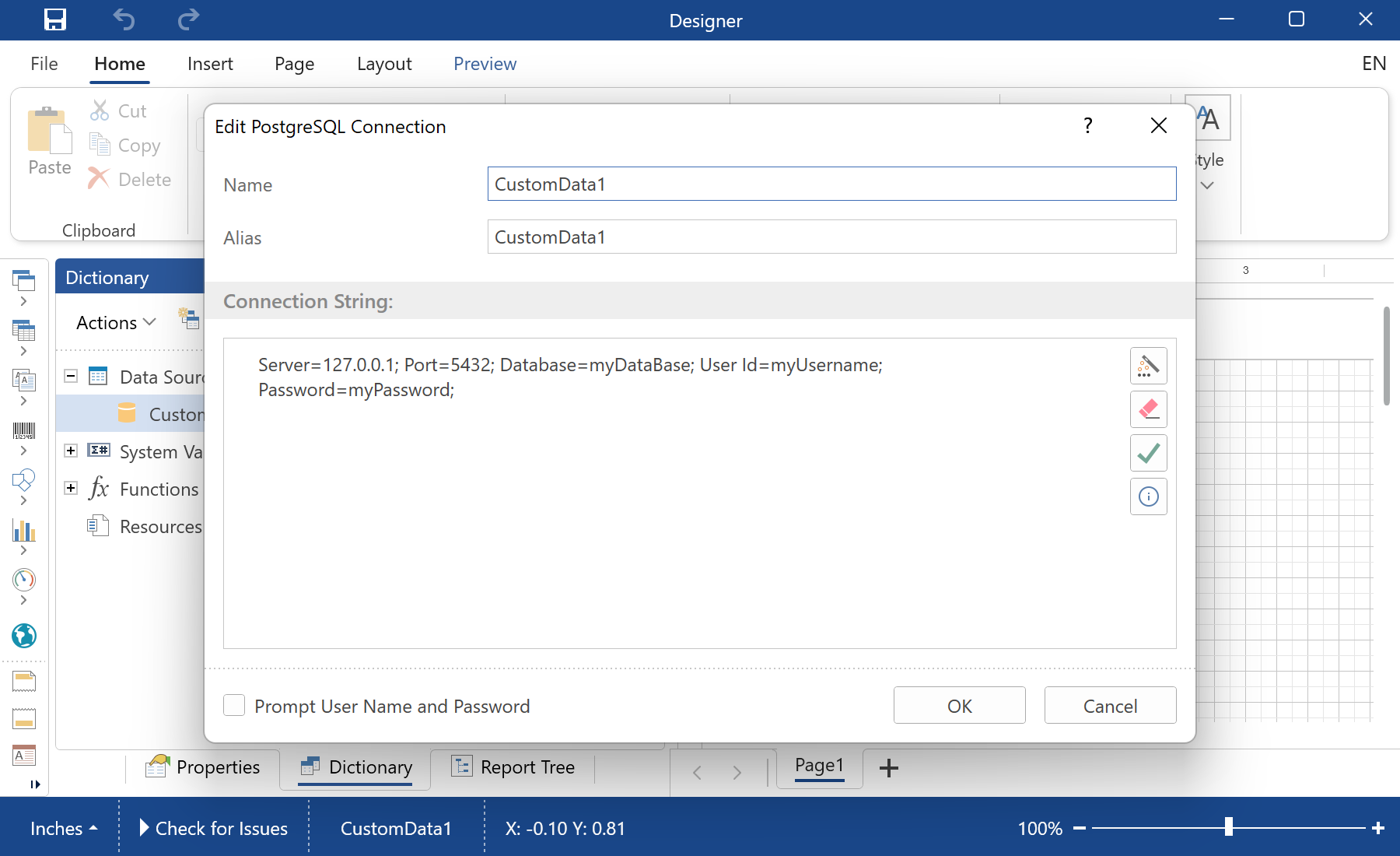
Preparing the data. Read or create the data source, register it in the report dictionary, synchronize the schema, and render with the supplied records.
StiOptions.Services.Databases.Clear();
StiOptions.Services.Databases.Add(new CustomPostgreSQLDatabase());
StiOptions.Services.DataAdapters.Add(new CustomPostgreSQLAdapterService());

var report = new StiReport();
var database = new CustomPostgreSQLDatabase("CustomData1",
    "Server=127.0.0.1; Port=5432; Database=myDataBase; User Id=myUsername; Password=myPassword;");
report.Dictionary.Databases.Add(database);
report.DesignV2WithWpf();StiOptions.Services, the new source works in the designer and the engine like any built-in one.In the screenshot below you can see the result of the sample code: