




















Printing a Report from Code
Our sample projects and report templates can help you learn the basics of working with our products.Render the report in .NET Framework and start the print workflow with settings supplied by the application.
Printing from code. Load and render the report, apply the printer settings, and start the print workflow from application code.
In the screenshot below you can see the result of the sample code:
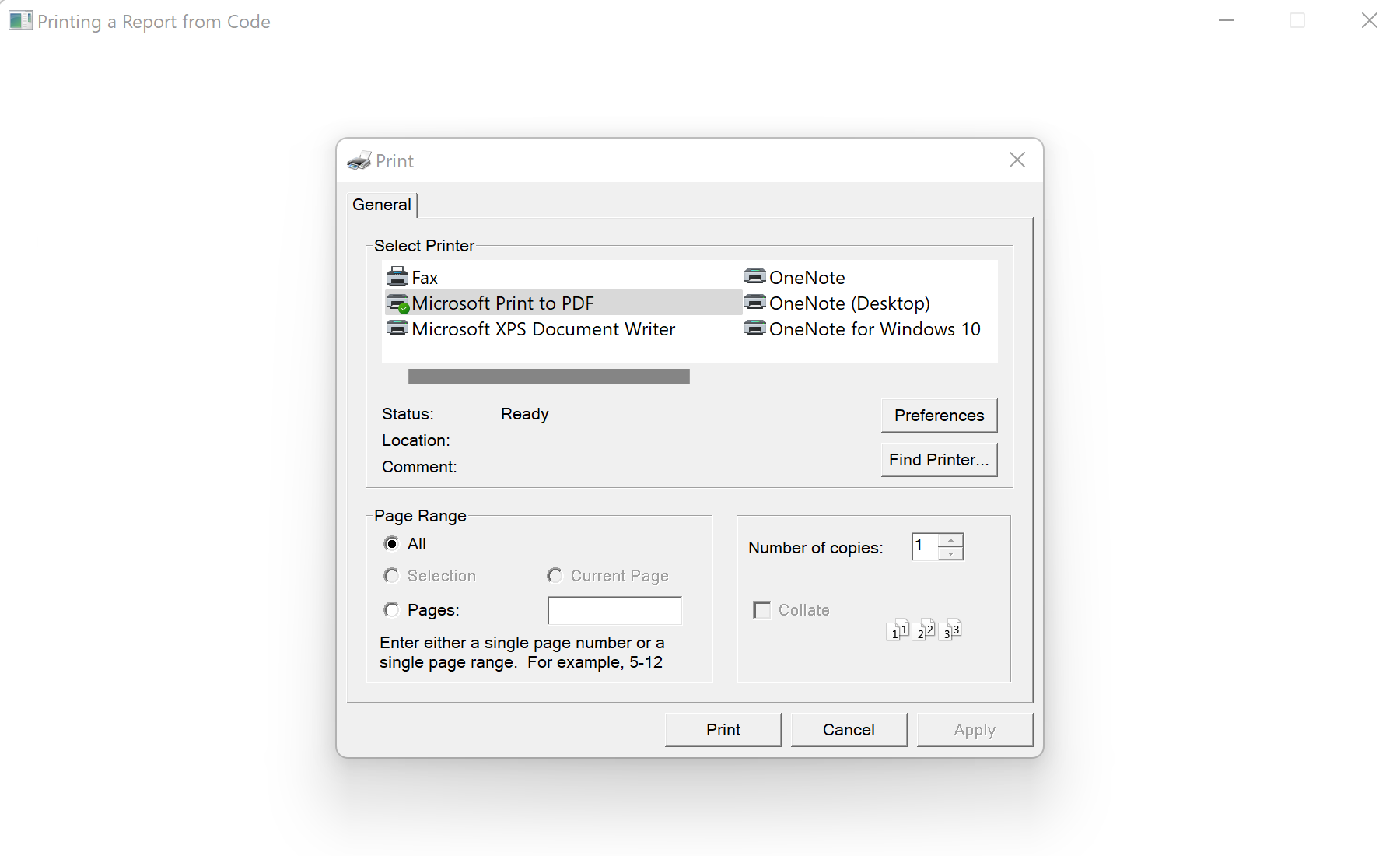
Printing from code. Load and render the report, apply the printer settings, and start the print workflow from application code.
var report = new StiReport();
report.Load(@"Reports\TwoSimpleLists.mrt");
report.PrintWithWpf();
PrintWithWpf() renders the report if needed and opens the WPF print dialog, so the document is printed with the platform's native printing support. It is the WPF counterpart of the viewer's print command.In the screenshot below you can see the result of the sample code: