




















Rendering and Exporting a Report in the Console App
Our sample projects and report templates can help you learn the basics of working with our products.The report engine runs anywhere .NET runs — no web or desktop host required. A console app can render a template and export it to a file.
Load, render, export.
How it works. The same engine that powers the web viewer runs headless here, so reports can be generated from schedulers, services or command-line tools.
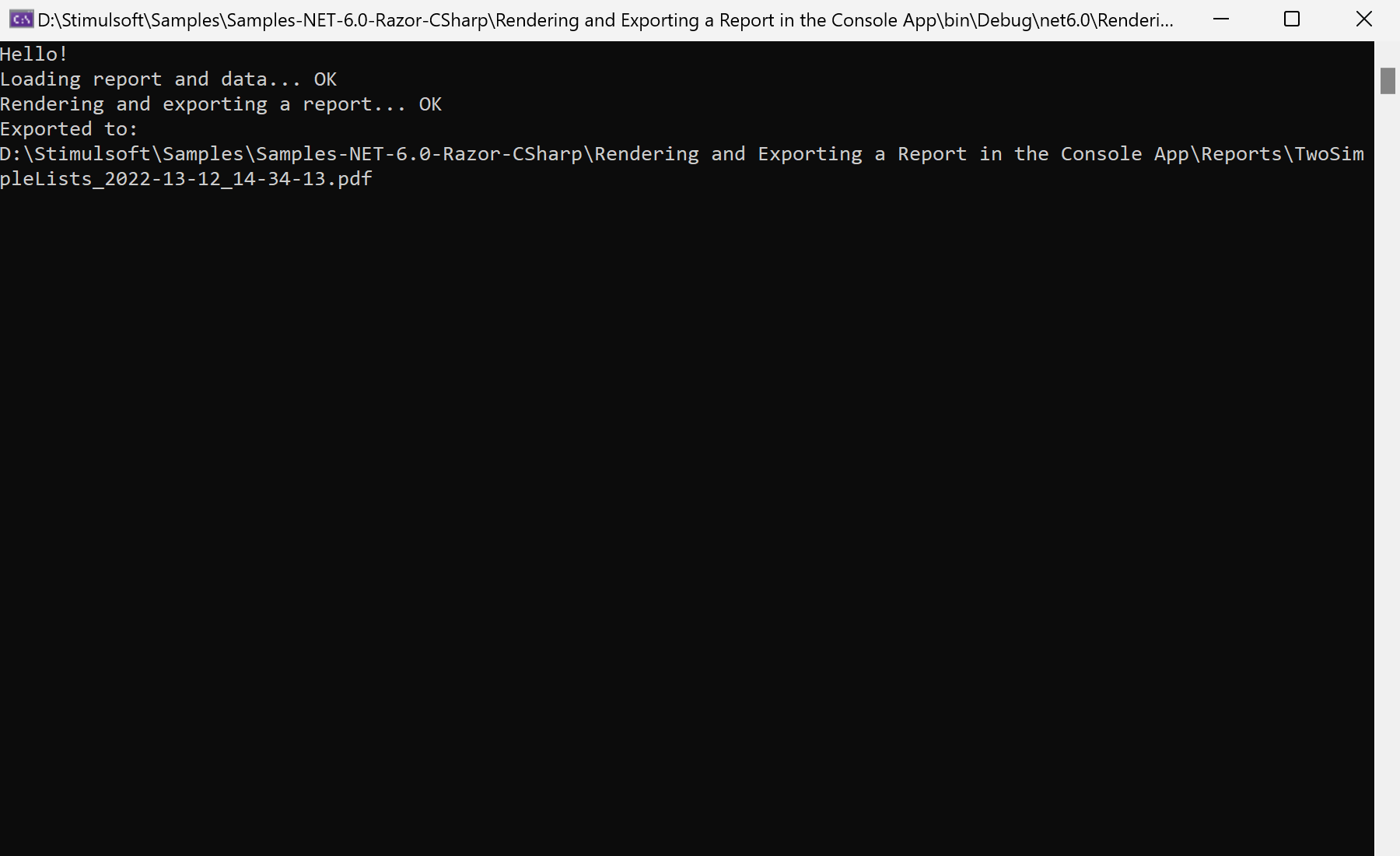
In the screenshot below you can see the result of the sample code:
Load, render, export.
var report = new StiReport();
report.Load($"{ReportsDirectory}/TwoSimpleLists.mrt");

report.Render(false);
report.ExportDocument(StiExportFormat.Pdf, exportFilePath);Render(false)— build the document without a progress dialog; required before export.ExportDocument(StiExportFormat.Pdf, path)— write the result to a file; anyStiExportFormatworks.
How it works. The same engine that powers the web viewer runs headless here, so reports can be generated from schedulers, services or command-line tools.
In the screenshot below you can see the result of the sample code: