




















Previewing a Report with AutoUpdate in Realtime
Our sample projects and report templates can help you learn the basics of working with our products.Components of an already-rendered report can be changed on the fly and reflected in the viewer immediately — the basis for live, animated previews.
Render and grab components. After rendering, pull the components you want to animate from the first page:
How it works. The preview control observes the rendered components, so property changes on a timer produce smooth real-time updates.
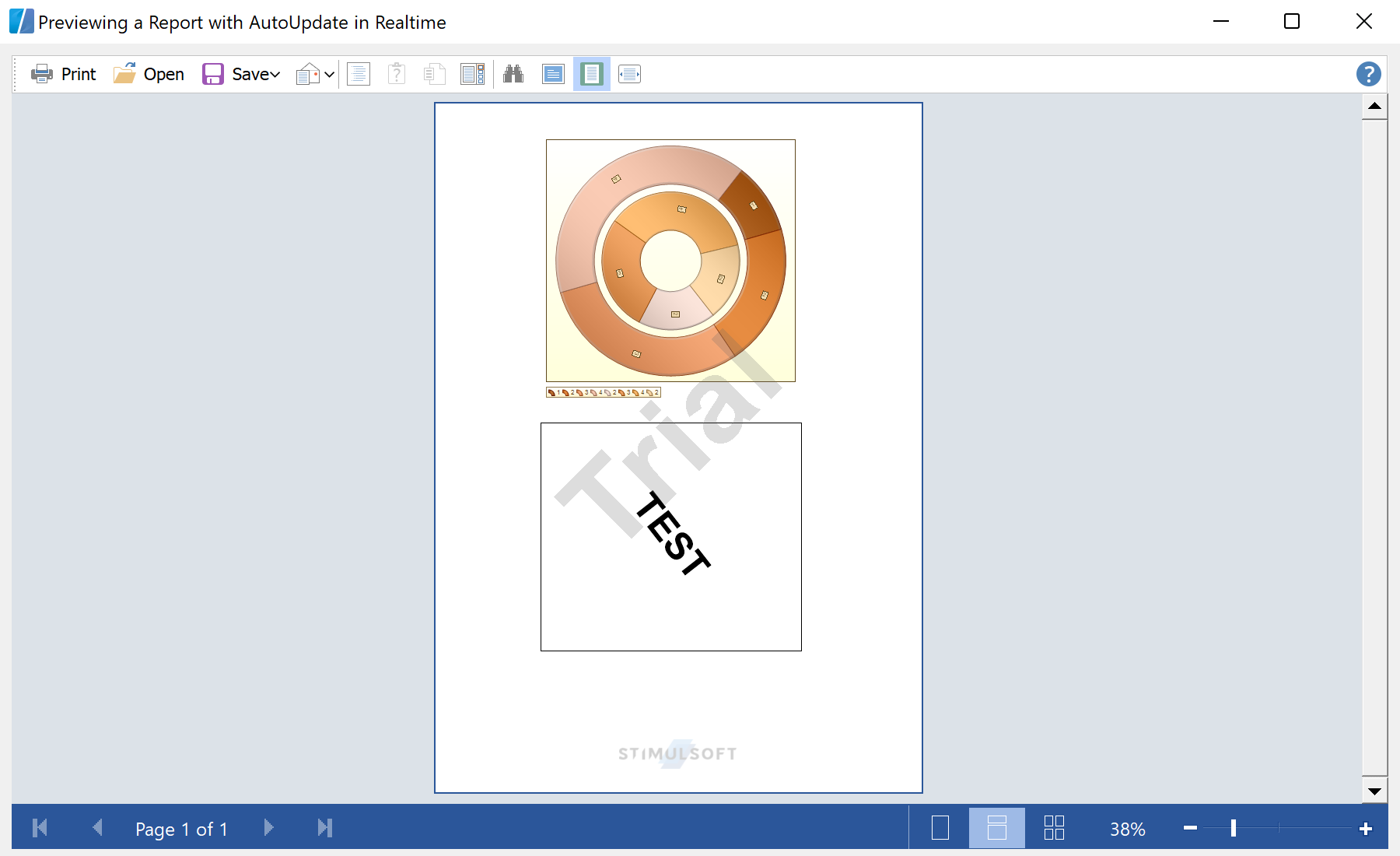
In the screenshot below you can see the result of the sample code:
Render and grab components. After rendering, pull the components you want to animate from the first page:
stiReport1.Render();
var comps = stiReport1.RenderedPages[0].GetComponents();
text  = comps["Text1"]  as StiText;
chart = comps["Chart1"] as StiChart;private void timer1_Tick(object sender, EventArgs e)
{
text.TextOptions.Angle = (text.TextOptions.Angle - 1 + 360) % 360;
((StiDoughnutSeries)chart.Series[0]).StartAngle -= 1;
}RenderedPages[0].GetComponents()— access the concrete component instances of the prepared document.- Assigning to their properties (here rotation angles) re-paints them in the viewer without a full re-render.
How it works. The preview control observes the rendered components, so property changes on a timer produce smooth real-time updates.
In the screenshot below you can see the result of the sample code: