




















Loading Scripts in Part to Minify Project
Our sample projects and report templates can help you learn the basics of working with our products.Reports.JS is modular — instead of the whole library, include only the parts your page needs to keep the download small.
Include only the modules you use.
How it works. Because the library is split by feature, omitting unused modules shrinks the total script payload the browser must load.
In the screenshot below you can see the result of the sample code:
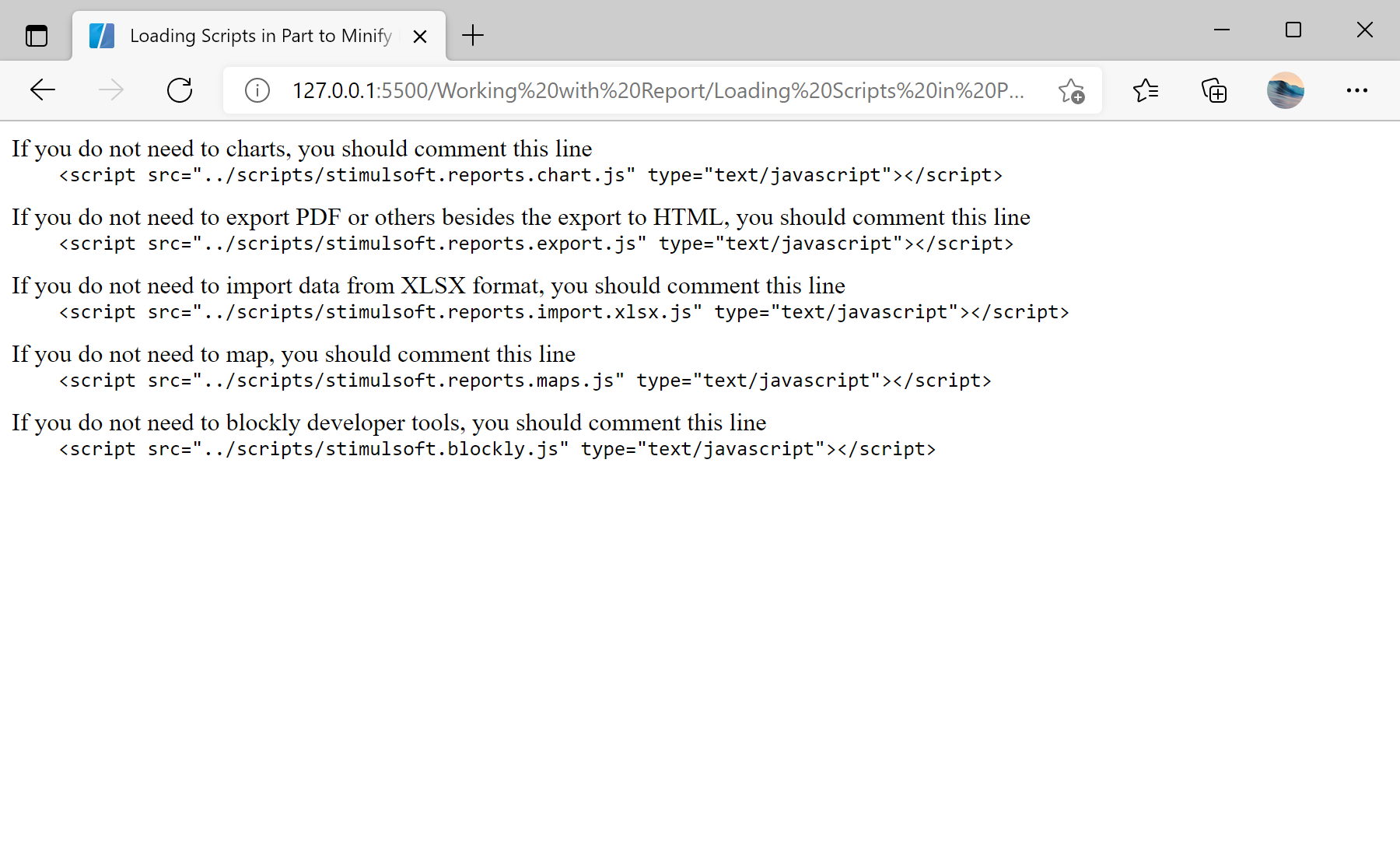
Include only the modules you use.
<script src="../scripts/stimulsoft.reports.engine.js"></script>
<script src="../scripts/stimulsoft.reports.chart.js"></script>       <!-- omit if no charts -->
<script src="../scripts/stimulsoft.reports.export.js"></script>      <!-- omit if only HTML export -->
<script src="../scripts/stimulsoft.reports.import.xlsx.js"></script> <!-- omit if no XLSX import -->
<script src="../scripts/stimulsoft.reports.maps.js"></script>        <!-- omit if no maps -->
<script src="../scripts/stimulsoft.blockly.editor.js"></script>stimulsoft.reports.engine.js— the core engine, always required.- Each extra module (charts, export, XLSX import, maps, blockly) is optional — drop the ones you do not use.
How it works. Because the library is split by feature, omitting unused modules shrinks the total script payload the browser must load.
In the screenshot below you can see the result of the sample code: