




















Exporting a Report with the Export Dialog
Our sample projects and report templates can help you learn the basics of working with our products.Exports can be routed through a save dialog that also exposes per-format export settings, via
Open the save dialog for a format.
How it works. The dialog wraps
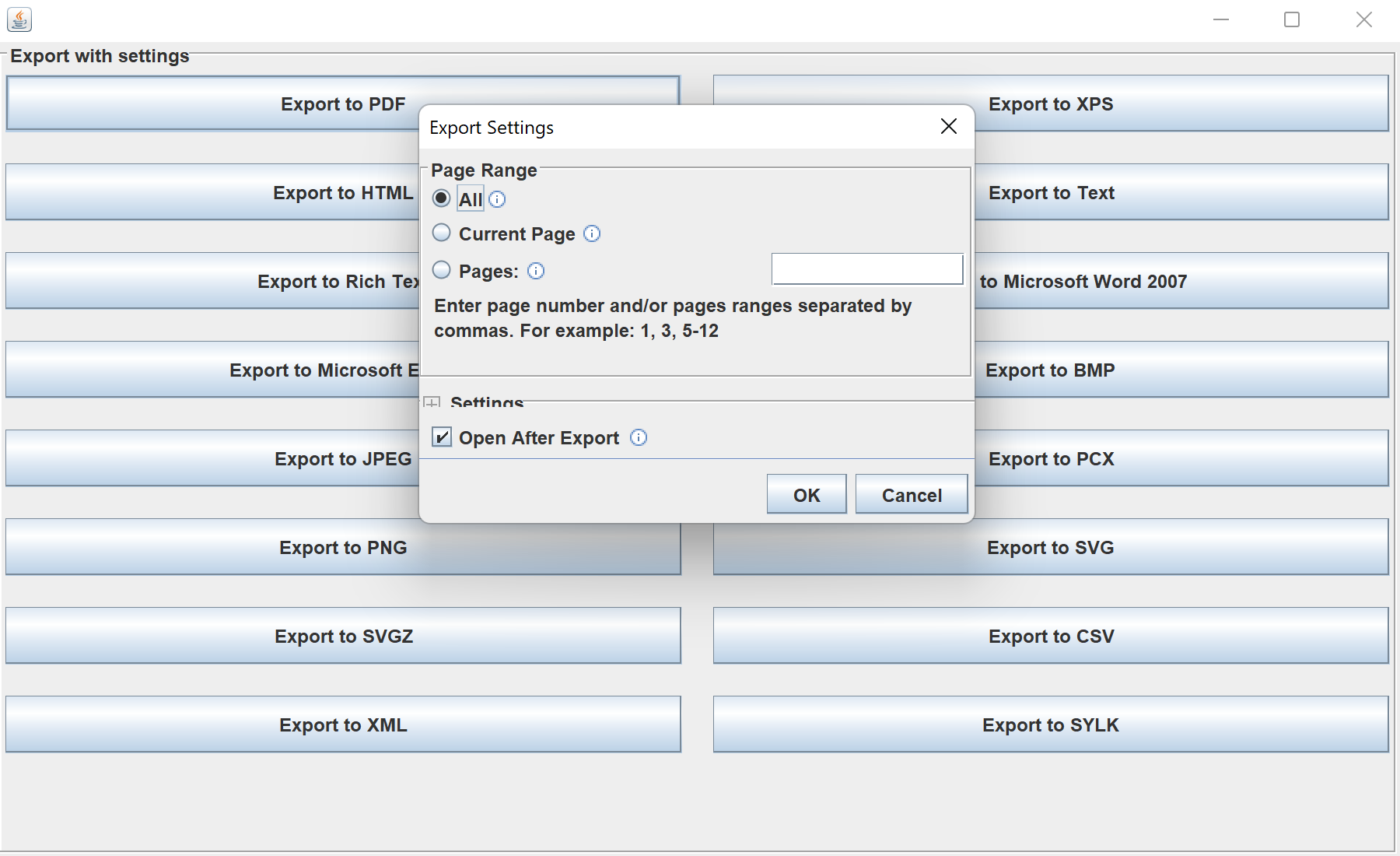
In the screenshot below you can see the result of the sample code:
StiFileSaveDialog.Open the save dialog for a format.
private void export(StiExportFormat format) {
    StiFileSaveDialog dialog = new StiFileSaveDialog(format, report, report.getReportAlias());
    // The dialog lets the user choose the file and adjust export settings,
    // then writes the document in the selected format.
}
StiFileSaveDialog(format, report, name)— shows a file chooser plus the settings panel for that export format.- The dialog handles rendering options and writing the file, so each format button just supplies its
StiExportFormat.
How it works. The dialog wraps
StiExportManager with a UI, letting users pick the destination and tune settings before the export runs.In the screenshot below you can see the result of the sample code: