Cloud
Cloud-Dienstleistung für schnelle und effektive Analyse und Visualisierung von Daten für Ihr Business ohne eigene Applikationen zu erstellen oder zu programmieren.
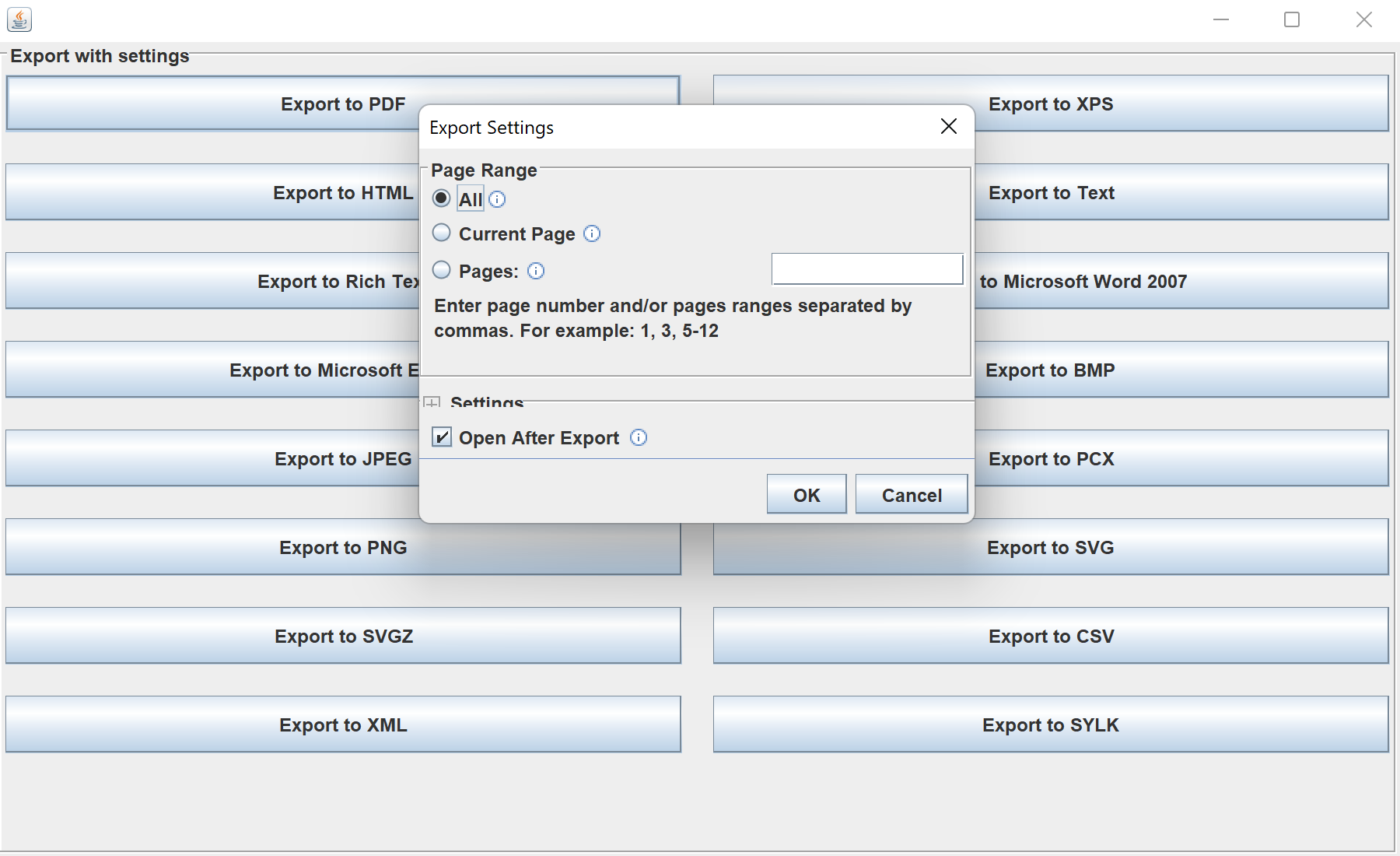
StiFileSaveDialog.private void export(StiExportFormat format) {
StiFileSaveDialog dialog = new StiFileSaveDialog(format, report, report.getReportAlias());
// The dialog lets the user choose the file and adjust export settings,
// then writes the document in the selected format.
}StiFileSaveDialog(format, report, name) — shows a file chooser plus the settings panel for that export format.StiExportFormat.StiExportManager with a UI, letting users pick the destination and tune settings before the export runs.