























Exporting a Report from Code
Our sample projects and report templates can help you learn the basics of working with our products.A rendered report can be exported to any supported format straight from Java code, using
Render, then export to a stream.
How it works. Each
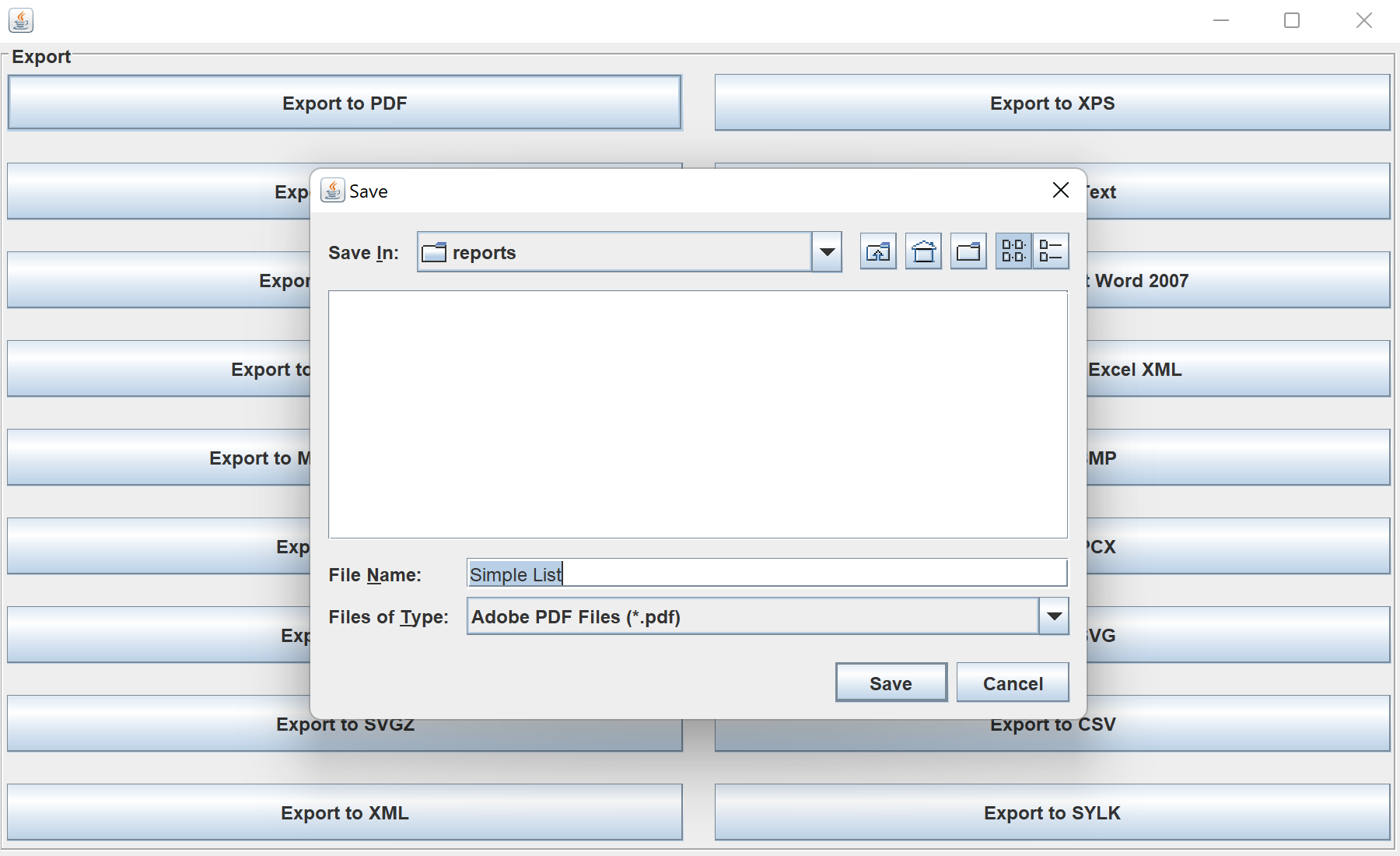
In the screenshot below you can see the result of the sample code:
StiExportManager.Render, then export to a stream.
StiReport report = StiSerializeManager.deserializeReport(new File(reportPath));
report.render();

try (FileOutputStream out = new FileOutputStream("report.pdf")) {
    StiExportManager.exportPdf(report, out);
    // StiExportManager.exportExcel(report, out);
    // StiExportManager.exportWord(report, out);
    // StiExportManager.exportHtml(report, out);
}report.render()— build the document before exporting.StiExportManager.exportPdf/exportExcel/exportWord/…(report, outputStream)— write the result in the chosen format.
How it works. Each
StiExportManager method serializes the rendered report to one format, so the same document can be saved as PDF, Office or image files.In the screenshot below you can see the result of the sample code: