




















Localizing the Viewer
Our sample projects and report templates can help you learn the basics of working with our products.The viewer interface can be localized by pointing its
Set the localization file.
How it works. The viewer loads its captions from the specified file, so switching language is a one-attribute change.
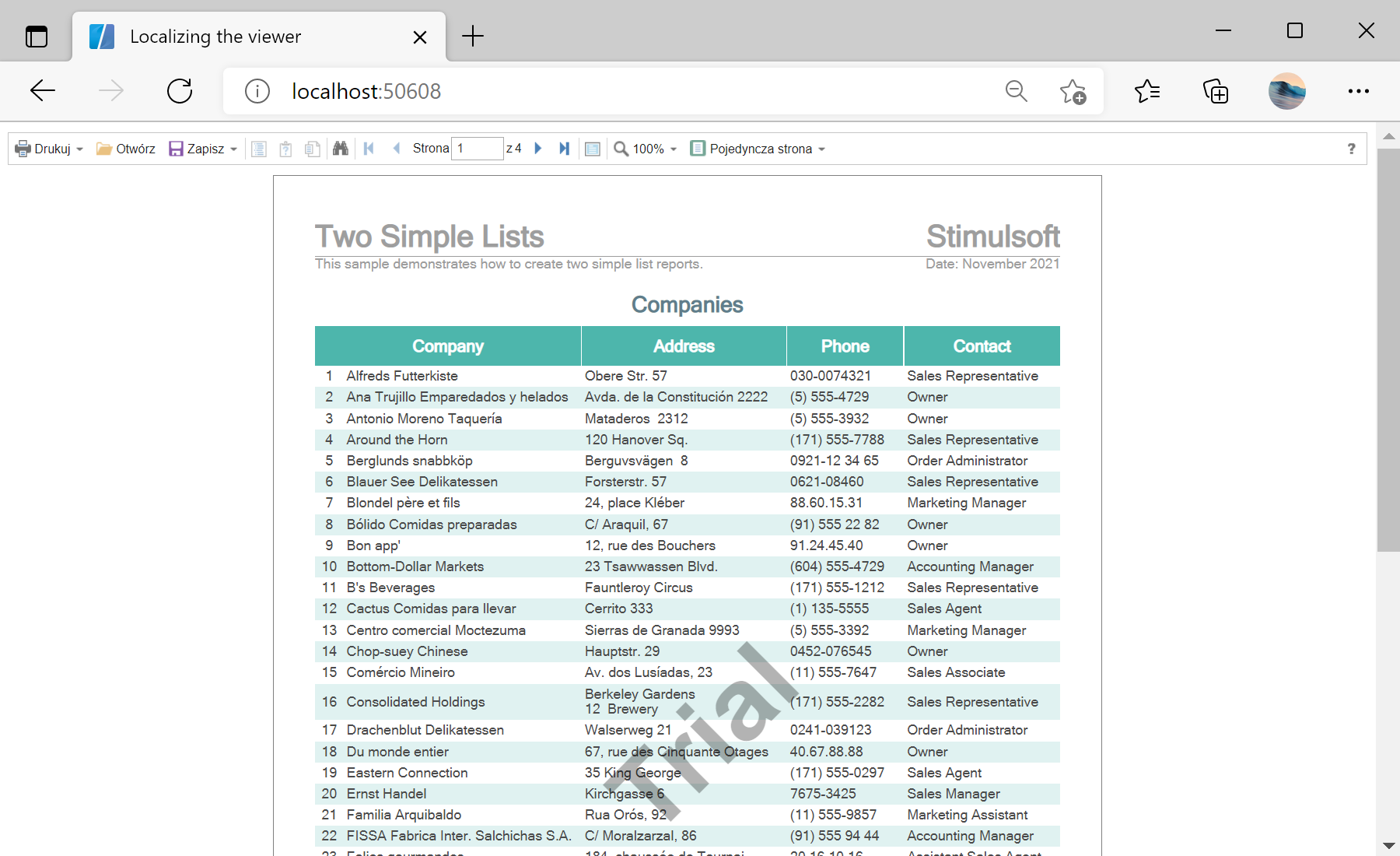
In the screenshot below you can see the result of the sample code:
Localization parameter at a Stimulsoft language XML file.Set the localization file.
<StiBlazorViewer Report="@Report" Localization="Localization/pl.xml" />Localization— a path (under wwwroot) to a Stimulsoft localization.xmlfor the target language.- The report itself is loaded the usual way in
OnInitializedAsync; only the UI captions change.
How it works. The viewer loads its captions from the specified file, so switching language is a one-attribute change.
In the screenshot below you can see the result of the sample code: