




















Exporting a Dashboard Asynchronously
Our sample projects and report templates can help you learn the basics of working with our products.Exporting a dashboard through the
Export without blocking.
How it works. The export runs asynchronously, so the form stays interactive until the file is written.
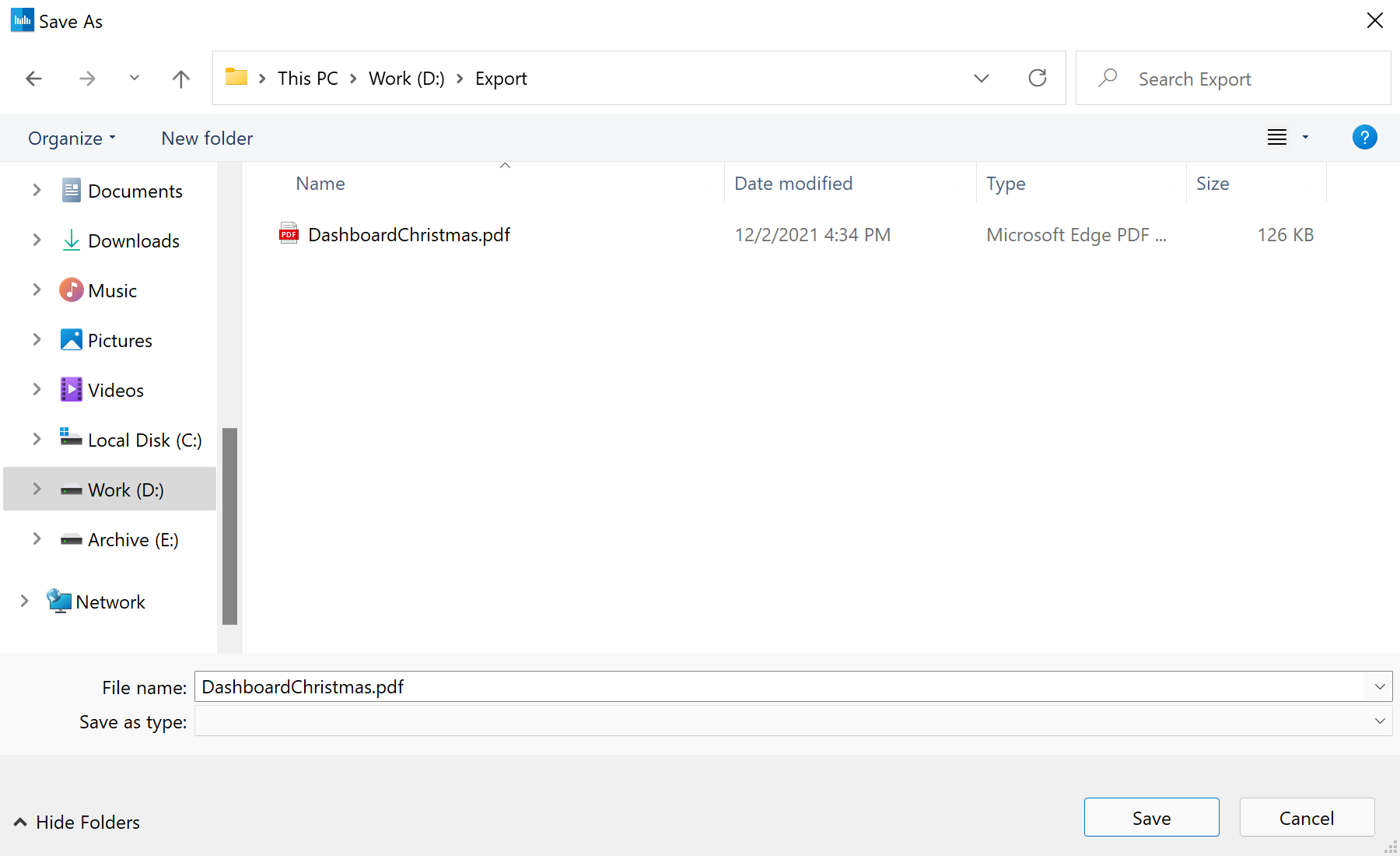
In the screenshot below you can see the result of the sample code:
async API keeps the UI responsive during long exports.Export without blocking.
Report = StiReport.CreateNewDashboard();
Report.Load("Dashboards\\DashboardChristmas.mrt");

await Report.ExportDocumentAsync(StiExportFormat.Pdf, "Dashboard.pdf");
ExportDocumentAsync(format, path)— renders and writes the file off the UI thread.- Because it is awaited, a status label or progress indicator can update while the export runs.
How it works. The export runs asynchronously, so the form stays interactive until the file is written.
In the screenshot below you can see the result of the sample code: