




















Exporting a Dashboard from Code
Our sample projects and report templates can help you learn the basics of working with our products.This example is outdated, you can check out the many other new examples in this category.This sample project demonstrates how to export dashboard from code.
First, use
After that, use
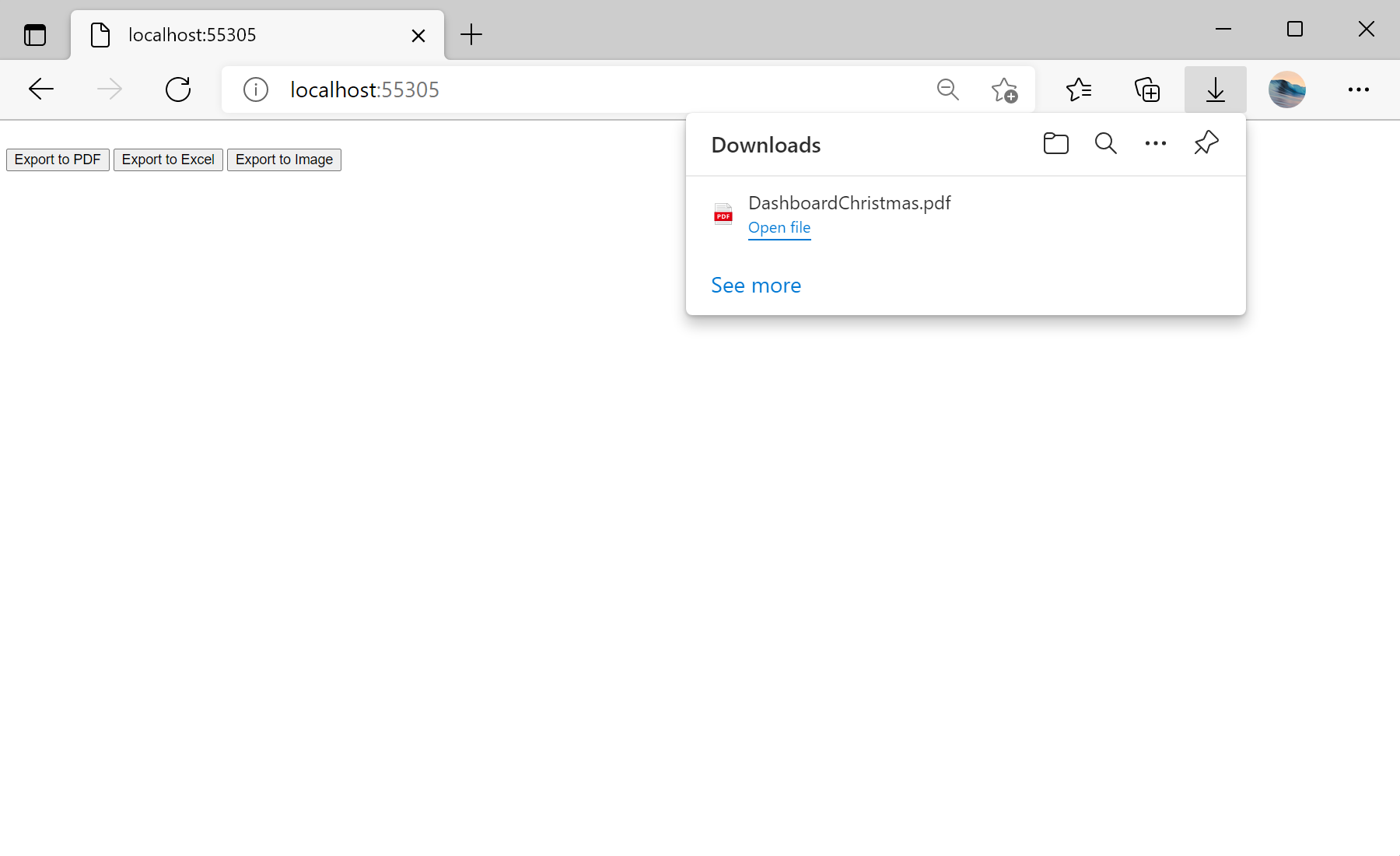
In the screenshot below you can see the result of the sample code:
<%@ Page Language="C#" AutoEventWireup="true" CodeBehind="Default.aspx.cs" Inherits="Export_Dashboard_from_Code.Default" %>

<!DOCTYPE html>
<html xmlns="http://www.w3.org/1999/xhtml">
<head runat="server">
	<title></title>
</head>
<body>
	<form id="form1" runat="server">
		<br />
		<asp:Button ID="ButtonExportPdf" runat="server" Text="Export to PDF" OnClick="ButtonExportPdf_Click" />
		<asp:Button ID="ButtonExportExcel" runat="server" Text="Export to Excel" OnClick="ButtonExportExcel_Click" />
		<asp:Button ID="ButtonExportImage" runat="server" Text="Export to Image" OnClick="ButtonExportImage_Click" />
	</form>
</body>
</html>
First, use
Load() method to load dashboard template:
private StiReport GetTemplate()
{
	var report = StiReport.CreateNewDashboard();
	report.Load(Server.MapPath("Dashboards/DashboardChristmas.mrt"));

	return report;
}

...
After that, use
StiReportResponse methods to export template to neccessary format:
...

protected void ButtonExportPdf_Click(object sender, EventArgs e)
{
	var report = GetTemplate();
	StiReportResponse.ResponseAsPdf(report);
}

protected void ButtonExportExcel_Click(object sender, EventArgs e)
{
	var report = GetTemplate();
	StiReportResponse.ResponseAsExcel2007(report);
}

protected void ButtonExportImage_Click(object sender, EventArgs e)
{
	var report = GetTemplate();
	StiReportResponse.ResponseAsPng(report);
}
In the screenshot below you can see the result of the sample code: