




















Supply Custom Headers for JSON Database
Our sample projects and report templates can help you learn the basics of working with our products.When a dashboard reads data from a protected JSON endpoint, authentication headers can be attached in the
In Vue.
How it works. The engine sends the headers with its JSON fetch, so the dashboard can read endpoints behind token protection.
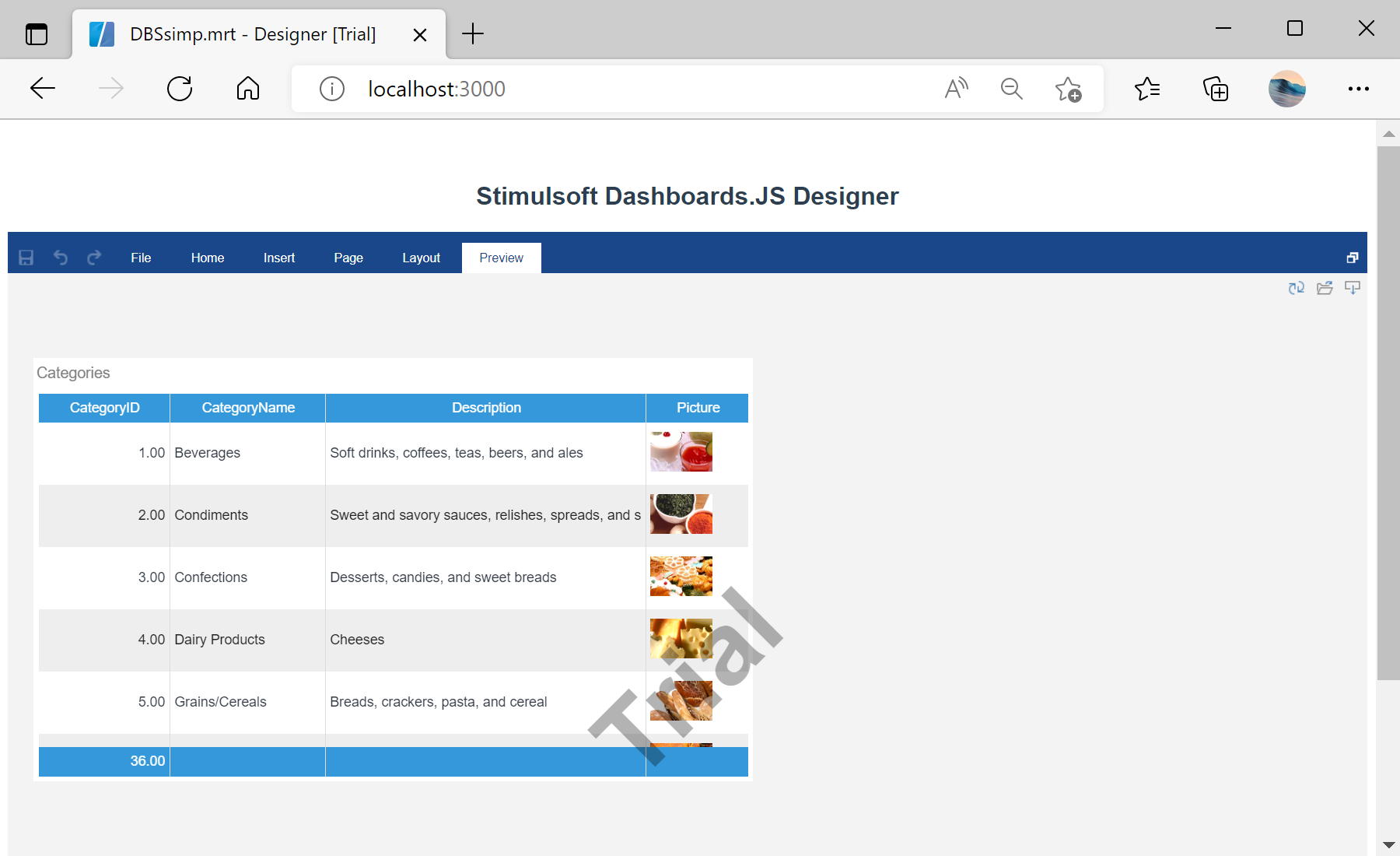
In the screenshot below you can see the result of the sample code:
onBeginProcessData event.In Vue.
<script setup lang="ts">
import { Viewer, Stimulsoft } from 'stimulsoft-dashboards-js-vuejs/viewer'

var report = new Stimulsoft.Report.StiReport();
report.loadFile("Dashboards/OrdersUrl.mrt");

report.onBeginProcessData = function (args) {
    if (args.database === "JSON" && args.command === "GetData") {
        args.headers.push({ key: "X-Auth-Token", value: "*YOUR TOKEN*" });
    }
};

var options = new Stimulsoft.Viewer.StiViewerOptions();
options.appearance.fullScreenMode = true;
</script>

<template>
    <Viewer :report="report" :options="options" />
</template>onBeginProcessData— fires before the data request; checkargs.database/args.commandto target it.args.headers.push({ key, value })— add HTTP headers such as an auth token.
How it works. The engine sends the headers with its JSON fetch, so the dashboard can read endpoints behind token protection.
In the screenshot below you can see the result of the sample code: