




















Showing a Dashboard in the Viewer
Our sample projects and report templates can help you learn the basics of working with our products.A dashboard is a report created with
Place the viewer.
How it works. Dashboards reuse the report engine, so the same native
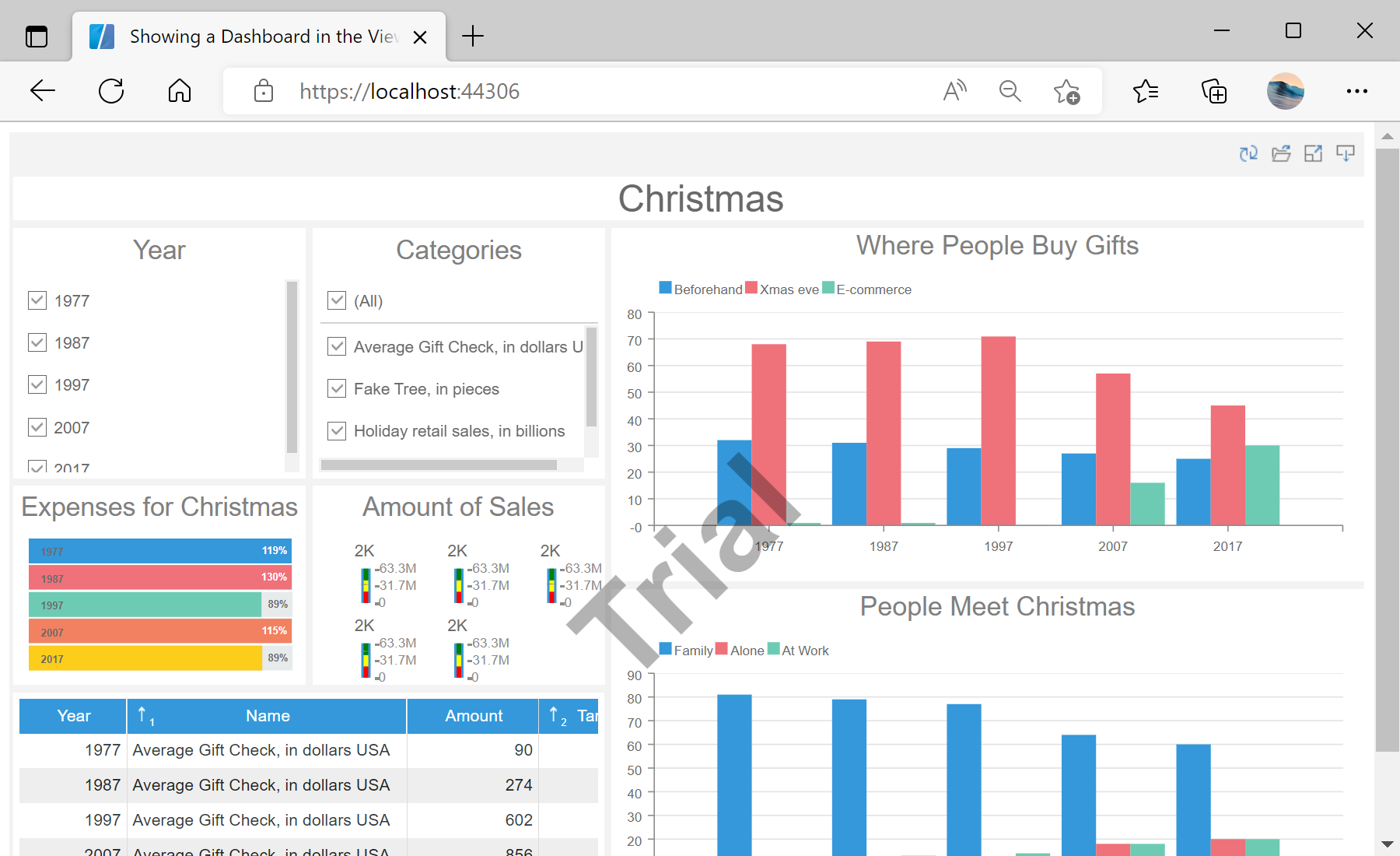
In the screenshot below you can see the result of the sample code:
CreateNewDashboard(); the native Blazor viewer tag then renders it in the browser.Place the viewer.
<StiBlazorViewer Report="@Report" />OnInitializedAsync:this.Report = StiReport.CreateNewDashboard();
var dashboardBytes = await Http.GetByteArrayAsync("Dashboards/DashboardChristmas.mrt");
this.Report.Load(dashboardBytes);StiReport.CreateNewDashboard()— creates a dashboard-type report bound to the viewer.Http.GetByteArrayAsync— fetches the.mrtfrom wwwroot, thenLoad(bytes)opens it (WebAssembly).
How it works. Dashboards reuse the report engine, so the same native
StiBlazorViewer tag renders them entirely in the browser.In the screenshot below you can see the result of the sample code: