




















Exporting and Printing a Dashboard from Code
Our sample projects and report templates can help you learn the basics of working with our products.A dashboard can be exported or printed straight to the browser without a viewer — to a file on the server, or streamed to the user as a download.
Export to a file, or stream as a download.
How it works. The prepared dashboard is format-agnostic, so the same load can be saved server-side or pushed to the user for download or printing.
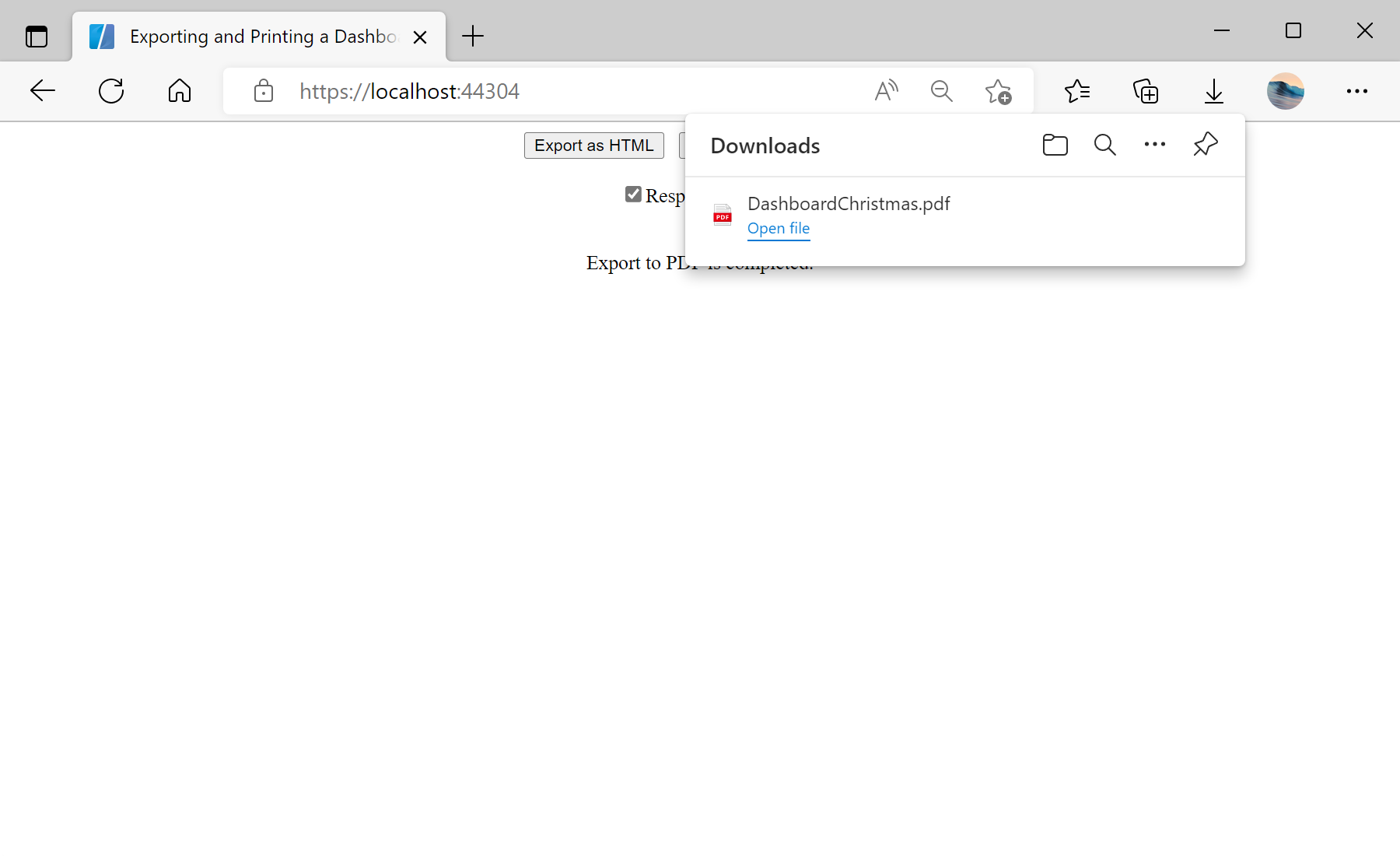
In the screenshot below you can see the result of the sample code:
Export to a file, or stream as a download.
var report = StiReport.CreateNewDashboard();
report.Load("Dashboards/DashboardChristmas.mrt");

// Save to a file on the server...
report.ExportDocument(StiExportFormat.Pdf, exportFilePath);

// ...or stream it to the browser
StiReportResponse.ResponseAsPdf(report);   // ResponseAsHtml, PrintAsPdf
ExportDocument(format, path)— writes the dashboard to a file in the chosenStiExportFormat.StiReportResponse.ResponseAsPdf/ResponseAsHtmlstreams the result to the browser;PrintAsPdfsends it to print.- Browser responses need
StiBlazorHelper.Initialize(JSRuntime)once inOnInitialized.
How it works. The prepared dashboard is format-agnostic, so the same load can be saved server-side or pushed to the user for download or printing.
In the screenshot below you can see the result of the sample code: