




















Registering a Data for the Dashboard
Our sample projects and report templates can help you learn the basics of working with our products.Data can be attached to a dashboard from code — here a JSON file is parsed and registered before the dashboard is shown.
Load, then parse and register JSON.
How it works. The dashboard elements resolve their expressions against the registered data, so one template works with any compatible JSON source.
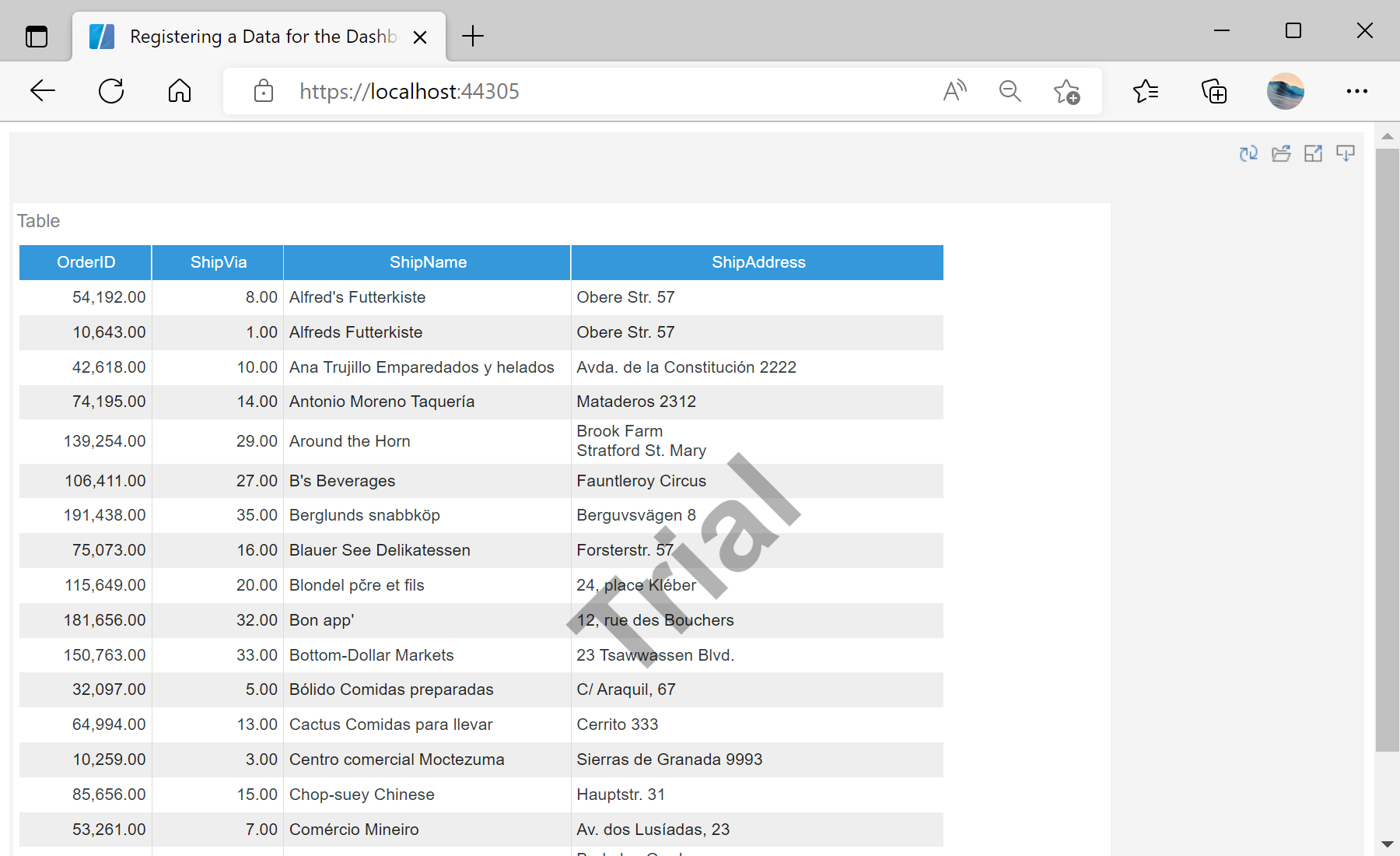
In the screenshot below you can see the result of the sample code:
Load, then parse and register JSON.
this.Report = StiReport.CreateNewDashboard();
this.Report.Load("Dashboards/Dashboard.mrt");

var jsonBytes = System.IO.File.ReadAllBytes("Dashboards/Demo.json");
var dataSet = StiJsonConnector.Get().GetDataSet(new StiJsonOptions(jsonBytes));

this.Report.Dictionary.Databases.Clear();
this.Report.RegData("Demo", "Demo", dataSet);
StiJsonConnector.Get().GetDataSet(new StiJsonOptions(bytes))— parses JSON into aDataSet.Databases.Clear()+RegData(name, alias, data)— drop the template connections and bind the new data.
How it works. The dashboard elements resolve their expressions against the registered data, so one template works with any compatible JSON source.
In the screenshot below you can see the result of the sample code: