




















Showing a Report in the Viewer
Our sample projects and report templates can help you learn the basics of working with our products.Set up the report viewer in .NET 6.0, load a template, and connect the component to the application.
Adding the viewer to a view. Use the
Serving the report from the controller. The
In the screenshot below you can see the result of the sample code:
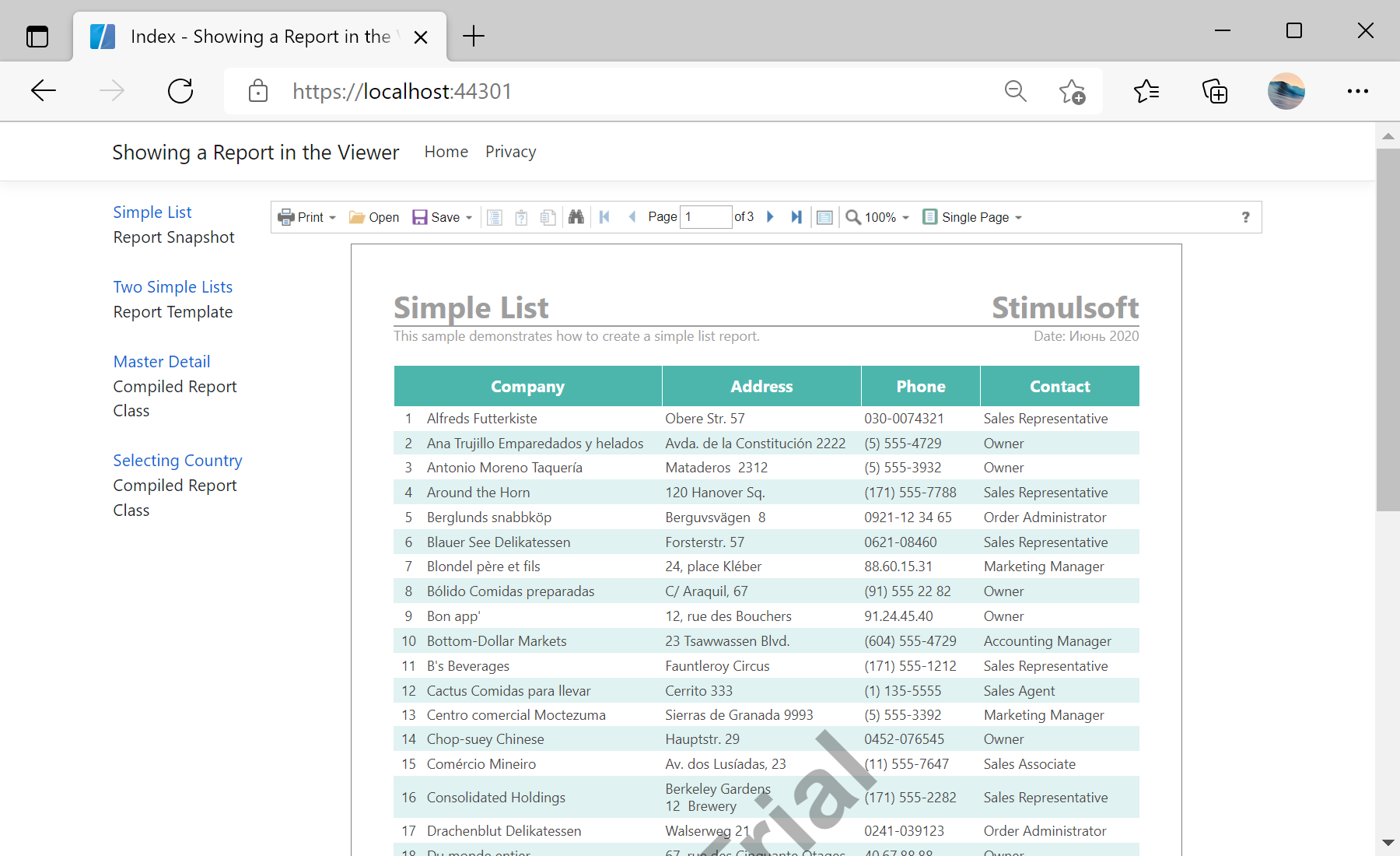
Adding the viewer to a view. Use the
@Html.StiNetCoreViewer helper and pass a StiNetCoreViewerOptions object that names the actions the viewer should call:@using Stimulsoft.Report.Mvc;
@Html.StiNetCoreViewer(new StiNetCoreViewerOptions()
{
Actions =
{
GetReport = "GetReport",
ViewerEvent = "ViewerEvent"
}
})Serving the report from the controller. The
GetReport action loads a template and returns it to the viewer; ViewerEvent handles interactive requests:public IActionResult GetReport()
{
var report = new StiReport();
report.Load(StiNetCoreHelper.MapPath(this, "Reports/TwoSimpleLists.mrt"));
return StiNetCoreViewer.GetReportResult(this, report);
}
public IActionResult ViewerEvent()
{
return StiNetCoreViewer.ViewerEventResult(this);
}StiNetCoreHelper.MapPath resolves a path inside the project. The viewer requests the report on load, renders it in the browser, and routes every further interaction (paging, zoom, export) back to these actions.In the screenshot below you can see the result of the sample code: