




















Changing the Viewer Theme
Our sample projects and report templates can help you learn the basics of working with our products.The web viewer ships with a set of visual themes and configurable appearance options. This example changes the viewer's theme and background color.
Setting the theme. Assign a value from
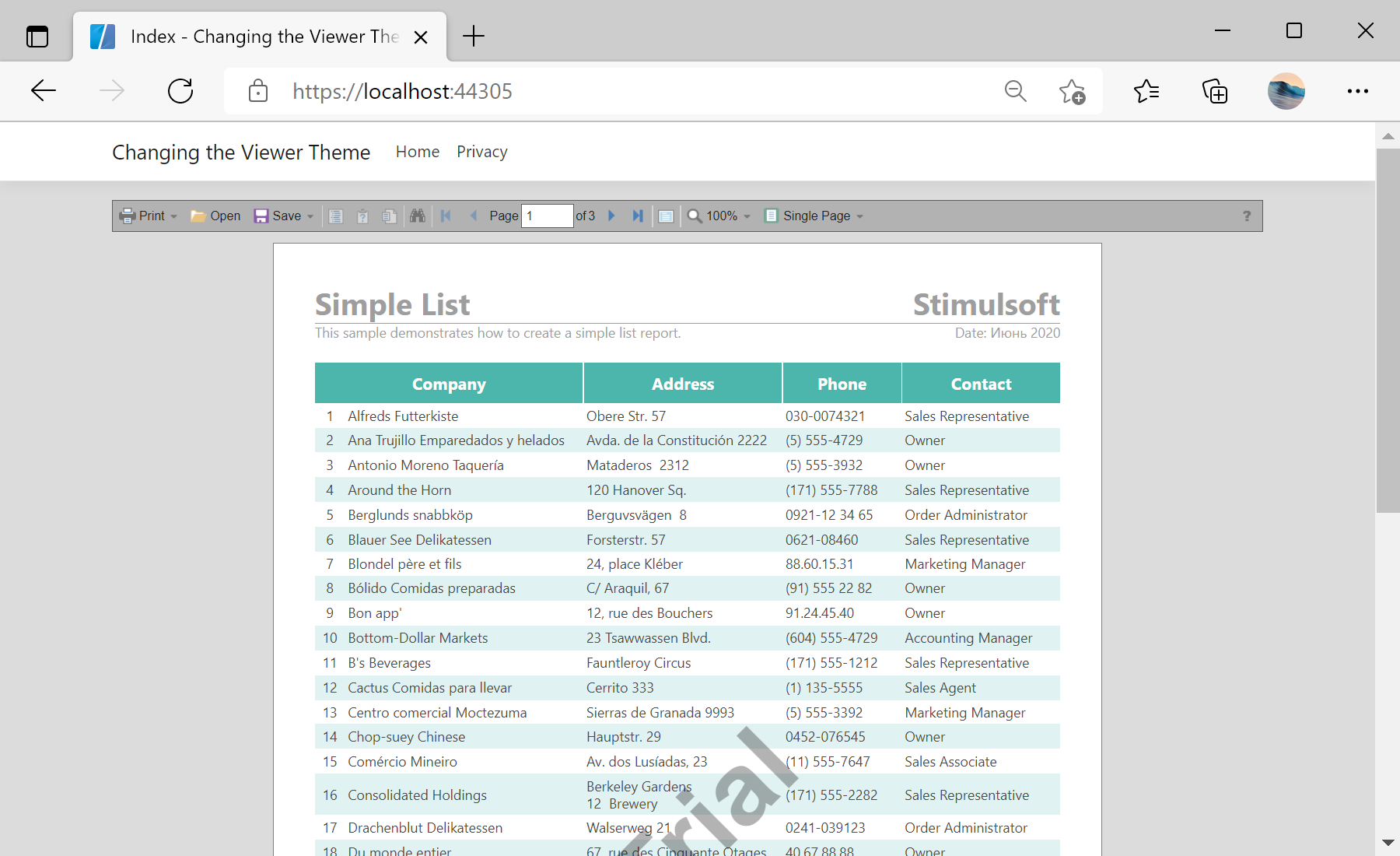
In the screenshot below you can see the result of the sample code:
Setting the theme. Assign a value from
StiViewerTheme and adjust the appearance in the viewer options:@using Stimulsoft.Report.Web;
@Html.StiNetCoreViewer(new StiNetCoreViewerOptions()
{
Actions = { GetReport = "GetReport", ViewerEvent = "ViewerEvent" },
Appearance = { BackgroundColor = System.Drawing.Color.Gainsboro },
Theme = StiViewerTheme.Office2013VeryDarkGrayPurple
})Appearance block controls colors, scrollbars and other visual details, so the viewer can be matched to the look of your web application.In the screenshot below you can see the result of the sample code: