




















Showing the Designer in a Required Position
Our sample projects and report templates can help you learn the basics of working with our products.The designer can be placed into any element on your page rather than filling the window, so it fits into an existing layout.
Designer setup. Configure the designer, load the report template, process its callbacks, and connect the save action to the application.
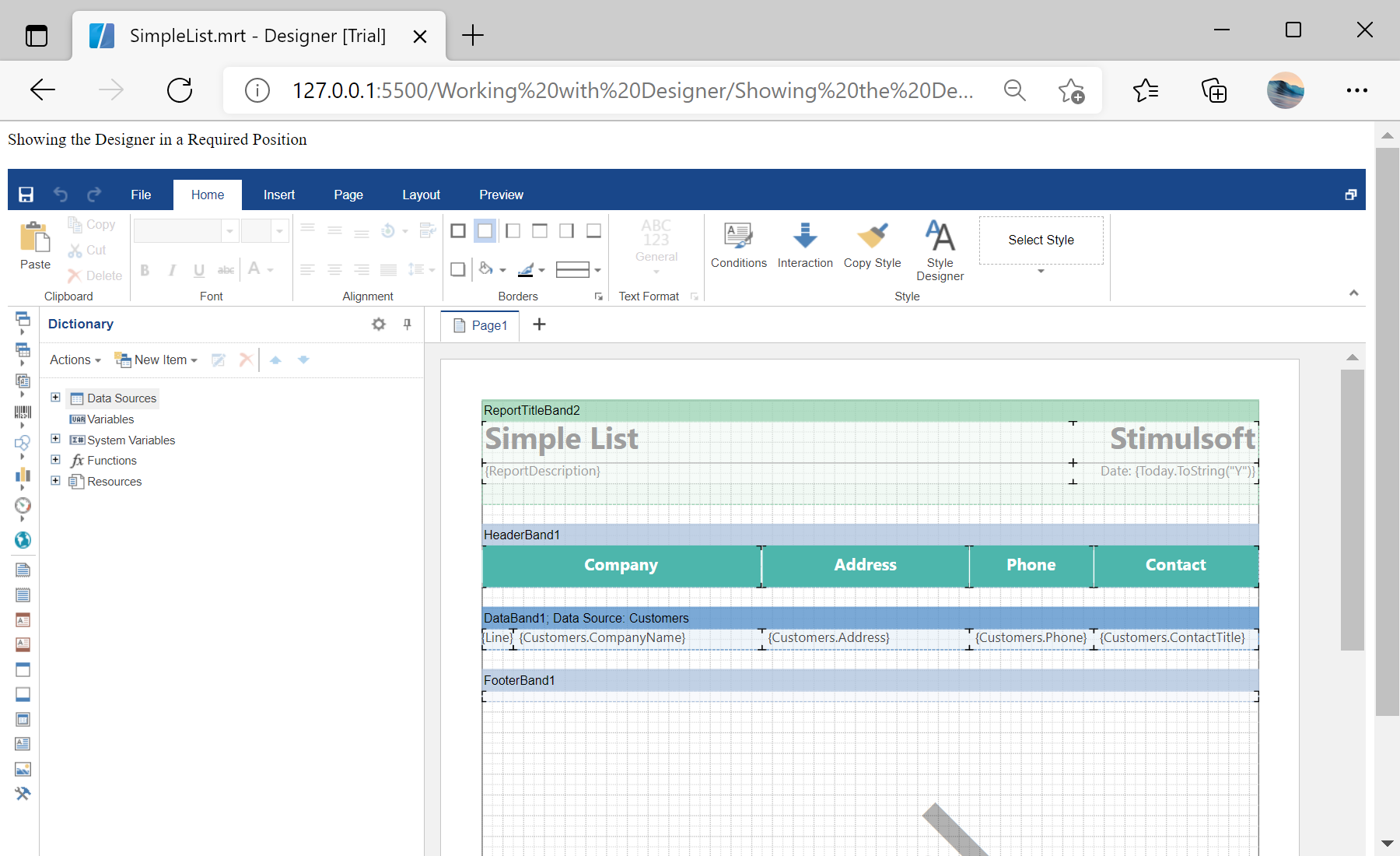
In the screenshot below you can see the result of the sample code:
Designer setup. Configure the designer, load the report template, process its callbacks, and connect the save action to the application.
var designer = new Stimulsoft.Designer.StiDesigner(null, "StiDesigner", false);

var report = new Stimulsoft.Report.StiReport();
report.loadFile("../reports/SimpleList.mrt");

designer.report = report;
designer.renderHtml("content"); // id of the target elementrenderHtml draws the designer inside that element, so you can position and size it with your own HTML and CSS — embedding it in a panel, a tab or any part of the page.In the screenshot below you can see the result of the sample code: