




















Registering a JSON Data for the Report Template
Our sample projects and report templates can help you learn the basics of working with our products.Prepare the data in JavaScript, register it in the report dictionary, and render the template with those records.
Preparing the data. Read or create the data source, register it in the report dictionary, synchronize the schema, and render with the supplied records.
In the screenshot below you can see the result of the sample code:
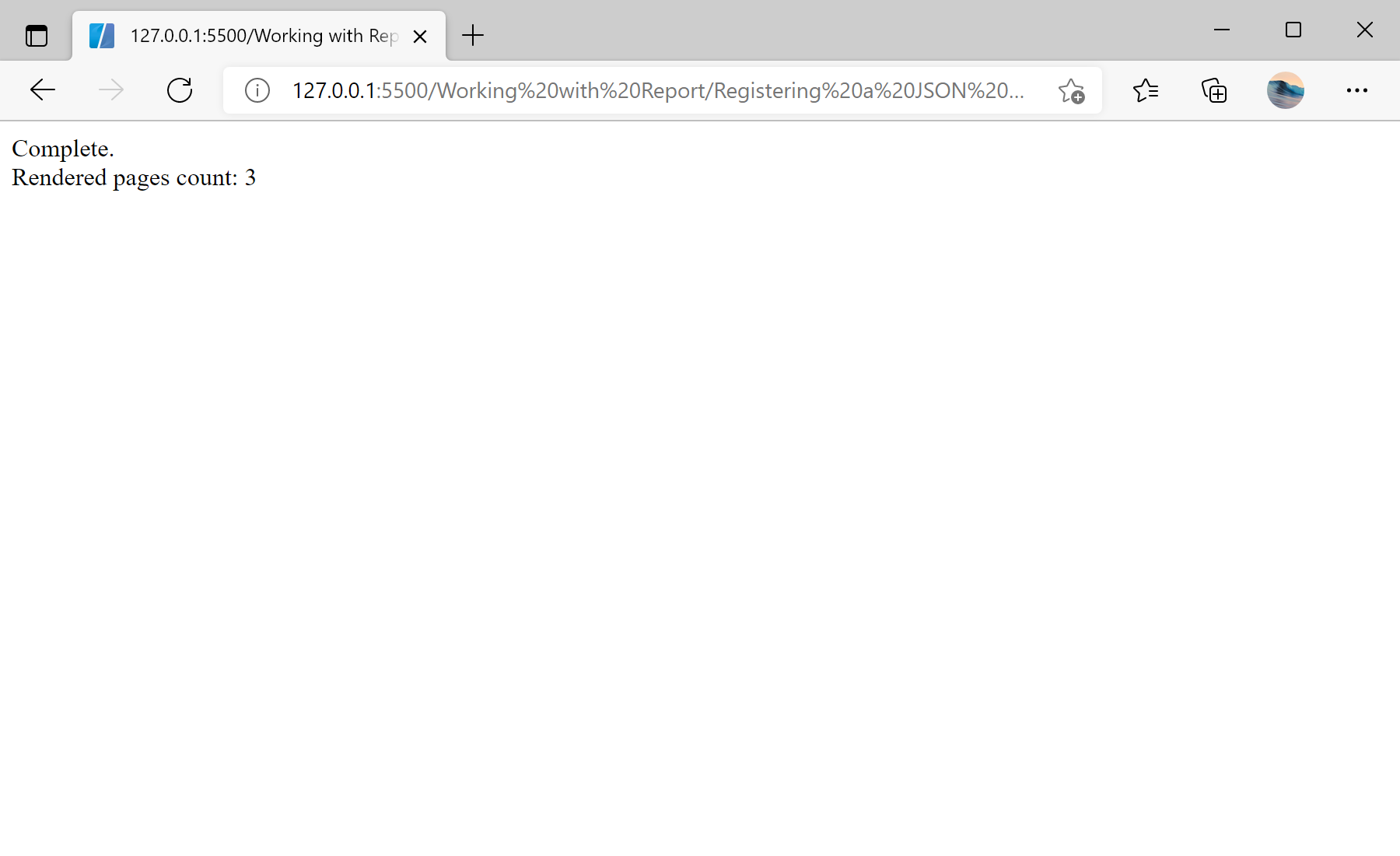
Preparing the data. Read or create the data source, register it in the report dictionary, synchronize the schema, and render with the supplied records.
var report = new Stimulsoft.Report.StiReport();
report.loadFile("../reports/SimpleList.mrt");

var dataSet = new Stimulsoft.System.Data.DataSet("Demo");
dataSet.readJsonFile("../reports/Demo.json");

report.dictionary.databases.clear();
report.regData("Demo", "Demo", dataSet);

report.renderAsync(function () { });DataSet reads the JSON file, databases.clear() removes the connections stored in the template, and regData registers the dataset under a name that matches the data references in the report.In the screenshot below you can see the result of the sample code: