




















Printing the Report
Our sample projects and report templates can help you learn the basics of working with our products.A report can be sent to the printer directly from code, without the viewer. This example renders a report and prints it as soon as it is ready.
Printing from code. Load and render the report, apply the printer settings, and start the print workflow from application code.
In the screenshot below you can see the result of the sample code:
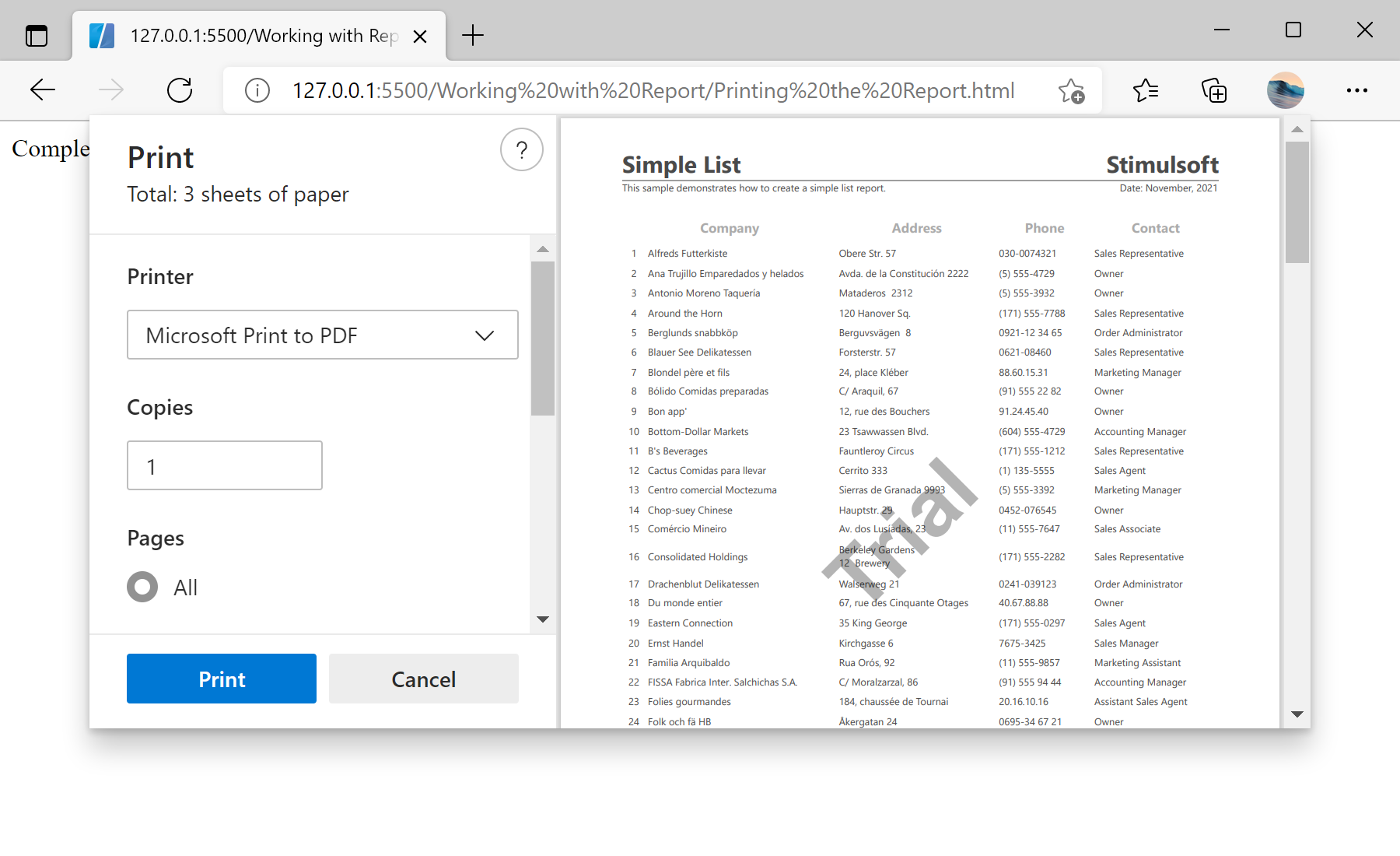
Printing from code. Load and render the report, apply the printer settings, and start the print workflow from application code.
var report = new Stimulsoft.Report.StiReport();
report.loadFile("../reports/SimpleList.mrt");

report.renderAsync(function () {
    report.print();
});
report.print() opens the browser's print dialog for the rendered document. Because it is called inside the renderAsync callback, the report is guaranteed to be fully rendered before printing starts.In the screenshot below you can see the result of the sample code: