




















Saving a Report Template on the Server-Side
Our sample projects and report templates can help you learn the basics of working with our products.When the user saves in the designer, the edited template is sent to the server; the
Persist the template in PHP.
How it works. The designer round-trips the template through the PHP event, so user edits are stored wherever your application chooses.
In the screenshot below you can see the result of the sample code:
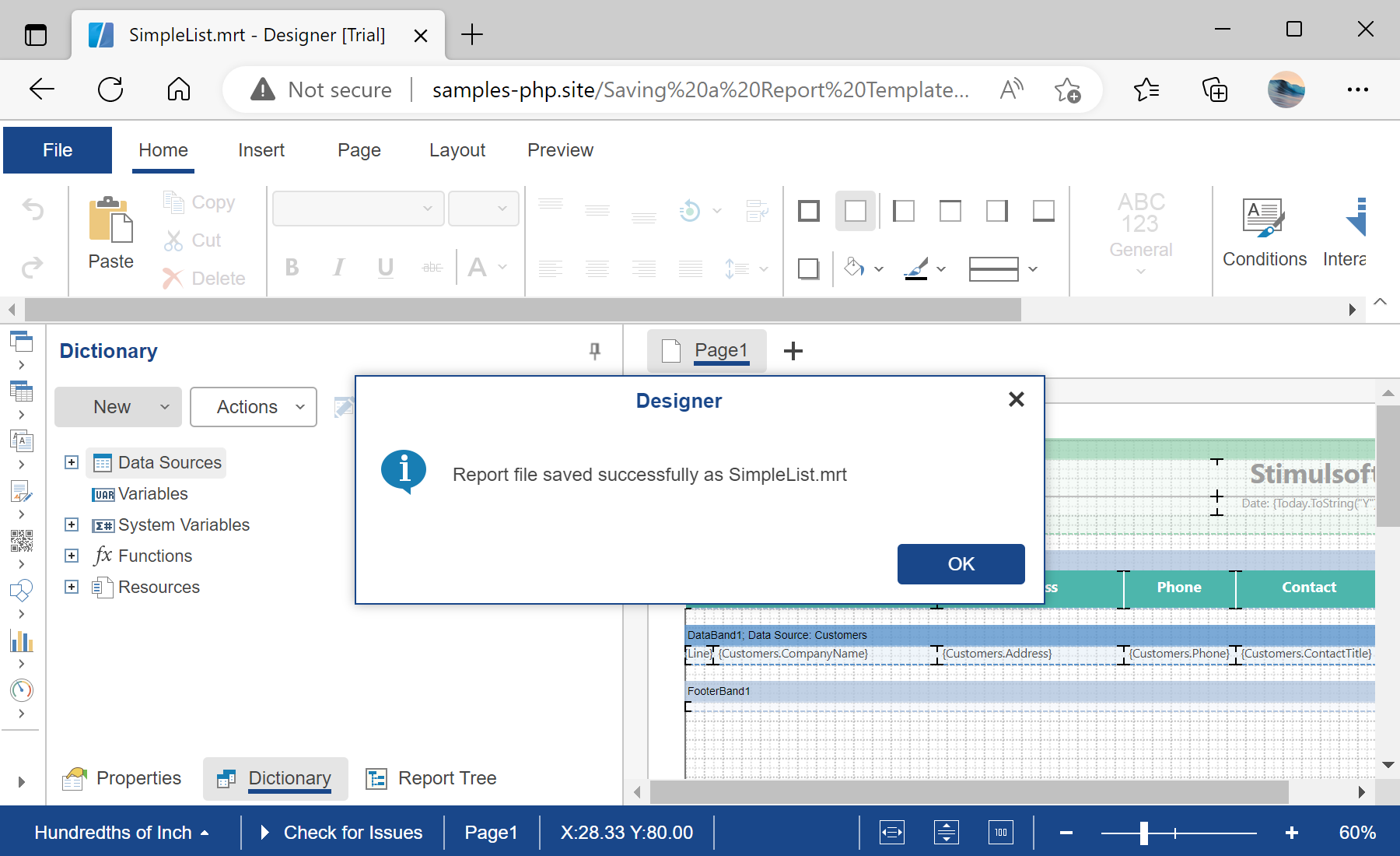
onSaveReport event decides where to store it.Persist the template in PHP.
$designer = new StiDesigner();
$designer->javascript->relativePath = '../';

$designer->onSaveReport = function (StiReportEventArgs $args) {
    $name = strlen($args->fileName) > 0 ? $args->fileName : 'Report.mrt';
    $result = file_put_contents("../reports/$name", $args->getReportJson());

    return $result === false
        ? StiResult::getError('Save failed.')
        : StiResult::getSuccess("Saved to '$name'.");
};

$designer->process();
$designer->report = $report;onSaveReport— fires when the user saves;$args->getReportJson()is the edited template as JSON.file_put_contents(..., $args->getReportJson())— write the template back to the server's reports folder.
How it works. The designer round-trips the template through the PHP event, so user edits are stored wherever your application chooses.
In the screenshot below you can see the result of the sample code: