




















Rendering a Report from Code
Our sample projects and report templates can help you learn the basics of working with our products.A report is configured and loaded in PHP, but rendered by the JavaScript engine on the client — a callback fires when the build finishes.
Configure and load in PHP.
How it works. PHP only generates the engine code; the actual rendering — and the resulting document — lives entirely in the browser.
In the screenshot below you can see the result of the sample code:
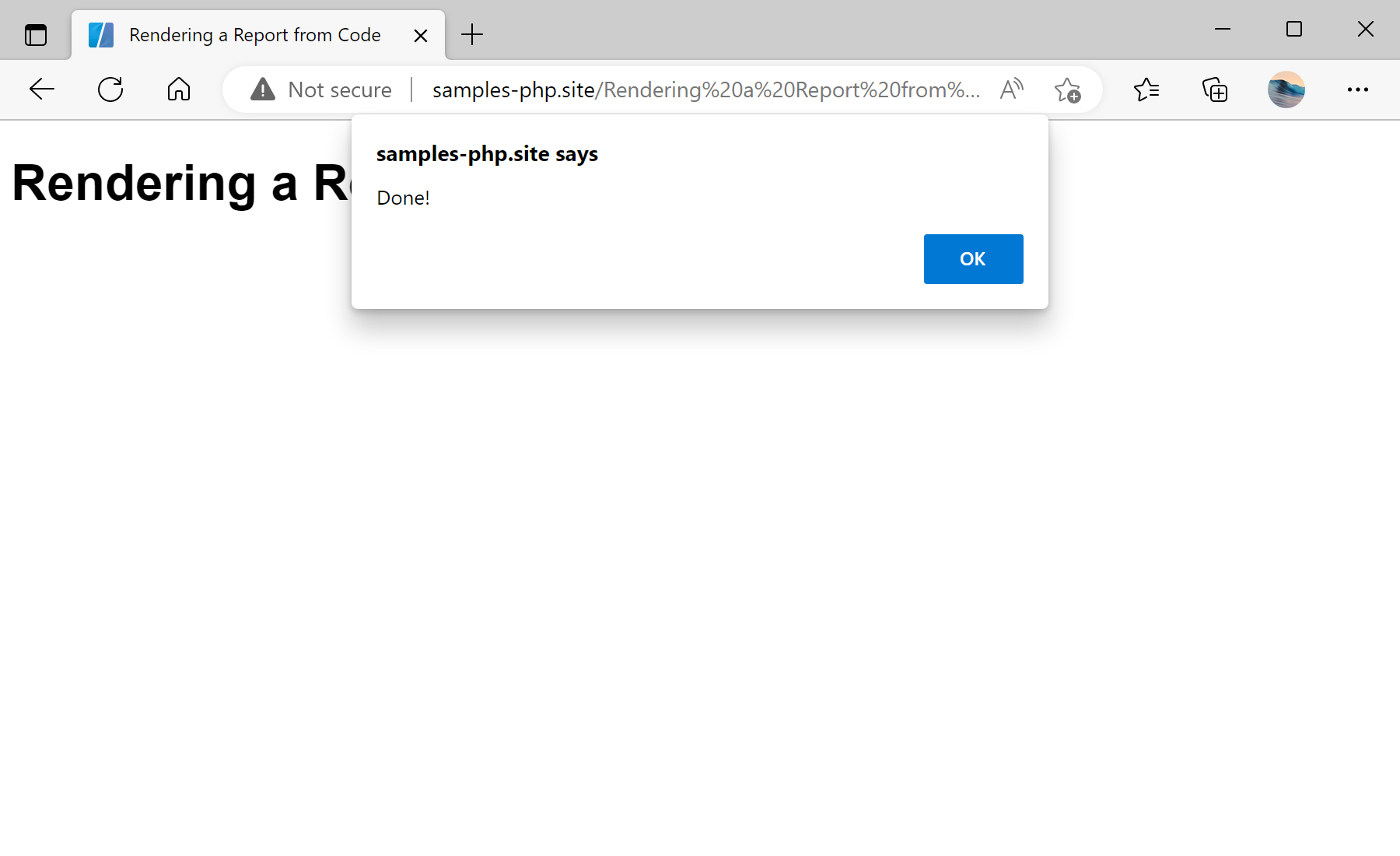
Configure and load in PHP.
$report = new StiReport();
$report->javascript->relativePath = '../';
$report->onAfterRender = 'onAfterRender';
$report->process();

$report->loadFile('../reports/SimpleList.mrt');
$report->render();function onAfterRender(args) {
// args.report is the rendered document
let pages = args.report.renderedPages.count;
let json = args.report.saveDocumentToJsonString();
}$report->render()— emits the JavaScript that builds the report on the client; nothing is rendered server-side.onAfterRender— client callback with the finishedargs.report, ready to inspect or serialize withsaveDocumentToJsonString().
How it works. PHP only generates the engine code; the actual rendering — and the resulting document — lives entirely in the browser.
In the screenshot below you can see the result of the sample code: