




















Creating Report with MySQL Database at Runtime
Our sample projects and report templates can help you learn the basics of working with our products.A report can be connected to a MySQL database at run time — define the connection and a SQL data source, read its columns, and bind them to a band.
Define the MySQL database and source.
How it works. The data source is populated from the live query schema, so a report can be generated against a MySQL table without a designed template.
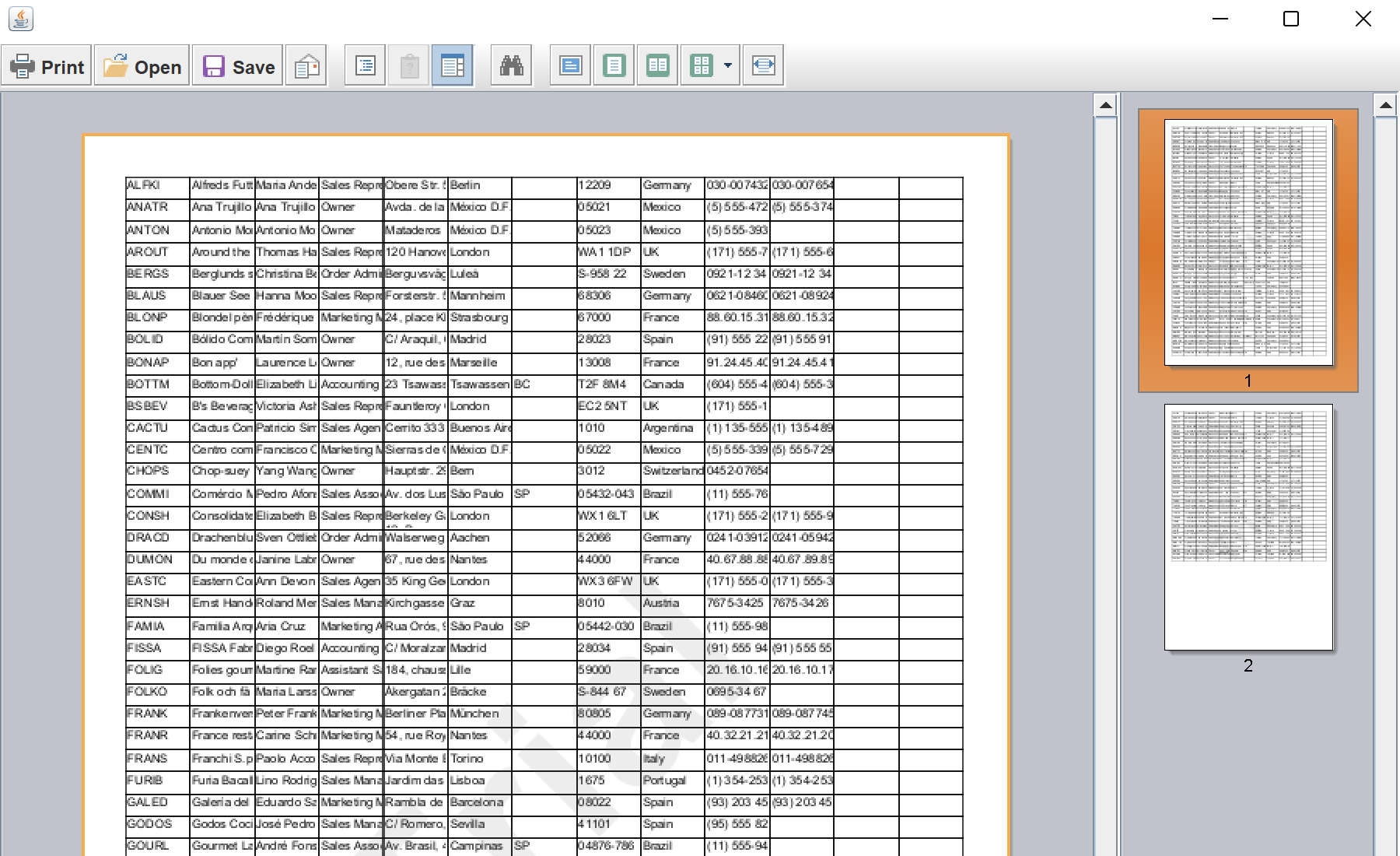
In the screenshot below you can see the result of the sample code:
Define the MySQL database and source.
StiMySqlDatabase db = new StiMySqlDatabase("test", "test",
    "url=jdbc:mysql://localhost:3306/sakila;user=root;password=***;database=sakila");
report.getDictionary().getDatabases().add(db);

StiMySqlSource source = new StiMySqlSource("test.actors", "actors", "actors", "select * from actor");
report.getDictionary().getDataSources().add(source);StiMySqlAdapter adapter = new StiMySqlAdapter(db.getConnectionString());
Class.forName(adapter.getDriverName());
Connection con = StiDictionaryHelper.getConnection(adapter.getJdbcParameters());
StiTableFieldsRequest request = StiDataColumnsUtil.getFields(con, source.getQuery(), source);
for (StiSqlField field : request.getColumns())
source.getColumns().add(new StiDataColumn(field.getName(), field.getName(), field.getSystemType()));
report.Render();StiMySqlDatabase+StiMySqlSource— the connection and a query-based data source.StiMySqlAdapter+StiDataColumnsUtil.getFields— open a JDBC connection and discover the query's columns.
How it works. The data source is populated from the live query schema, so a report can be generated against a MySQL table without a designed template.
In the screenshot below you can see the result of the sample code: