




















Exporting a Dashboard from Code
Our sample projects and report templates can help you learn the basics of working with our products.A dashboard can be exported from PHP code to PDF, Excel or HTML — the export runs on the client engine, triggered from a button.
Emit an export call per format.
How it works. The export is produced by the client-side engine, so each button emits the JS for its format and the browser generates the file.
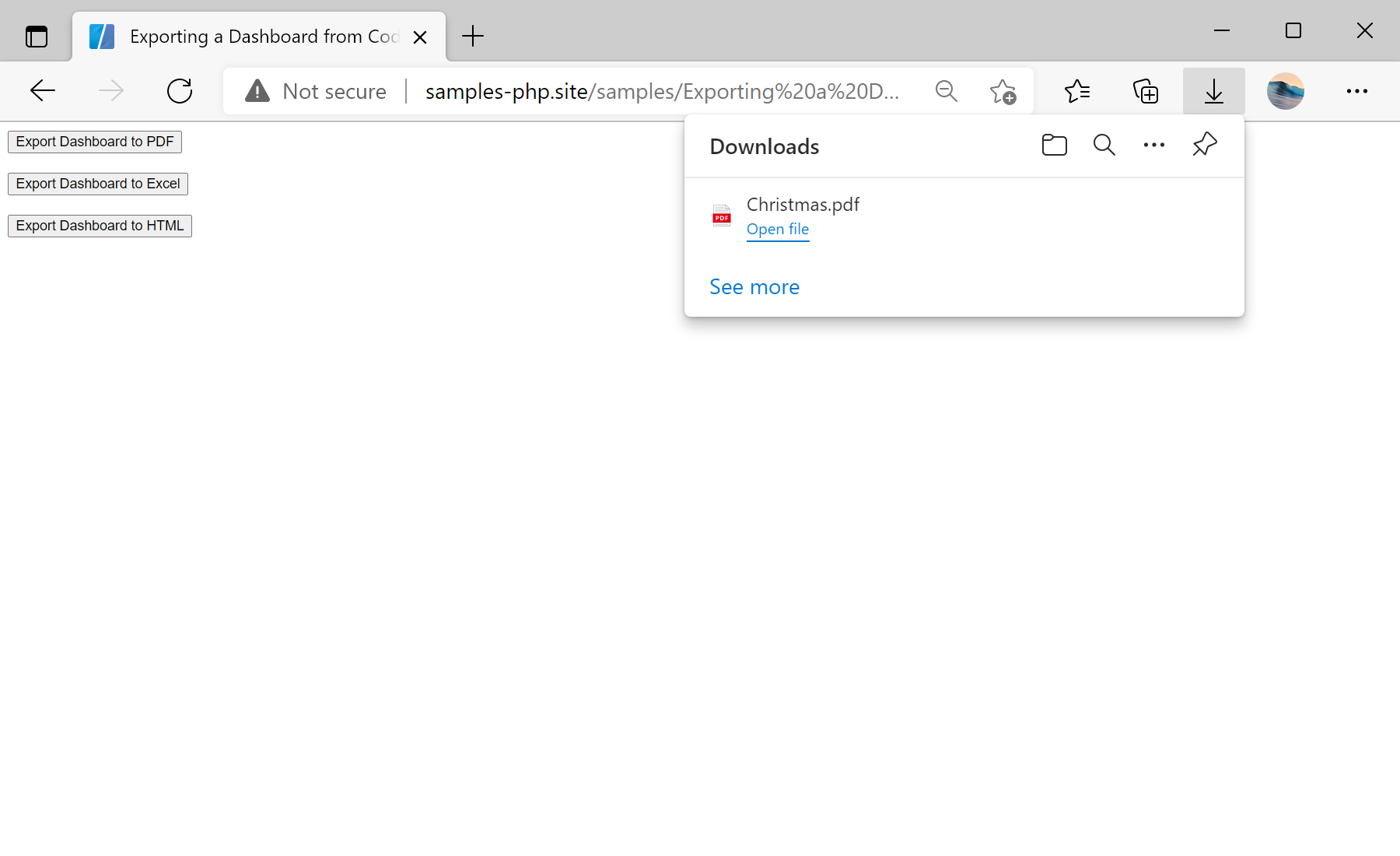
In the screenshot below you can see the result of the sample code:
Emit an export call per format.
$report = new StiReport();
$report->loadFile('../reports/Christmas.mrt');
$report->process();

// Inside a JS function, emit the export code:
// function exportToPdf() {
$report->exportDocument(StiExportFormat::Pdf);   // Excel, Html
echo $report->getHtml(StiHtmlMode::Scripts);
// }$report->exportDocument(StiExportFormat::Pdf)— generates the JS that exports the dashboard on the client.getHtml(StiHtmlMode::Scripts)— emits just that script, placed inside a button's click handler.
How it works. The export is produced by the client-side engine, so each button emits the JS for its format and the browser generates the file.
In the screenshot below you can see the result of the sample code: