




















Sending an Exported Dashboard to the Server-Side
Our sample projects and report templates can help you learn the basics of working with our products.When the user exports a dashboard, the result can be sent back to the server and saved, through the
Save the exported bytes in the event.
How it works. The export travels from the client viewer to the PHP event, so exported dashboards can be archived on the server automatically.
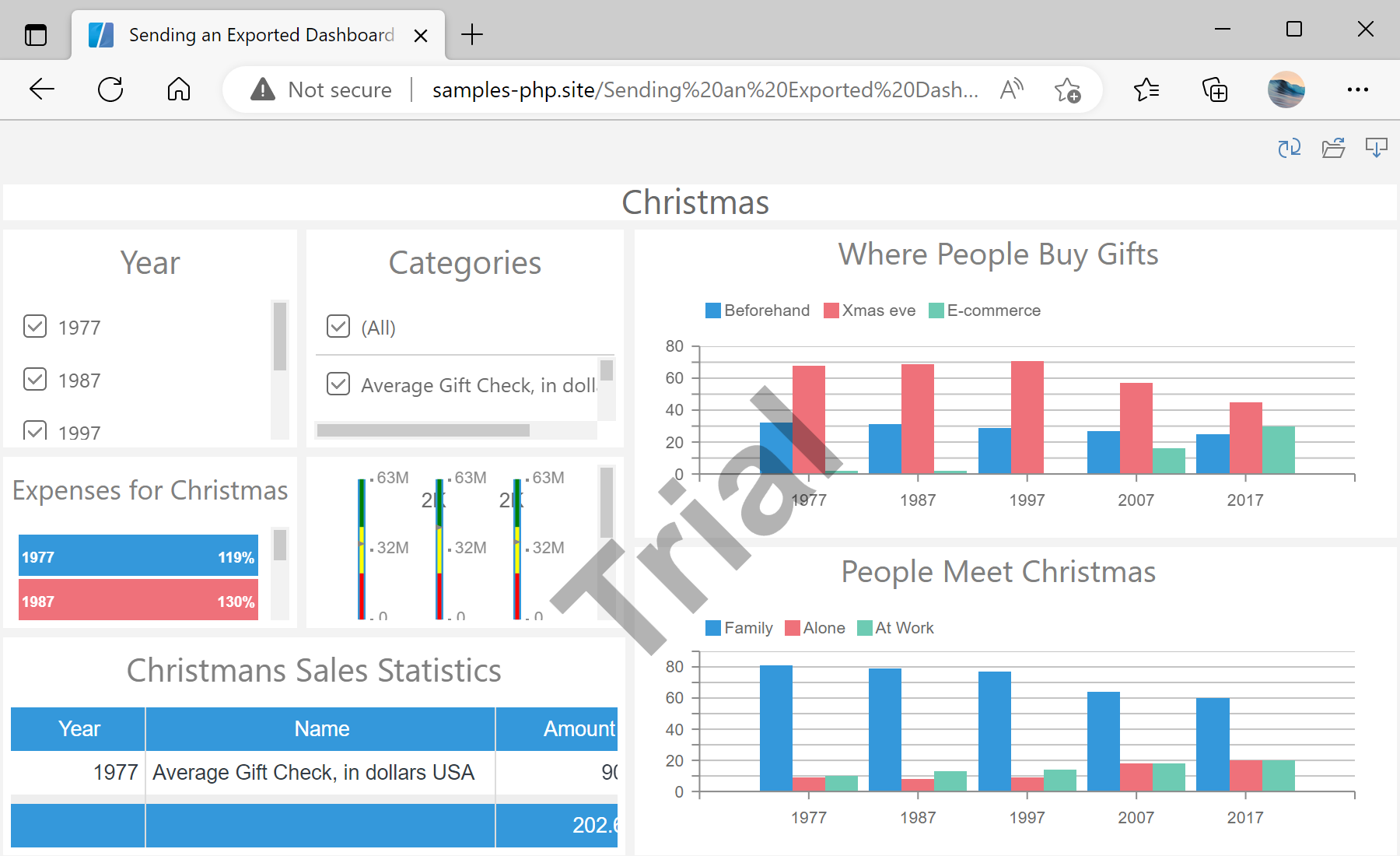
In the screenshot below you can see the result of the sample code:
onEndExportReport event.Save the exported bytes in the event.
$viewer->onEndExportReport = function (StiExportEventArgs $args) {
    $reportName = $args->fileName . '.' . $args->fileExtension;
    $reportPath = "../reports/$reportName";
    file_put_contents($reportPath, base64_decode($args->data));

    return StiResult::getSuccess("Saved to '$reportPath'.");
};

$viewer->handler->process();onEndExportReport— fires after an export;$args->dataholds the base64-encoded document.base64_decode($args->data)+file_put_contents— write the exported dashboard to disk.
How it works. The export travels from the client viewer to the PHP event, so exported dashboards can be archived on the server automatically.
In the screenshot below you can see the result of the sample code: