




















Loading a Dashboard from the Server-Side
Our sample projects and report templates can help you learn the basics of working with our products.This example is outdated, you can check out the many other new examples in this category.This example shows how to load a dashboard from the server-side. First of all, load scripts:
Next, create
Then, create a new dashboard instance and load dashboard from server:
After that, show dashboard in the viewer:
Finally, use
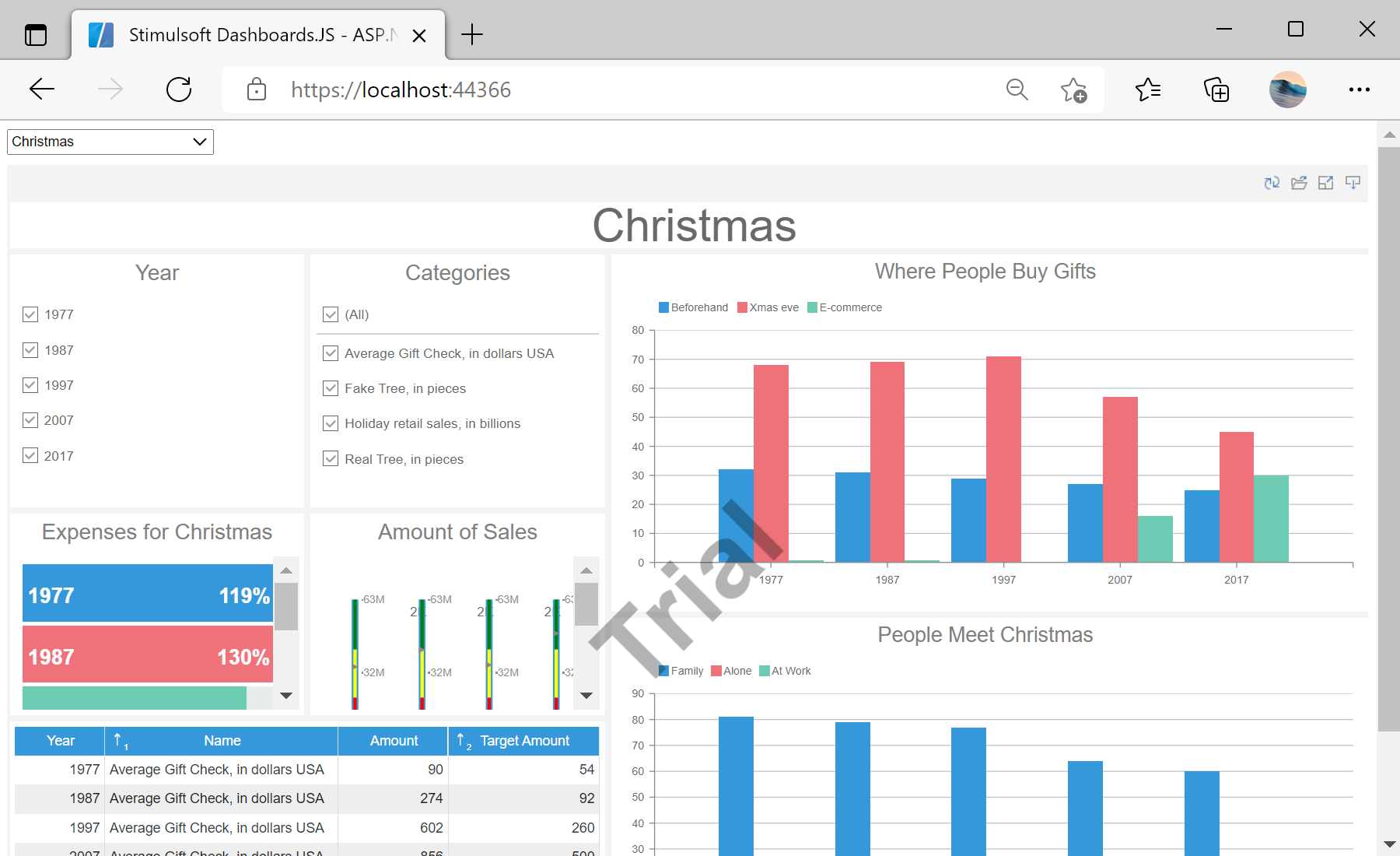
In the screenshot below you can see the result of the sample code:
<script src="/scripts/stimulsoft.reports.js" type="text/javascript"></script>
<script src="/Scripts/stimulsoft.dashboards.js" type="text/javascript"></script>
<script src="/scripts/stimulsoft.viewer.js" type="text/javascript"></script>
Next, create
onSelectDashboard method to update viewer div element:
<script>
	function onSelectedDashboard() {
		var selectedDashboard = document.getElementById("SelectedDashboard").value;
		var dashboardDiv = document.getElementById("dashboard");
		dashboardDiv.style.visibility = selectedDashboard ? "visible" : "hidden";
Then, create a new dashboard instance and load dashboard from server:
...

	if (selectedDashboard) {
		// Create a new dashboard instance and load dashboard from server
		var report = Stimulsoft.Report.StiReport.createNewDashboard();
		report.loadFile("/GetDashboard/" + selectedDashboard);

...
After that, show dashboard in the viewer:
...

		// View dashboard in Viewer
		var viewer = new Stimulsoft.Viewer.StiViewer(null, "StiViewer", false);
		viewer.report = report;
		viewer.renderHtml("dashboard");
		}
	}
	onSelectedDashboard();
</script>
Finally, use
onchange="onSelectedDashboard()" to update viewer while select a report:
...

	<select id="SelectedDashboard" name="SelectedDashboard" style="height: 25px; width: 200px" onchange="onSelectedDashboard()">

...
In the screenshot below you can see the result of the sample code: